

Payments That Move With Your Business.
From a full countertop POS to wireless smart terminals and mobile payment readers, PayAnywhere gives businesses the flexibility to build a setup around the way they actually operate.
PPT Southeast helps you choose, configure and support the right PayAnywhere setup for your business.
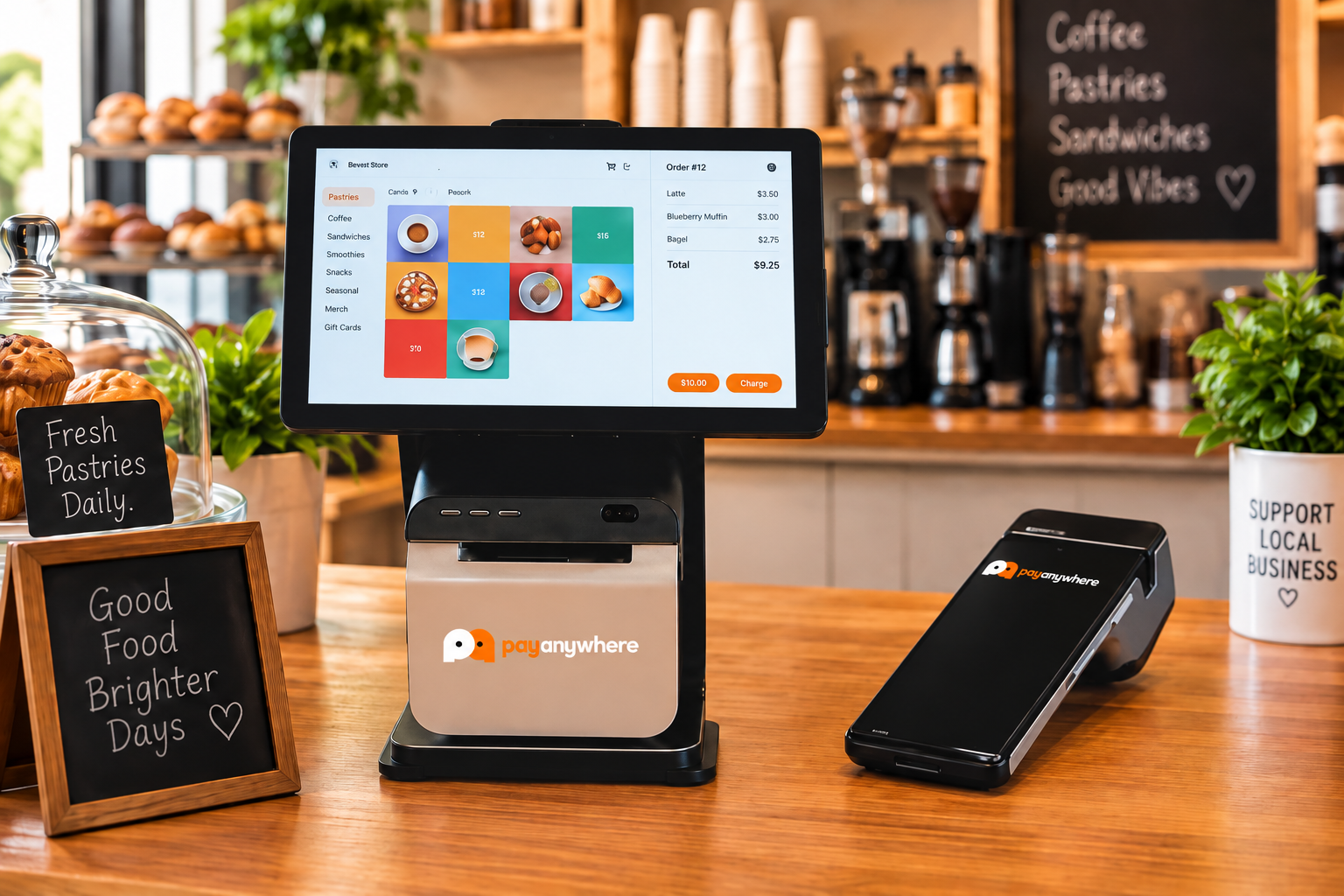
More Than a Credit Card Terminal
PayAnywhere combines payment acceptance with practical business tools that can help merchants manage everyday operations from one connected platform.
CONNECTED SOFTWARE ECOSYSTEM
Intuitive touchscreen point of sale with real-time product catalogs, inventory management, and checkout workflow.
Inventory / Item Library
Build item libraries, organize products and support barcode-based workflows.
Employee Access
Manage employee access and permissions around the day-to-day checkout workflow.
Payment Acceptance
Support chip cards, contactless payments, mobile wallets and other supported payment methods.
Offline Capability
Help keep accepting transactions when connectivity is limited, subject to the supported device/configuration.
Tips & Digital Receipts
Support signatures, tipping and electronic receipt options where applicable.
FROM THE SALE TO THE BUSINESS BEHIND IT
PayAnywhere powers the transaction.
PaymentsHub manages the business.
PayAnywhere powers the transaction. PaymentsHub turns what happens at the point of sale into the information and tools used to manage the business.
Touchscreen checkout, card swipe, chip, tap and mobile wallets at the register.
Transaction, inventory, and customer activity sync seamlessly to the back office.
Reports, deposits, invoices, inventory, users, and disputes in one command center.
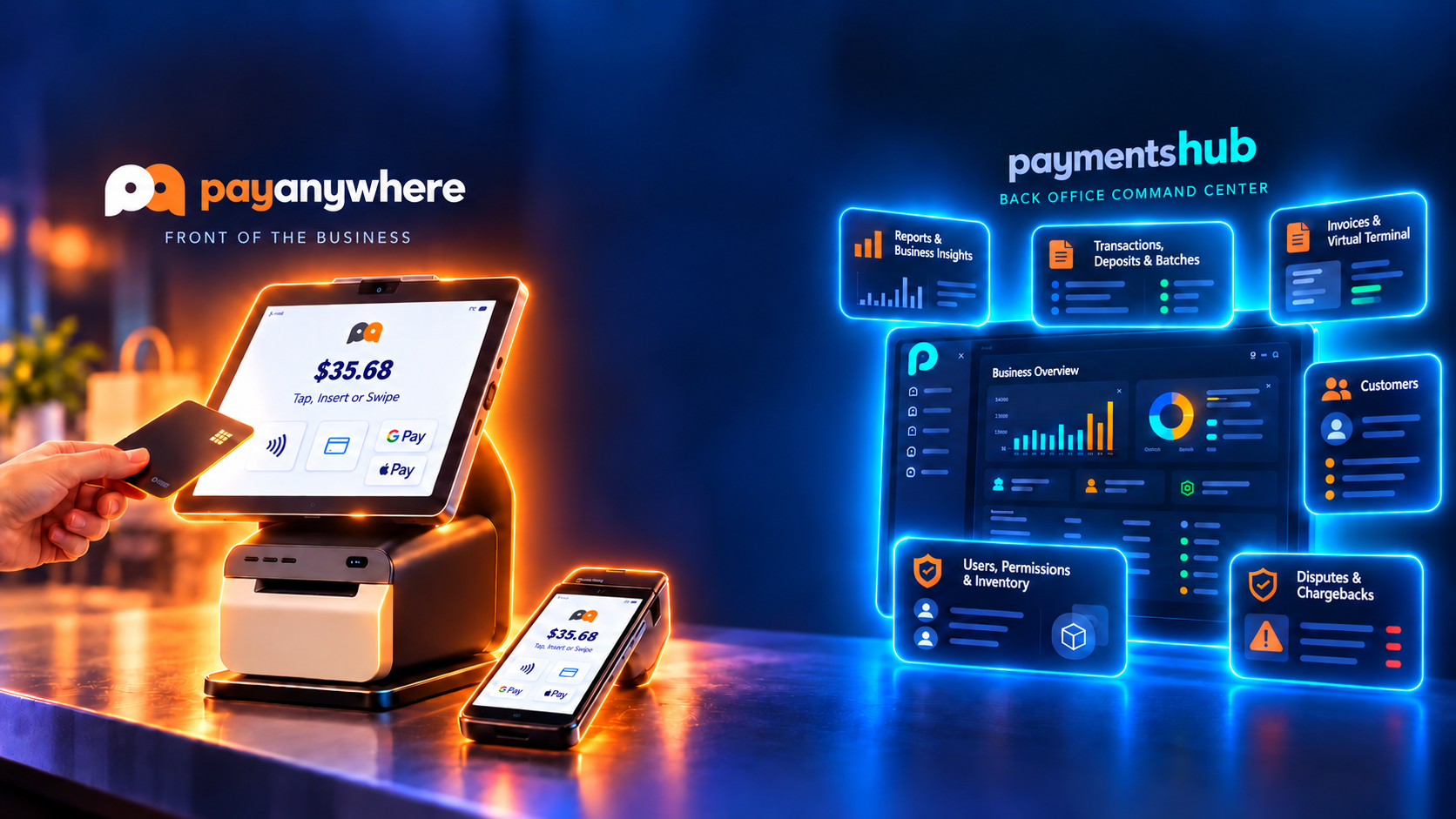





Transaction happens → information flows through the system → the business owner can manage what happened afterward.
More Than Payments. Connected to the Tools You Use.
Extend PayAnywhere with tools for accounting and receivables, gift cards, workforce management, reputation, sales tax automation and more.

Chargezoom
Connect payments with a broader invoicing, A/R and accounting workflow, including deeper QuickBooks connectivity and reconciliation tools.

Factor4
Sell, redeem and track gift cards to strengthen customer retention and create another way to bring customers back.

Homebase
Add employee scheduling, timesheets and payroll tools to help manage the team beyond the register.

Reputation Management
Connect Google reviews and make it easier to monitor and manage what customers are saying about the business.
Build the Setup Around Your Business
Start with the way you serve customers, then choose the equipment that supports it. Devices can often be combined to create a more flexible checkout experience.
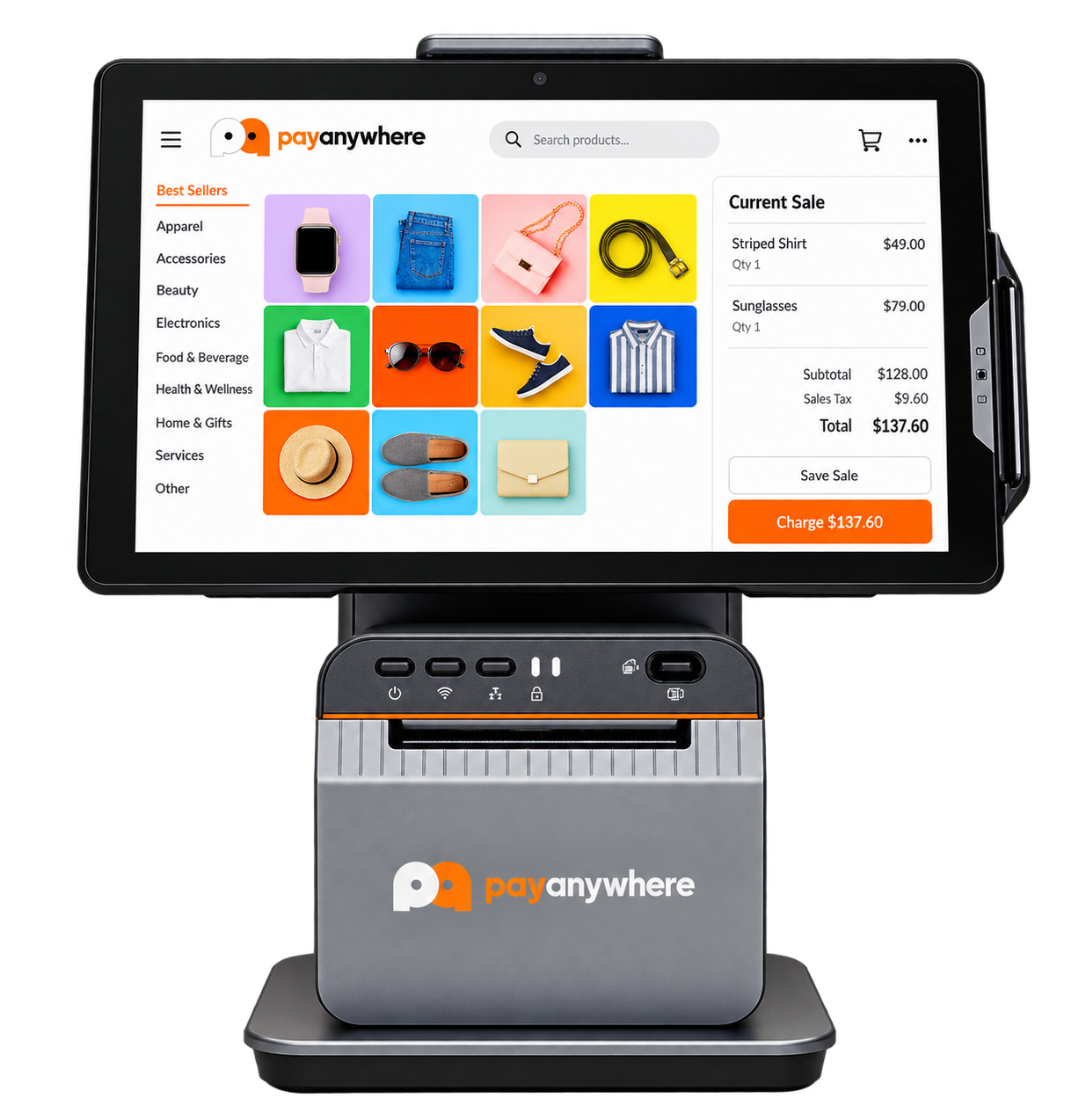
PayAnywhere Core
PayAnywhere Core is the new countertop POS option for merchants who want a larger checkout experience with payment acceptance and business-management tools in one system.
- 11-inch HD touchscreen
- Integrated receipt printer
- Screen can tilt toward the customer for tips and signatures
- EMV chip
- Contactless payments
- Magstripe
- PIN debit where supported
- Designed for countertop checkout
- Works with the PayAnywhere software ecosystem
Hardware Built Around the Way You Work
Different businesses need different checkout setups. Here are a few examples of how PayAnywhere hardware can fit the workflow.

Food Truck
A wireless Smart Terminal gives food trucks the freedom to take payments right at the service window or wherever the customer is ordering.
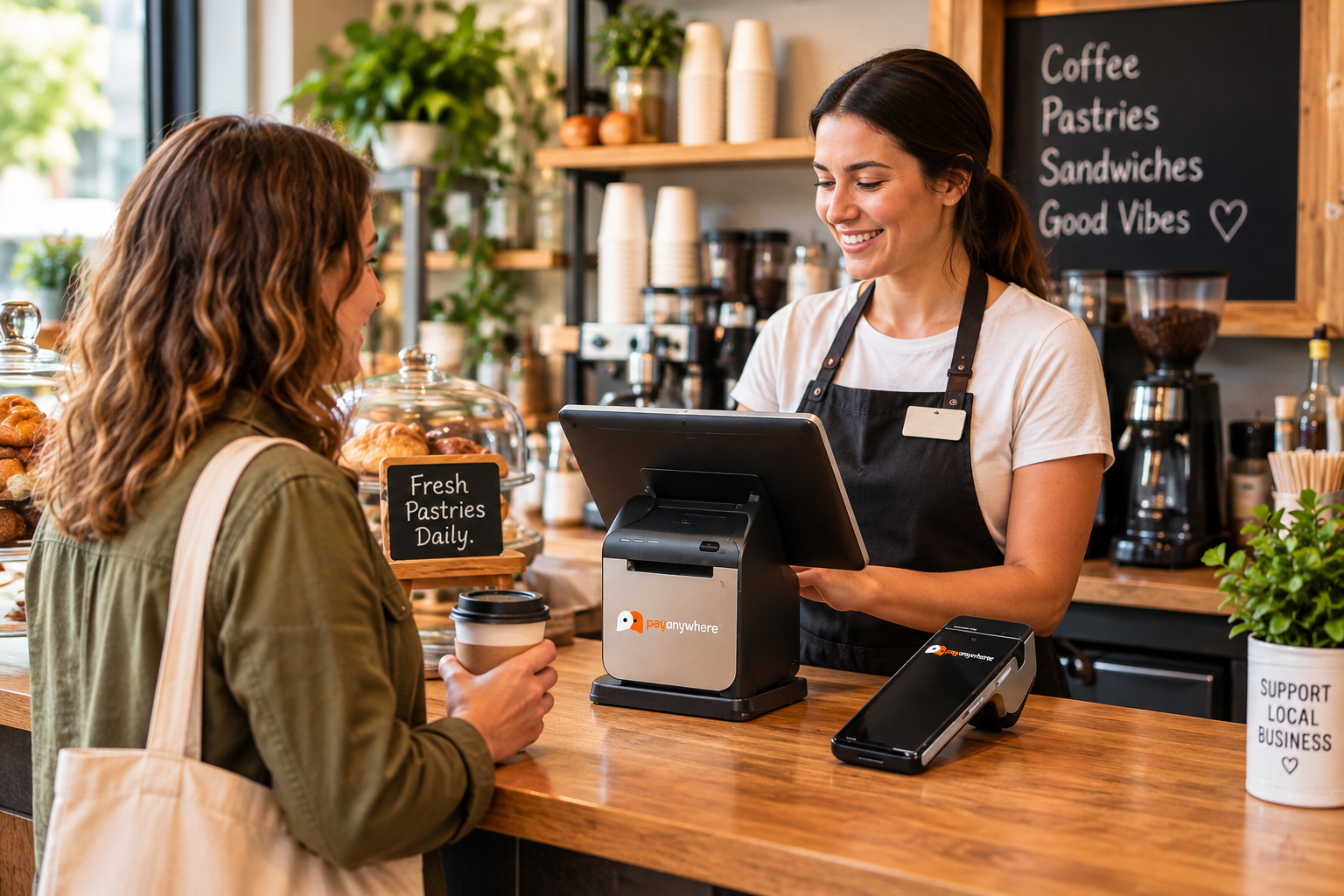
Restaurant / Café
PayAnywhere Core at the counter + a wireless Smart Terminal for tableside, patio or line-busting payments.
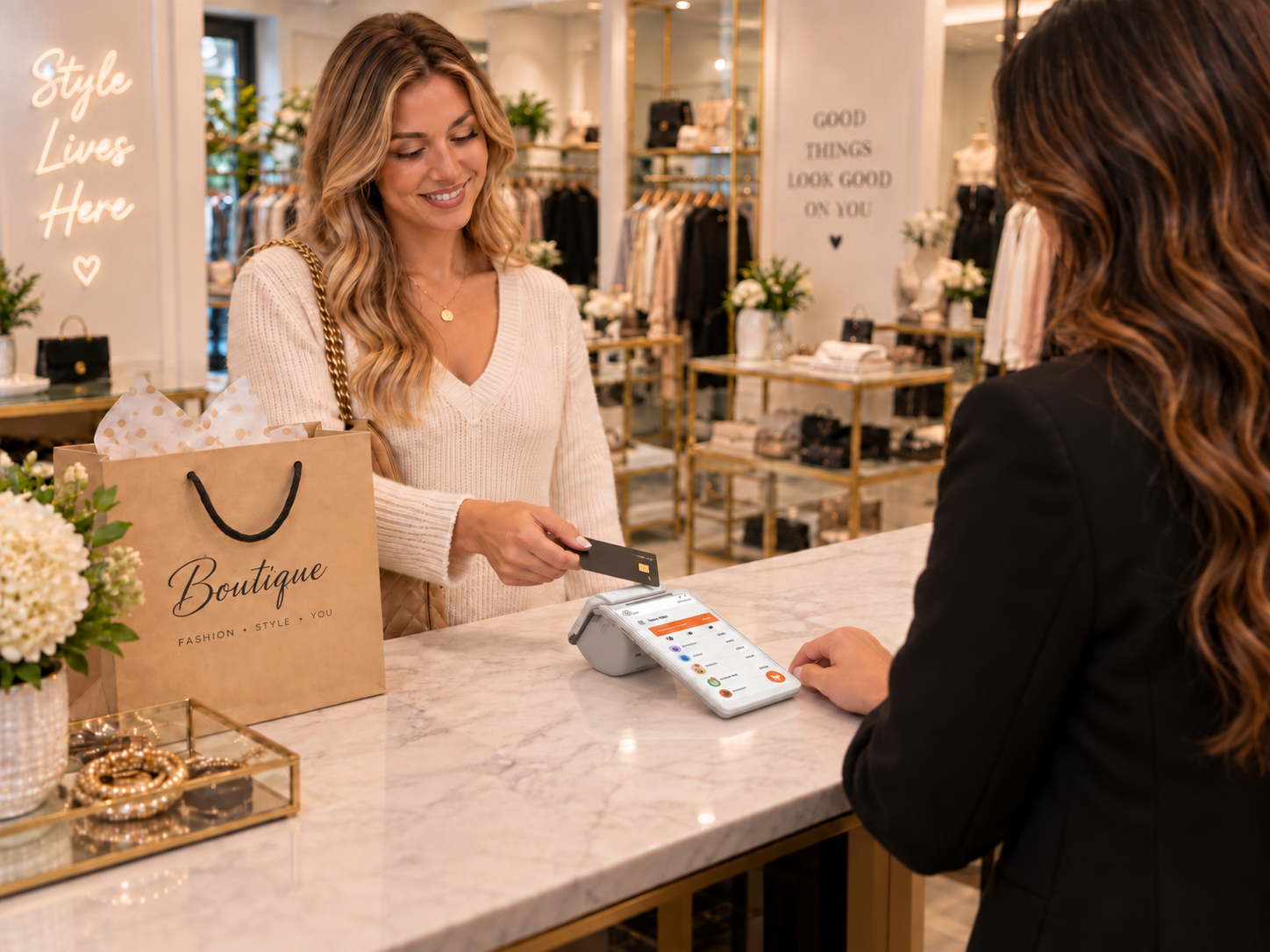
Retail / Boutique
Smart Flex at the checkout counter for a streamlined retail payment experience, with mobile hardware available when the business needs to take payments beyond the register.
We’ll help determine the combination that makes sense for your workflow rather than simply handing you a terminal.
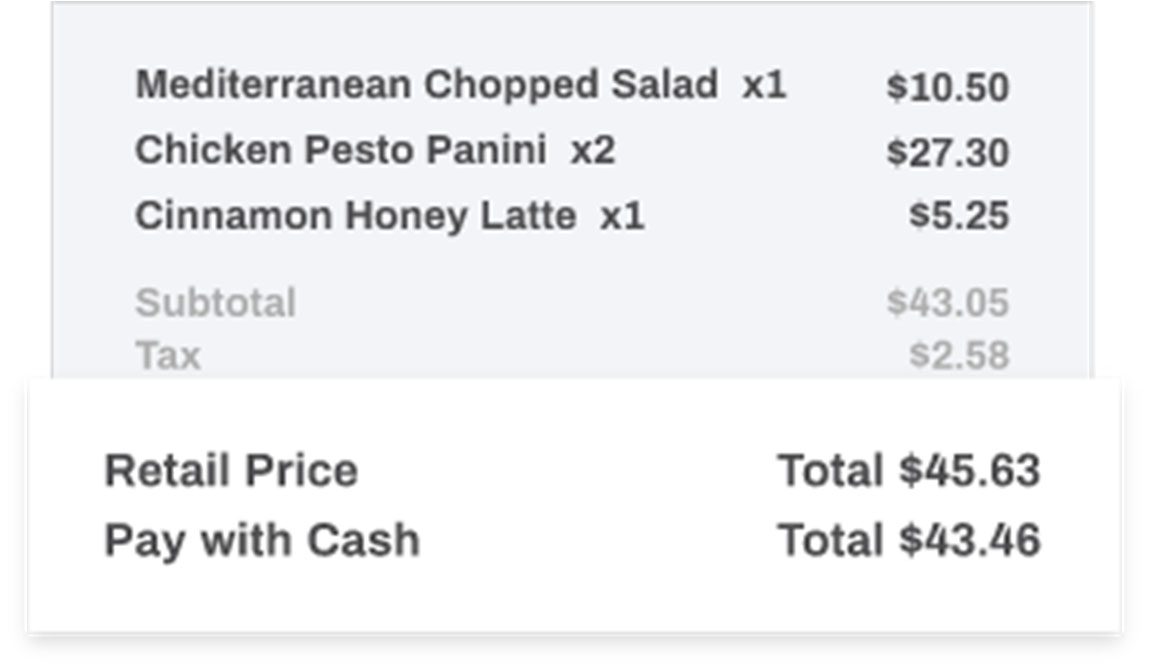
Make the Cash and Credit Price Clear Before They Pay
PayAnywhere’s Dual Price Display can show customers both the retail/credit price and the cash price directly on the sale screen, making the difference easy to understand at checkout.
Clear at Checkout
Show the customer both payment-price options before the transaction is completed.
Built Into PayAnywhere
Keep the pricing experience connected to the same POS workflow.
Flexible for the Business
Configure the appropriate pricing program around the merchant’s processing setup.
Get Your Money on Your Schedule
PayAnywhere gives qualifying merchants multiple ways to access the money from their sales — from standard next-business-day deposits to same-day and faster funding options when available.
NEXT-DAY FUNDING
Your default funding option that deposits your money into your bank account in a single business day.
Transactions processed and closed by 10:00 pm ET will be available the next business day Monday–Friday. Funds from Saturday–Sunday will be deposited in your bank account on the following Monday.
SAME-DAY FUNDING
Eligible merchants can receive qualifying deposits the same day without an additional PayAnywhere same-day funding fee.
Transactions processed and closed by 10:30 am ET will be included in your same day deposit. Exact deposit times may vary; contact your bank for information on their deposit schedule.
INSTANT FUNDING
Qualifying merchants can also have access to Instant Funding for even faster access to eligible funds.
Instant Funding availability is subject to qualification, account type and applicable terms.
More flexibility for cash flow.More control over when your money arrives.
Funding options are subject to eligibility, account configuration, processing activity and applicable terms. Deposit timing may vary by financial institution. Contact PPT Southeast to determine which funding options are available for your business.
Designed for Businesses That Need Flexibility
Food Trucks & Mobile Food
Quick-Service Restaurants
Retail & Boutiques
Salons & Beauty
Professional & Service Businesses
Events & Pop-Ups
Delivery / Mobile Businesses
PayAnywhere is a strong option for many businesses depending on your workflow, but it is not automatically the best system for every industry. We’ll help you compare it against other options before recommending a direction.
Equipment Options Without a Traditional Lease
No expensive traditional equipment lease
PPT Southeast does not use expensive long-term equipment leases for standard PayAnywhere placements.
Equipment placement may be available
Depending on the approved setup, qualifying equipment may be placed with the merchant while the processing account remains active.
No standard processing contract simply for using the equipment
Using PayAnywhere equipment through PPT Southeast does not by itself create a standard processing contract.
Placed equipment must be returned if the account closes
Equipment supplied through a placement arrangement remains our equipment and must be returned if the processing account is closed.
Specific equipment, program and placement terms are confirmed before activation.
What If Your Sales Tax Could Largely Take Care of Itself?
PayAnywhere can connect with DAVO by Avalara to help automate sales-tax cash management and filing instead of leaving the entire process to the merchant.
Daily Tax Set-Aside
Sales-tax funds can be automatically separated as sales occur.
Automated Filing & Remittance
DAVO helps manage the filing and payment process.
Less Manual Tax Administration
Reduce the time spent managing collected sales tax.
Build the Payment Structure Around Your Business
We start by making sure the technology fits the way your business actually operates. Once the system is right, we can compare payment structures that may change what payment acceptance — and even the technology around it — ultimately costs your business.
Traditional Processing
A conventional payment-processing structure for businesses that prefer to treat card acceptance as a normal operating expense.
Straightforward processing with flat-rate or interchange-plus pricing configured around your business.
Not every payment structure or program is appropriate for every business. Availability, pricing, equipment, software and program terms depend on the merchant’s approved setup.
See How PayAnywhere Could Work for Your Business
Tell us a little about your operation and we'll help determine whether this platform and payment setup fit the way your business actually works.
Learn the System
Explore short walkthroughs covering Payments Hub and the tools available to manage your PayAnywhere account and business.
Whether you’re researching the platform or already using PayAnywhere, these quick videos make it easy to find the feature or process you need.