
Accept Payments Without Overcomplicating Your Business
Whether you need a countertop terminal, a mobile smart device or a customer-facing PIN pad, PPT Southeast helps you choose a payment setup that fits how and where you do business.
Tap, chip and mobile payments • Multiple equipment options • Setup and ongoing support
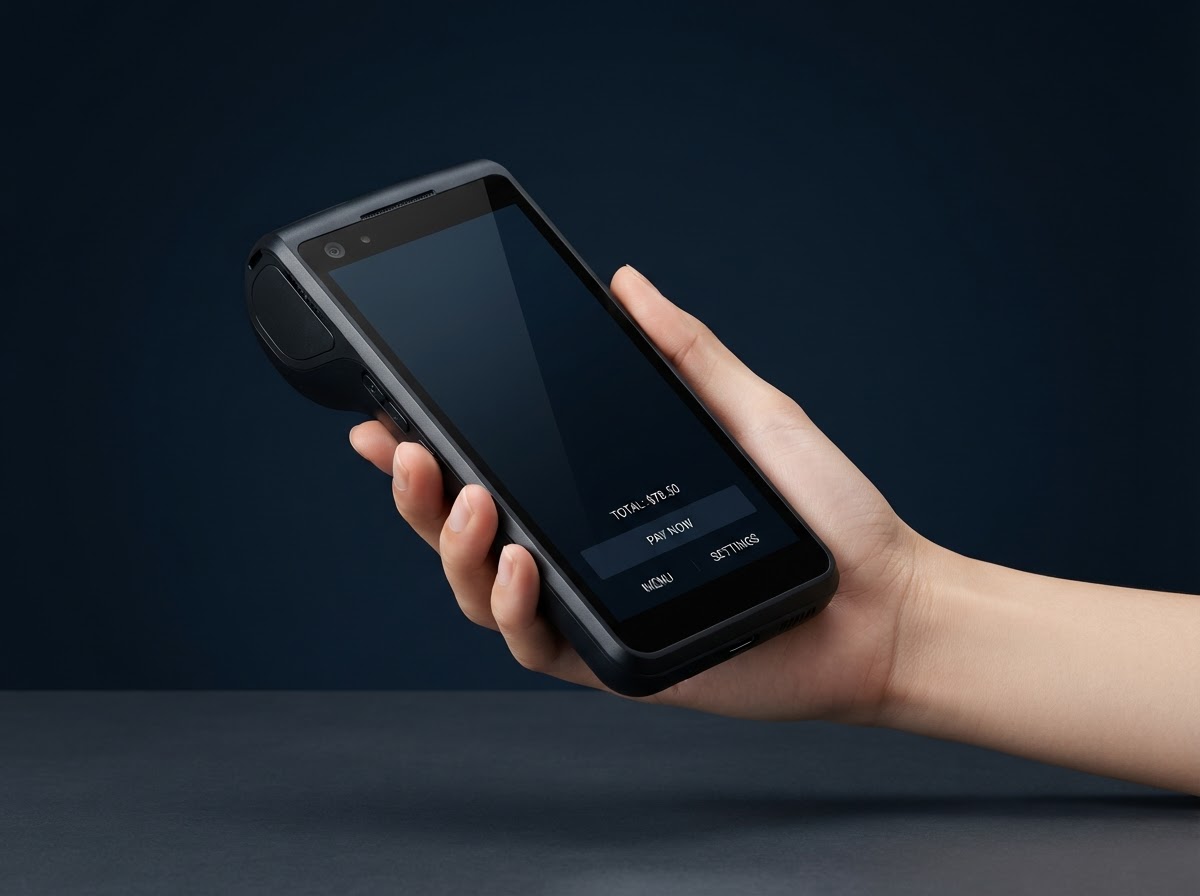
Do You Need a Terminal—or a Complete POS System?
A Payment Terminal May Be Enough If You Need To:
- Accept card and contactless payments
- Print, text or email receipts
- Add tipping or signature prompts
- Take payments at a counter or on the go
- Keep the checkout process simple
Consider a Complete POS If You Also Need To:
- Track detailed inventory
- Manage restaurant orders or tables
- Schedule appointments and staff
- Coordinate kitchen or production workflows
- Manage complex reporting or multiple locations
We will not recommend a larger or more complicated system unless the business has a reason to need it.
How and Where Do You Take Payments?
Countertop Terminal
Businesses accepting most payments from one fixed checkout location.
- Ethernet or Wi-Fi connectivity
- Built-in receipt printer
- Contactless, chip and swipe acceptance
- Tipping and receipt options
Mobile Smart Terminal
Businesses that want to take payments around the premises or away from the counter.
- Portable touchscreen design
- Wi-Fi and available cellular connectivity
- Built-in receipt printing
- Contactless, chip and swipe payments
Handheld Payment Device
Restaurants, service businesses, delivery operations, events and merchants that need payments brought directly to the customer.
- Compact portable design
- Tableside or curbside payments
- Digital or printed receipts depending on device
- Tipping and customer-facing interaction
Semi-Integrated PIN Pad
Businesses that already use a compatible POS or checkout system and want a dedicated customer-facing payment device.
- Customer-facing display
- POS-connected payment workflow
- Contactless, chip and PIN acceptance
- Reduced manual transaction entry when properly integrated
Connectivity, features and integration compatibility vary by device, processor and software platform.
Payment Hardware Worth Comparing
These are representative devices rather than the limits of what we can provide. We recommend hardware only after confirming the merchant's processor, connectivity, checkout environment and payment requirements.
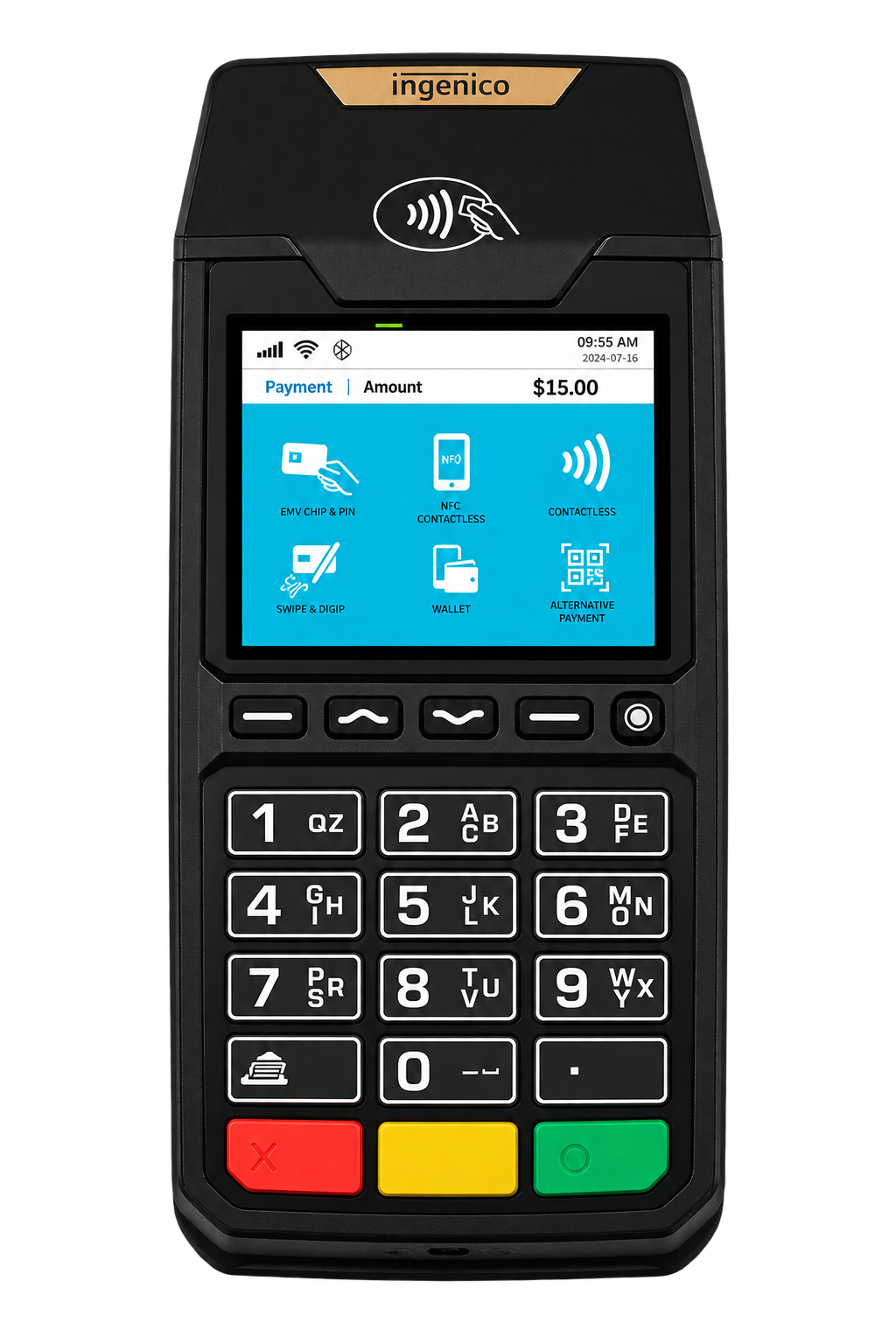
Ingenico Desk2600
Simple, reliable fixed countertop terminal for merchants who want straightforward card acceptance.
- Compact countertop footprint with tactile backlit keypad
- Ethernet, dial-up and optional Wi-Fi connectivity
- Contactless, chip and magstripe card acceptance
- Fast built-in thermal receipt printer
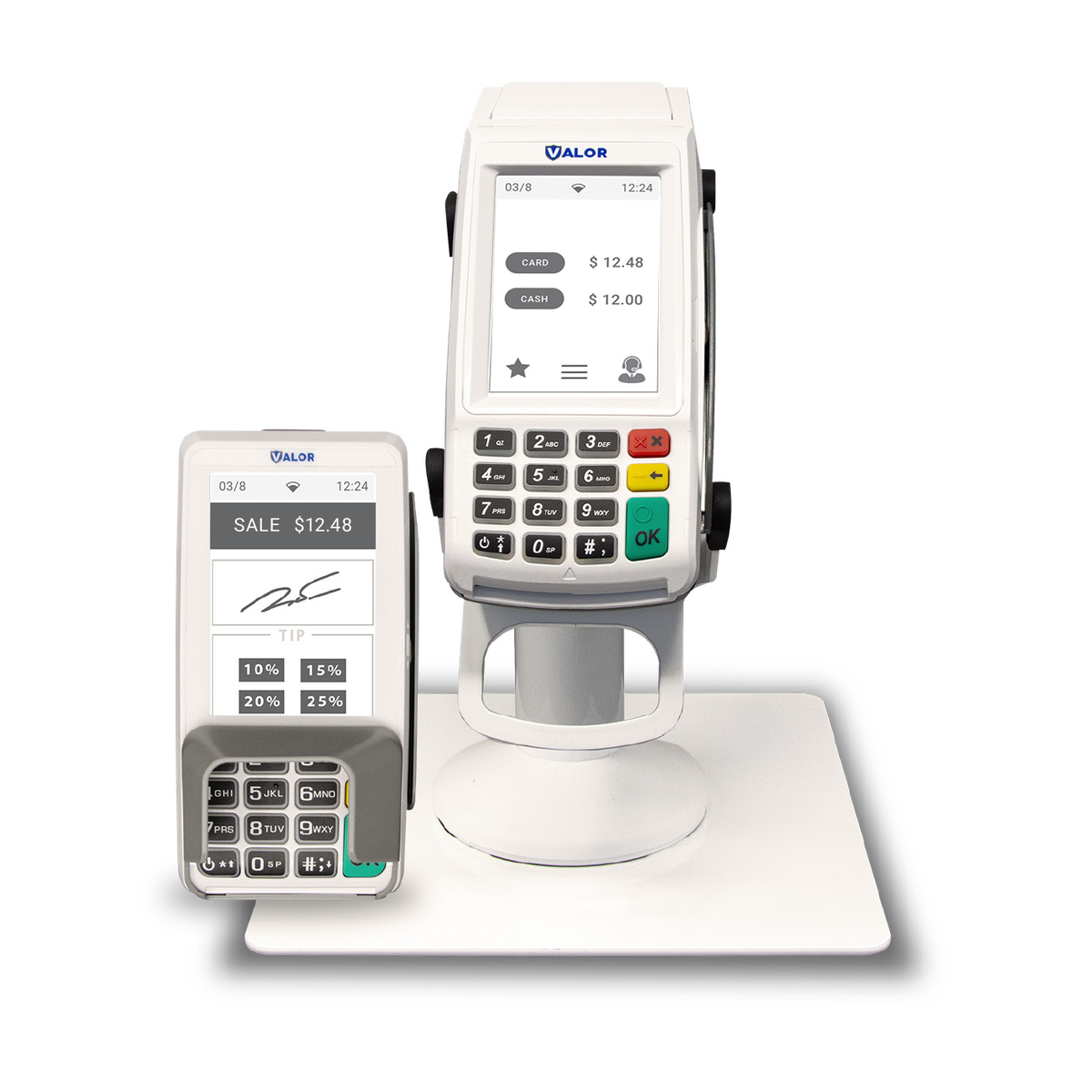
Valor VL100
Modern countertop terminal with touchscreen functionality and a more digital customer checkout experience.
- Dual-screen setup with customer-facing touch display
- Touchscreen signatures, on-screen tipping and digital receipts
- Ethernet, Wi-Fi and optional 4G cellular backup
- Built-in cash discount, dual-pricing and surcharge support
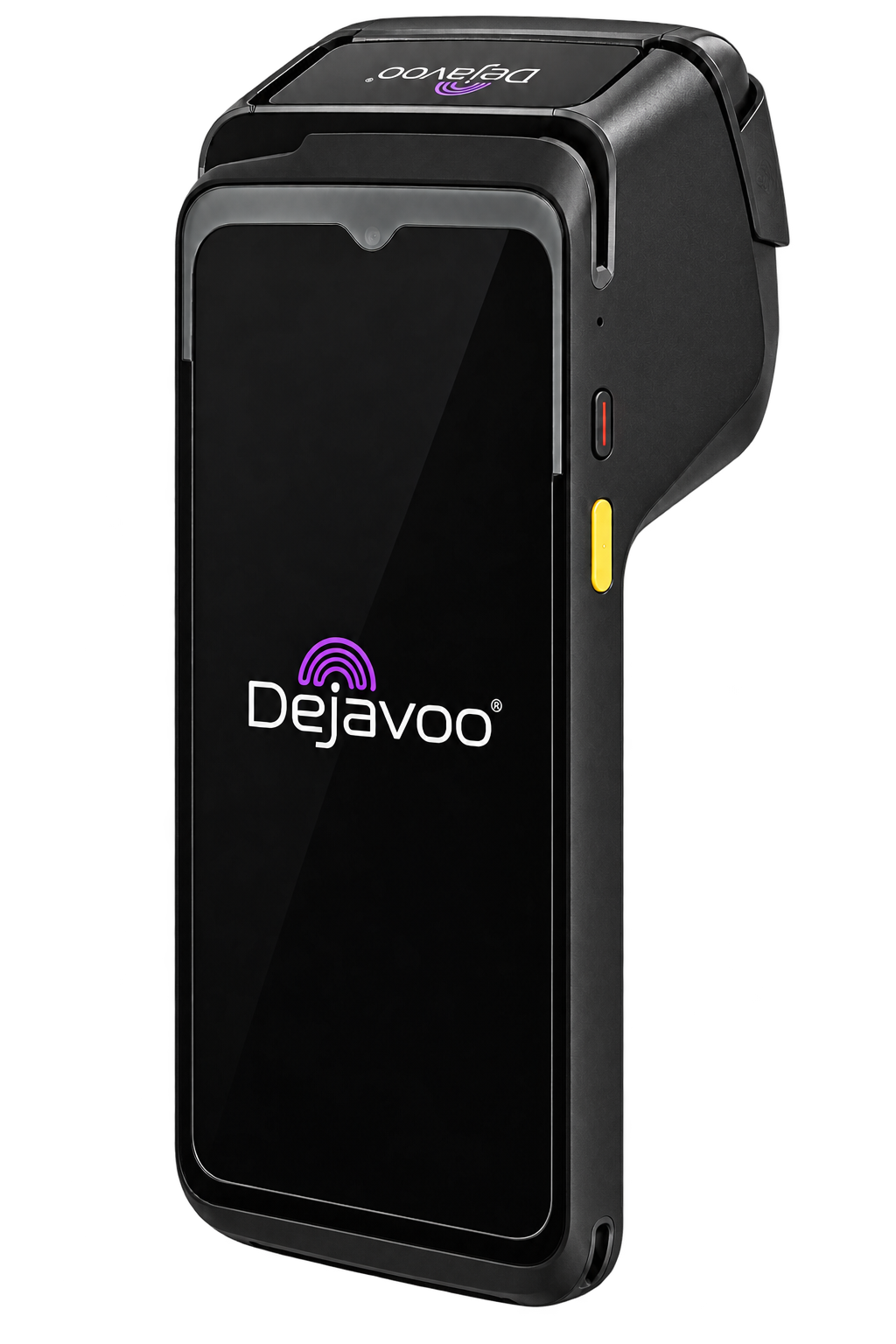
Dejavoo P8
Premium wireless smart terminal with a large touchscreen and integrated functionality for merchants that need flexibility.
- Vibrant high-resolution touchscreen Android interface
- Wi-Fi, Bluetooth and 4G cellular connectivity
- Contactless, chip, PIN and swipe acceptance
- Built-in printer with fast on-the-go receipt generation
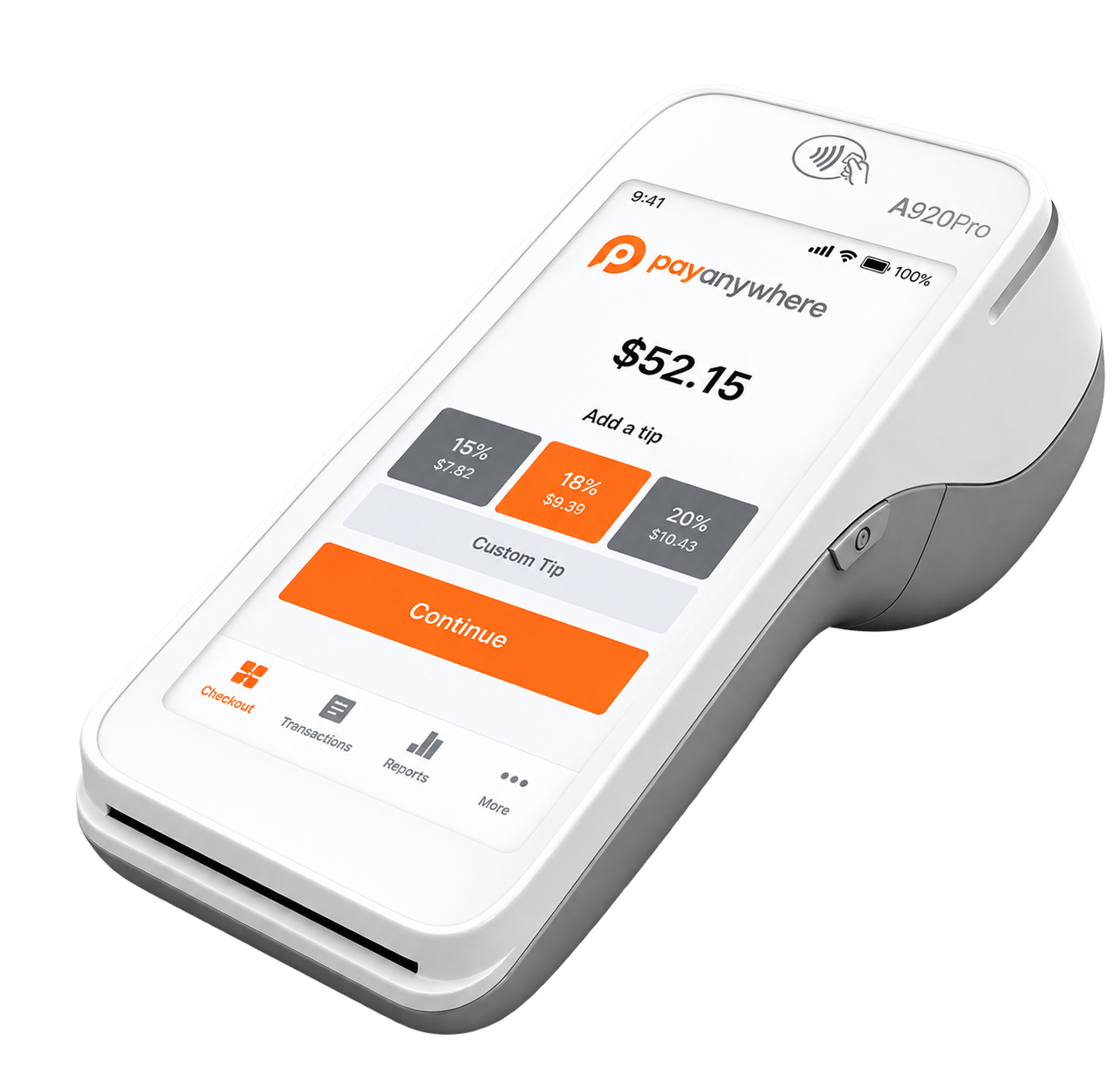
PayAnywhere A920 Pro
Portable smart terminal for businesses that want payments and basic transaction tools in one mobile device.
- 5.5-inch HD touchscreen with front and rear cameras
- 4G LTE, Wi-Fi and Bluetooth connectivity
- Integrated receipt printer and barcode scanning capability
- Access to Payanywhere item catalog, reporting and inventory tools
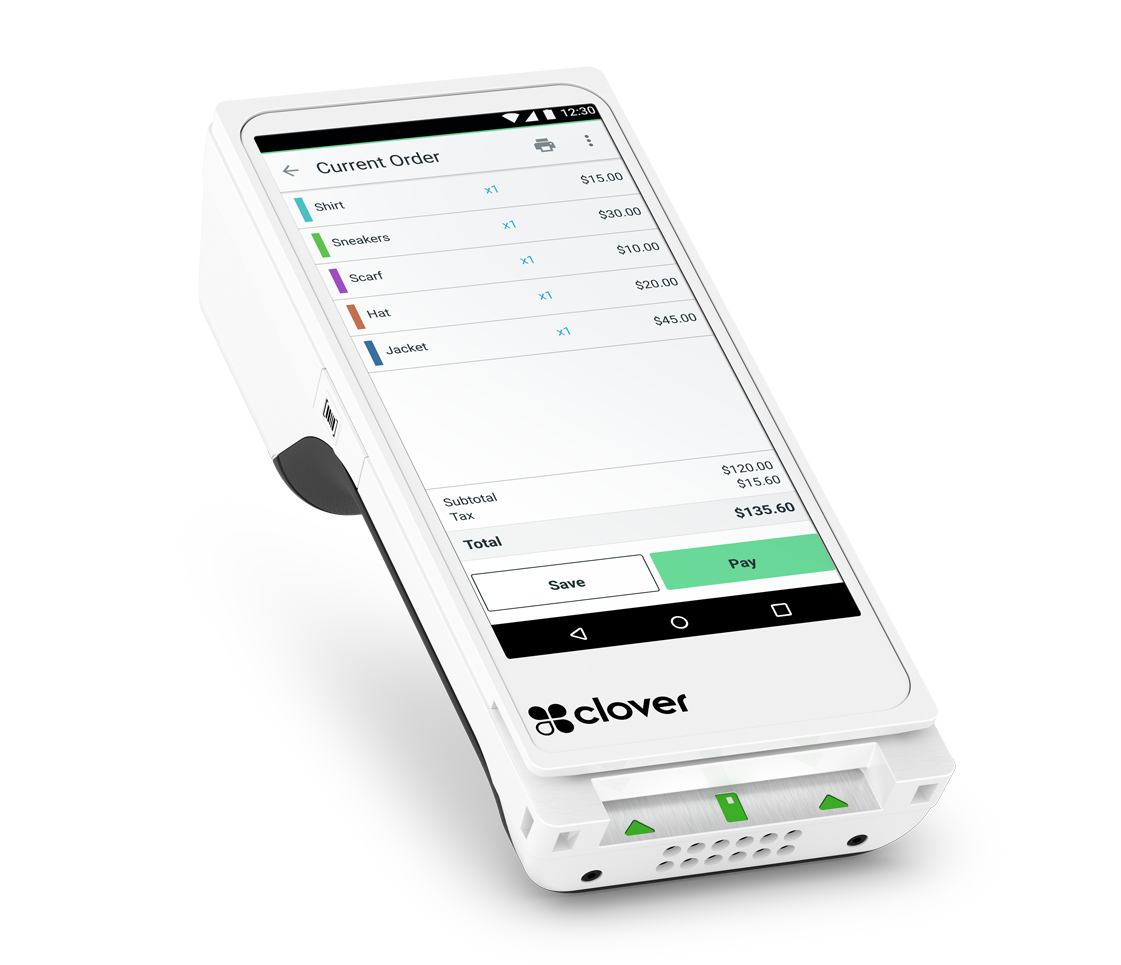
Clover Flex
Portable handheld payment device for merchants who want to operate within the broader Clover ecosystem.
- Compact handheld touchscreen with built-in receipt printer
- Wi-Fi and LTE connectivity for tableside and on-the-go payments
- Barcode scanner for quick inventory or item lookup
- Full integration with Clover software, reporting and app market
Need Something Different?
PPT Southeast also has access to additional countertop, wireless, smart and customer-facing payment hardware. The right equipment depends on how you accept payments, your internet and cellular environment, processor compatibility and whether the terminal must connect to other software.
What Should We Confirm Before Choosing a Terminal?
Payment Methods
Contactless wallets, EMV chip, debit and other supported payment types.
Connectivity
Ethernet, Wi-Fi, cellular service or a combination appropriate for the location.
Receipts & Tipping
Printed, text or emailed receipts with available tipping and signature options.
Portability
Whether payments happen at a counter, tableside, curbside, at events or on delivery.
Software Integration
Whether the device operates independently or must communicate with a POS or other business software.
Reporting & Users
Transaction reporting, user permissions and access across one or multiple locations.
Choose the Equipment—Then Structure Payments Properly
Traditional Processing
A conventional processing structure for merchants who prefer to include payment acceptance as an operating expense.
Dual Pricing or Cash Discount
A properly configured option that displays the applicable prices or discount clearly and may help offset eligible processing costs.
Prime49
For qualifying businesses, Prime49 may help offset processing costs and create a recurring monthly payout tied to approved processing activity and program terms.
Explore Prime49Payment structures, equipment, pricing, funding and program availability depend on merchant approval and the final setup.
From Recommendation to Activation
Understand the Business
We learn where payments occur, what equipment is currently used and what the merchant wants to improve.
Confirm Compatibility
We evaluate processor, connectivity, software, payment methods and any integration requirements.
Select and Configure
We recommend an appropriate device and explain the equipment, processing structure, pricing and any commitment before the merchant proceeds.
Install and Support
We coordinate deployment, activation, training and ongoing assistance according to the approved setup.
Questions About Payment Terminals
No. Many businesses only need a reliable payment terminal. A complete POS becomes more valuable when the business also needs detailed inventory, ordering, scheduling or operational-management tools.
Let's Find the Right Way for You to Accept Payments
Tell us where and how you take payments, and we'll help you compare the most appropriate terminal and processing options.