
Build Clover Around the Way You Sell.
A boutique, jewelry store, convenience store and specialty retailer may all use Clover differently. Start with the kind of retail business you operate, then build the technology around the workflow.

What Kind of Retail Business Do You Run?
Choose the category closest to your operation. We’ll use that as the starting point for the Clover configuration.
See How Clover Could Work in Your Store.
Book a live Clover demonstration and see the hardware, checkout, inventory, payments and retail workflows in action.
Schedule My Clover DemoRetail Built Around Products, Variations and Customers.
Boutiques and apparel retailers often sell across sizes, colors and styles while building relationships with repeat customers. Clover can connect inventory, checkout, customer profiles and selling channels around the way the store actually operates.
PRODUCT VARIANTS
Track sizes, colors and styles as connected variants instead of separate disconnected items.
INVENTORY VISIBILITY
See what is in stock, what is moving and what needs attention across the product catalog.
CUSTOMER PROFILES
Keep customer information and purchase history available to support a more personal experience.
LOYALTY & PROMOTIONS
Use rewards, recurring promotions and frequent-buyer tools where they fit the boutique.
IN-STORE & ONLINE SELLING
Support in-store checkout alongside online selling channels where the business sells both ways.
GIFT CARDS & ENGAGEMENT
Offer gift cards and customer-engagement tools that encourage repeat visits and gift-giving.
A Clover Boutique Setup Could Include:
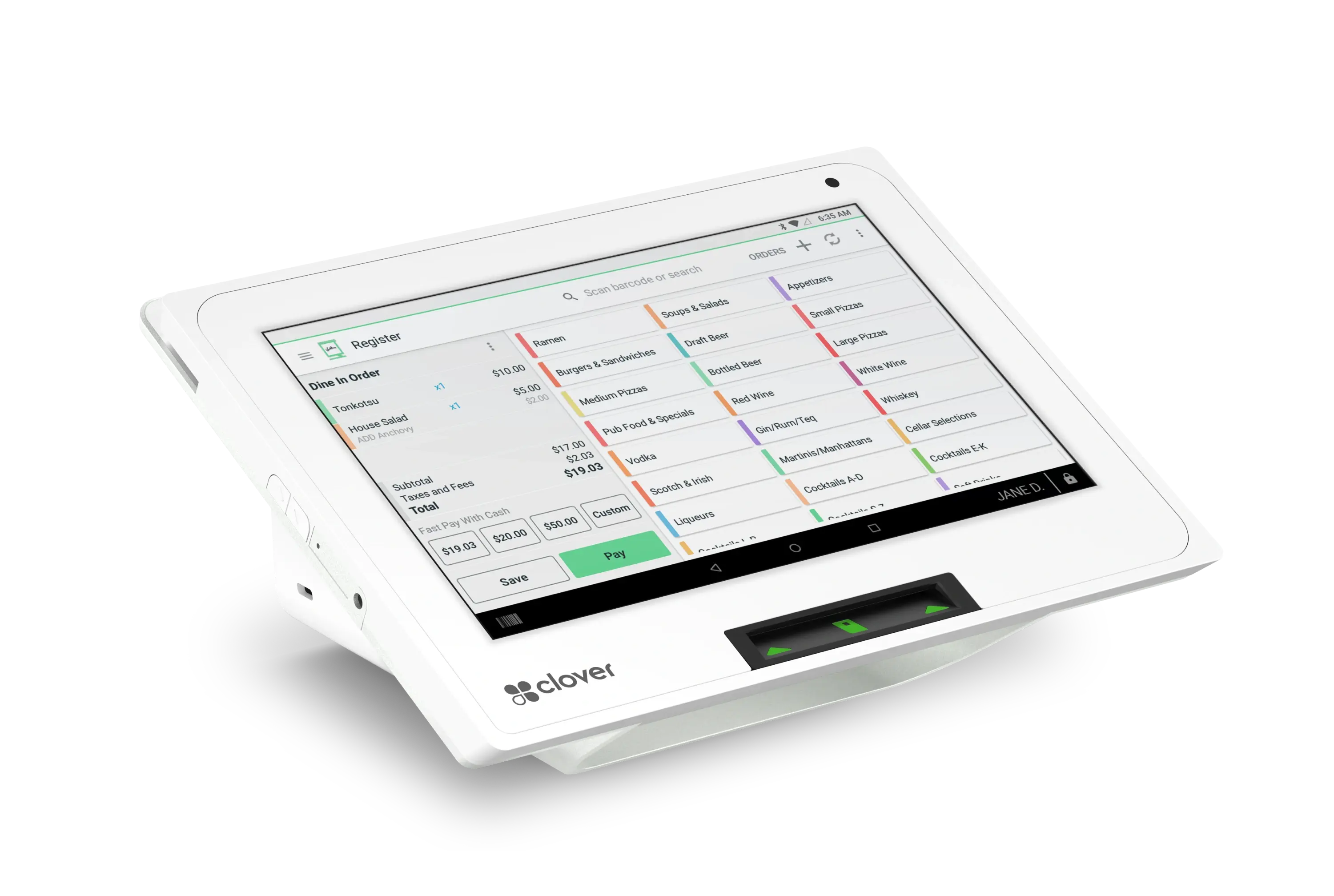
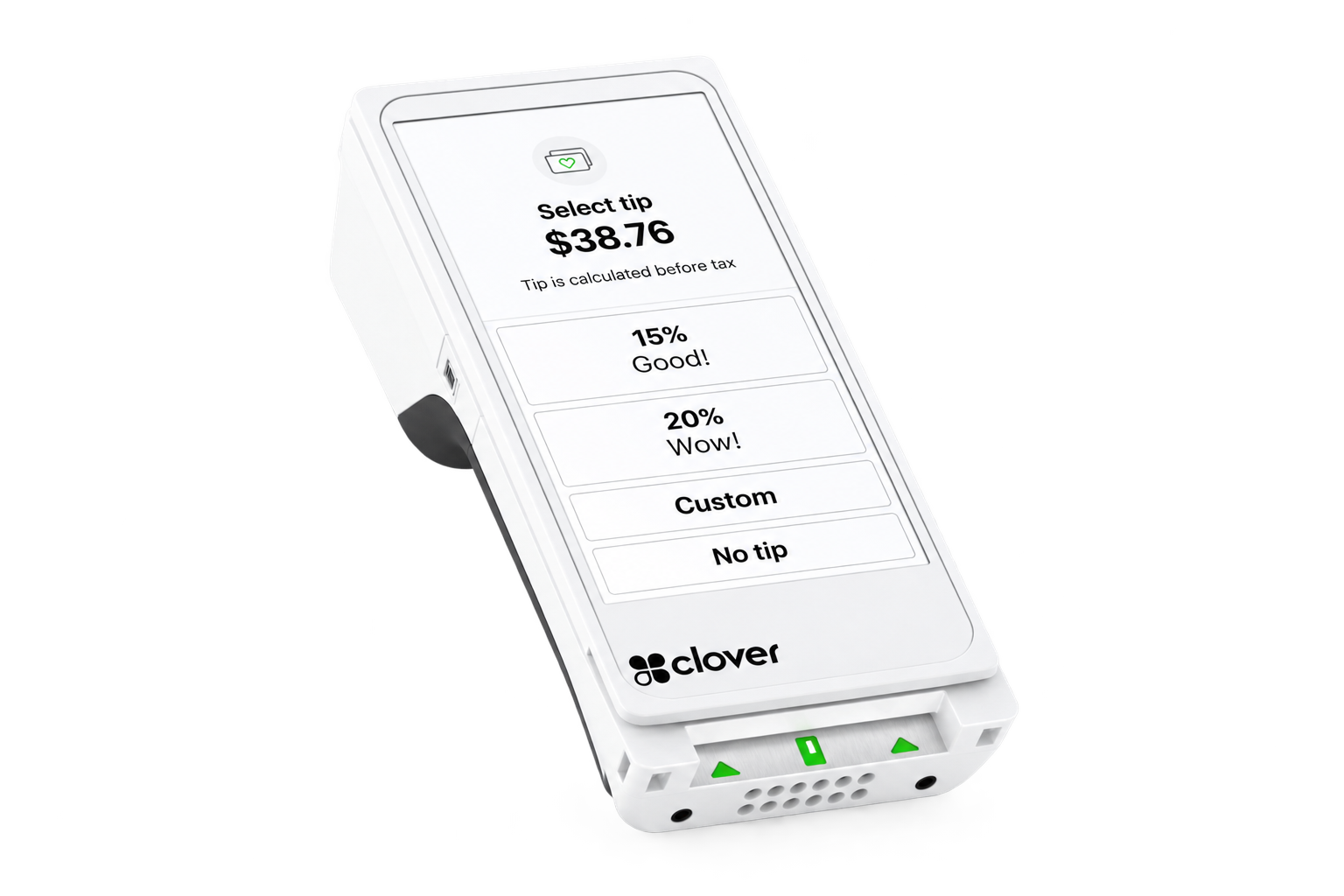
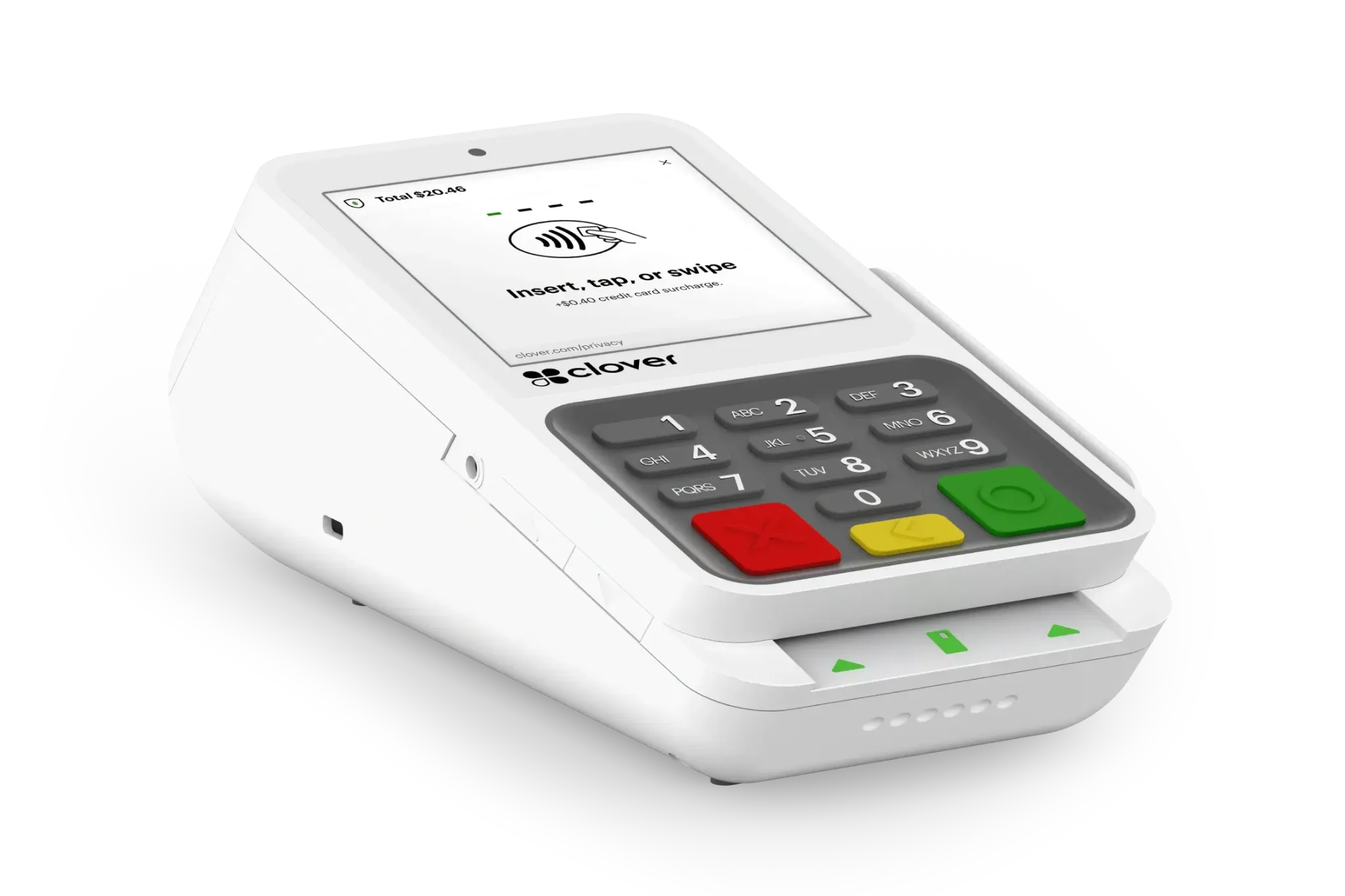
This is an example configuration, not a fixed package. Device quantities and hardware mix should be determined by the store's layout, checkout style and selling channels.
See the Boutique Workflow in Action.
Official Clover boutique or apparel retail video will be added here.
Official Clover boutique customer story or testimonial will be added here.
When the Business Is Specialized, the POS Should Be Flexible.
Specialty retailers carry unique product mixes and often need a POS that adapts rather than forcing a generic workflow. Clover can be configured around the specific products, inventory and operational needs of a specialized operation.
FLEXIBLE PRODUCT CATALOGS
Organize specialized product catalogs around the way the business actually categorizes merchandise.
INVENTORY MANAGEMENT
Track stock levels, movement and receiving for a more specialized product mix.
CUSTOMER INFORMATION
Maintain customer details and history that support a more consultative sale.
FLEXIBLE CHECKOUT
Handle everyday sales and special transactions without a rigid one-size workflow.
APPS & INTEGRATIONS
Add Clover applications and integrations appropriate to the merchant's specific operation.
REPORTING & INSIGHT
Review sales and product activity to better understand what is moving and what is not.
A Clover Specialty Retail Setup Could Include:
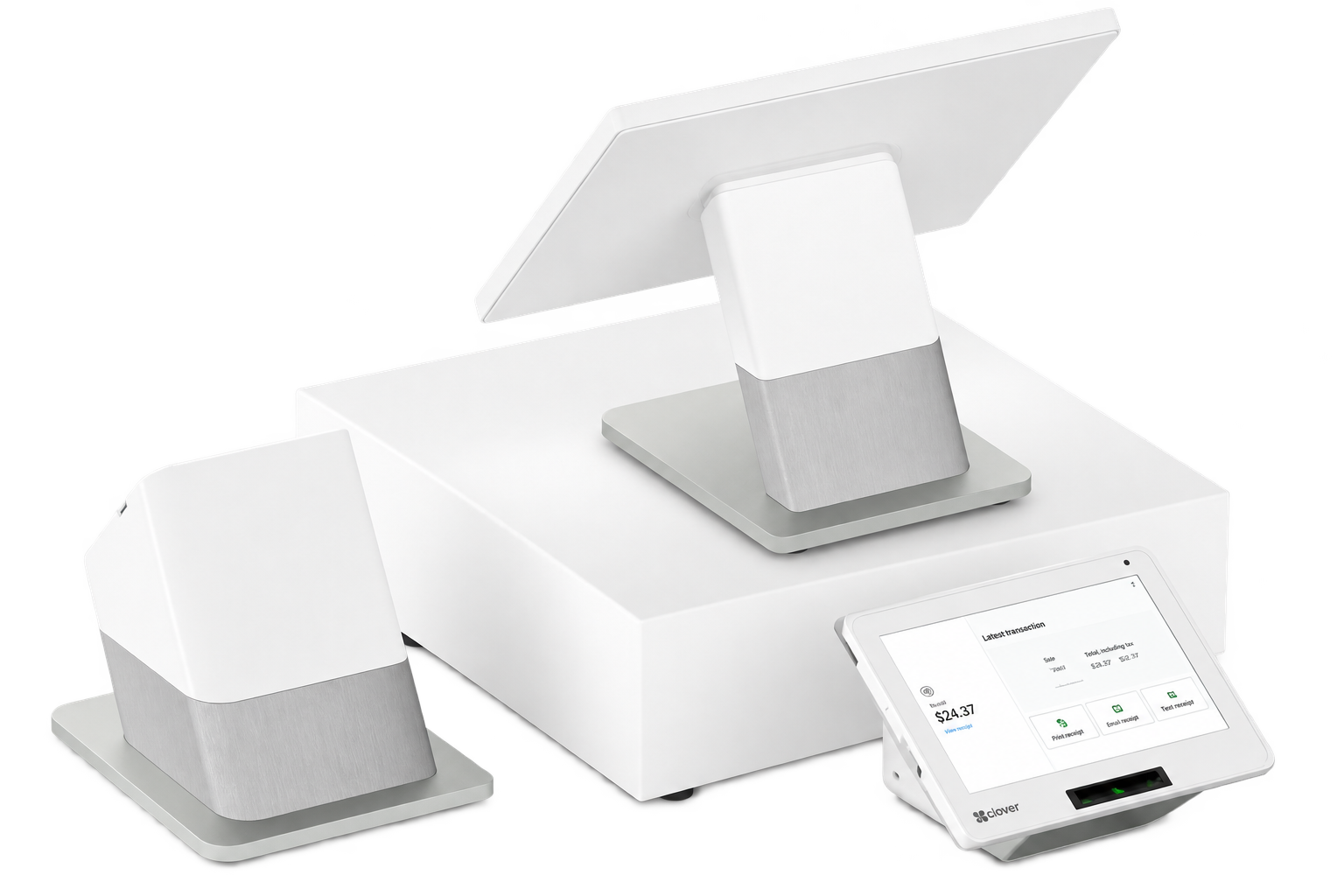
The right mix depends on the product type, checkout style, counter space and whether mobile assistance adds value on the floor.
See How Clover Fits a Specialized Operation.
Official Clover specialty retail video will be added here.
Official Clover specialty retail customer story or testimonial will be added here.
Support the Sale Without Losing Sight of the Inventory.
Jewelry retailers handle higher-value merchandise, relationship-driven sales and careful inventory control. Clover can help connect checkout, customer information and payment around a more consultative selling environment.
INVENTORY VISIBILITY
Maintain clear visibility into higher-value inventory and what is on hand.
HIGHER-VALUE CHECKOUT
Handle larger transactions and special orders with a checkout built for higher-ticket sales.
CUSTOMER PROFILES
Keep detailed customer information and purchase history for relationship-driven selling.
FLEXIBLE PAYMENTS
Accept supported payment methods appropriate to higher-value transactions.
CUSTOMER ENGAGEMENT
Use engagement and follow-up tools to nurture relationships after the sale.
GIFT CARDS & LOYALTY
Offer gift cards and loyalty tools where they support repeat and gifting behavior.
A Clover Jewelry Setup Could Include:
The right configuration depends on transaction value, counter layout, customer relationship style and whether mobile payment adds flexibility.
See the Jewelry Retail Workflow.
Official Clover jewelry retail video will be added here.
Official Clover jewelry customer story or testimonial will be added here.
Keep Checkout Moving While the Business Stays in Control.
Convenience retail depends on speed at the counter and control behind the scenes. Clover can connect fast checkout with inventory visibility, employee controls and reporting for a high-frequency retail environment.
FAST CHECKOUT
Keep high-frequency transactions moving quickly with streamlined register controls.
BARCODE & PRODUCT MANAGEMENT
Manage a large product mix with barcode scanning and organized product records.
INVENTORY VISIBILITY
Monitor stock movement so fast-moving items stay available.
EMPLOYEE CONTROLS
Use employee permissions and controls appropriate to a busy retail environment.
REPORTING
Review sales, shifts and product activity to keep the operation informed.
CUSTOMER ENGAGEMENT
Add loyalty and engagement tools where they support repeat, high-frequency visits.
A Clover Convenience Setup Could Include:
The right mix depends on transaction volume, number of checkout lanes, product mix and whether mobile scanning or line-busting is useful.
See Clover Handle the Rush.
Official Clover convenience retail video will be added here.
Official Clover convenience retail customer story or testimonial will be added here.
Make the Sale Simple. Keep the Business Connected.
Bookstores combine barcode checkout, customer engagement, gift cards and often both in-store and online selling. Clover can help keep inventory, checkout and customer tools connected in one environment.
PRODUCT INVENTORY
Track books and merchandise with organized inventory records and stock visibility.
BARCODE CHECKOUT
Scan items quickly for efficient everyday checkout.
CUSTOMER ENGAGEMENT
Use customer profiles and engagement tools to support repeat readers and gift buyers.
GIFT CARDS & LOYALTY
Offer gift cards and loyalty rewards where they fit the bookstore's audience.
REPORTING
Review sales and product activity to understand what is selling.
ONLINE & IN-STORE FLEXIBILITY
Support in-store selling alongside online channels where the business sells both ways.
A Clover Bookstore Setup Could Include:
The right configuration depends on store size, checkout style, inventory volume and whether online selling is part of the operation.
See the Bookstore Workflow.
Official Clover bookstore video will be added here.
Official Clover bookstore customer story or testimonial will be added here.
Don’t Fit a Retail Label? Build Around the Workflow Instead.
Not every retailer fits neatly into a predefined category. We can start with how products, inventory, customers and payments actually move through the business.
What Should the Setup Account For?
- What type of products do you sell?
- How complex is the inventory?
- Do products have sizes, styles or other variations?
- Is selling limited to one location or multiple locations?
- Is online selling part of the operation?
- How many checkout stations are needed?
- Are customer loyalty or engagement tools important?
Those answers help determine which Clover software, hardware and applications make sense.
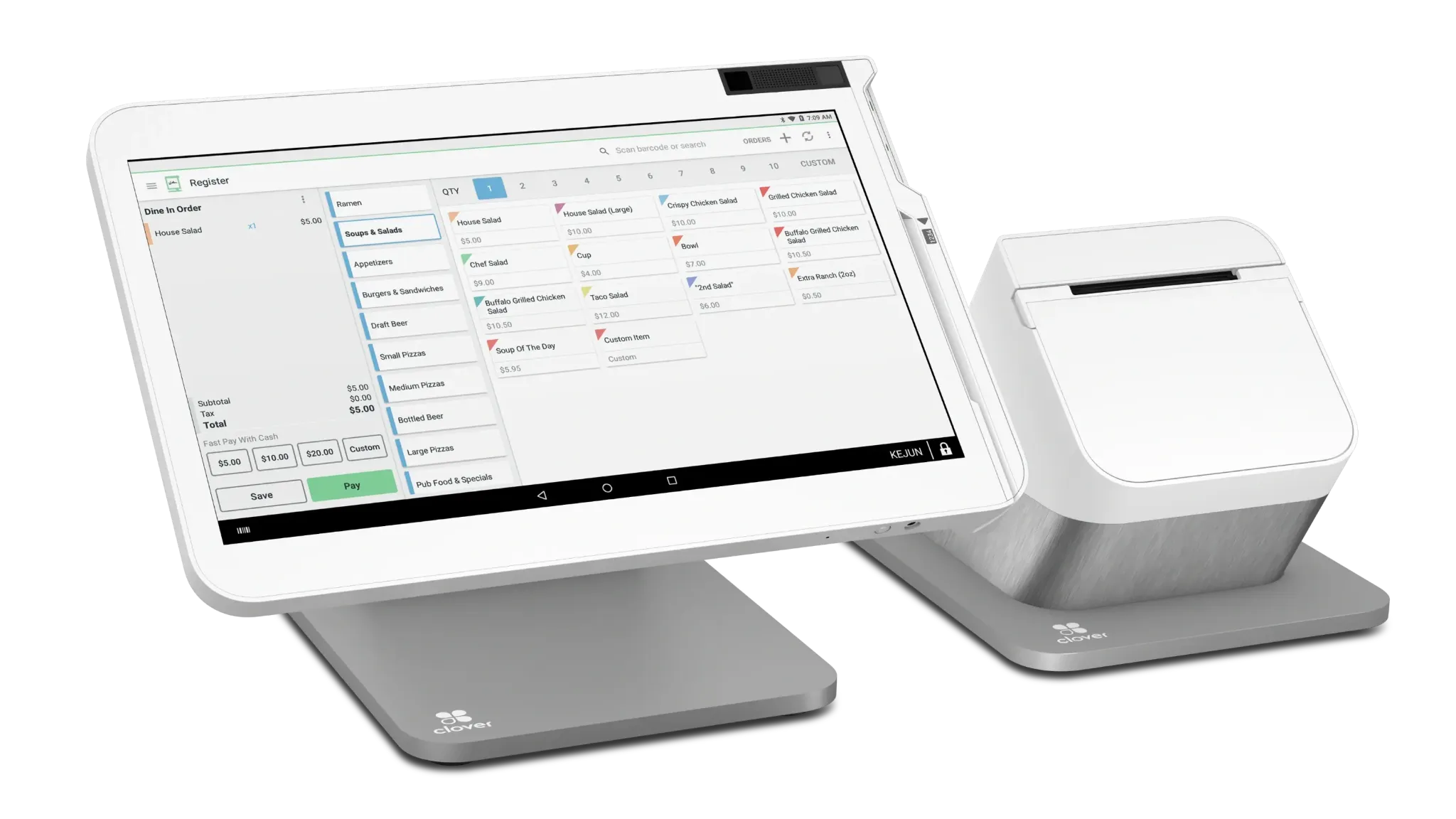
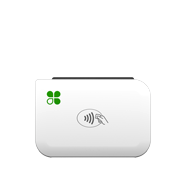
Explore the Clover Device Lineup.
From full countertop stations to compact and mobile payment devices, build the Clover hardware mix around the way your business actually operates.
See the Retail Experience in Action.
Official Clover retail overview or demo video will be added here.
Official Clover retail merchant customer story or testimonial will be added here.
That’s What the Consultation Is For.
We’ll look at how you sell, manage inventory, serve customers and accept payments before recommending the Clover configuration.
No pressure. No obligation. Just a conversation about your business.