
Checkout Built for Both Sides of the Counter.
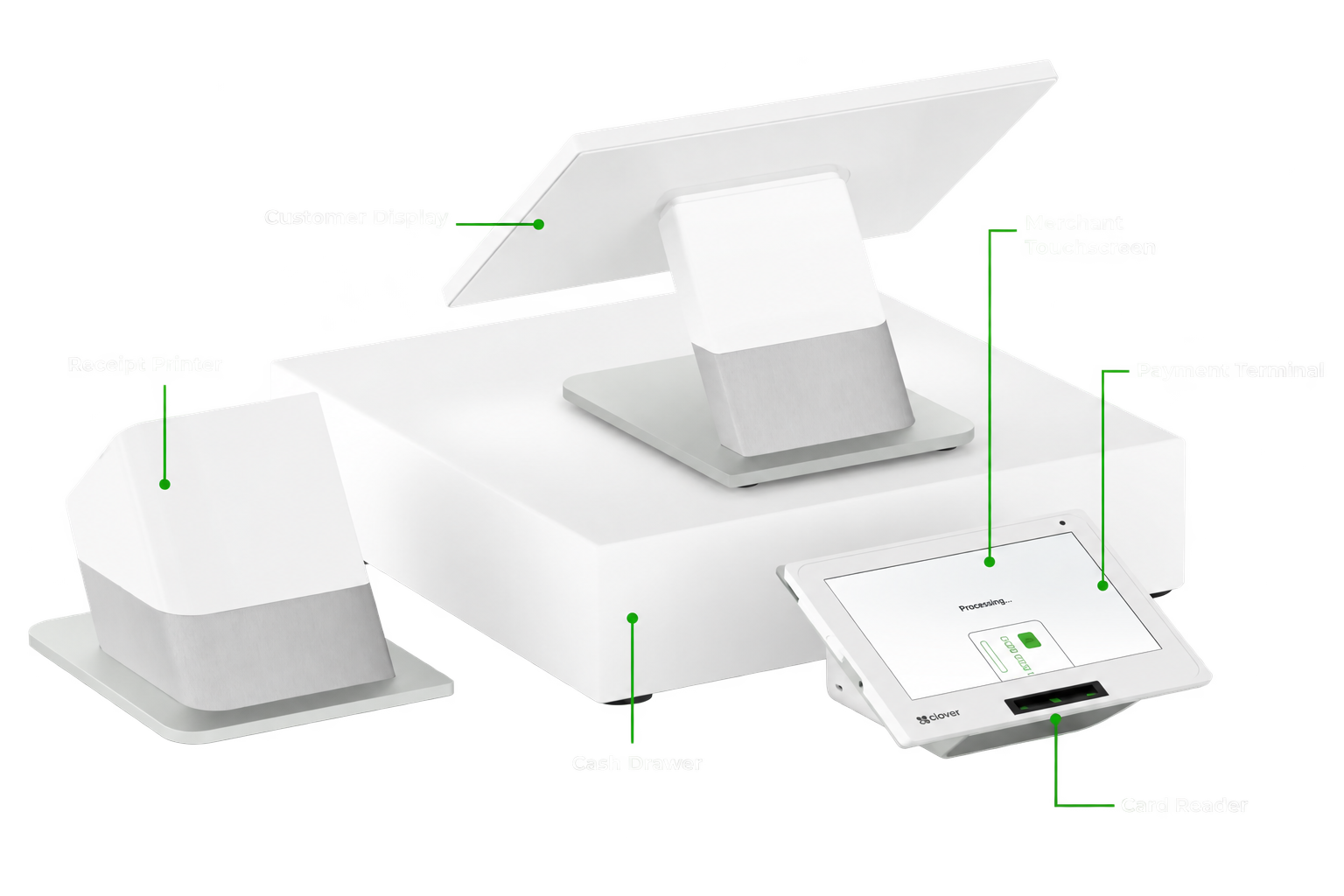
Clover Station Duo pairs a large merchant touchscreen with a dedicated customer-facing display, giving your team room to run the sale while customers review their order, tip, pay and choose their receipt options on their own screen.
Clover officially specifies a 14-inch merchant-facing HD touchscreen and an 8-inch customer-facing touchscreen.
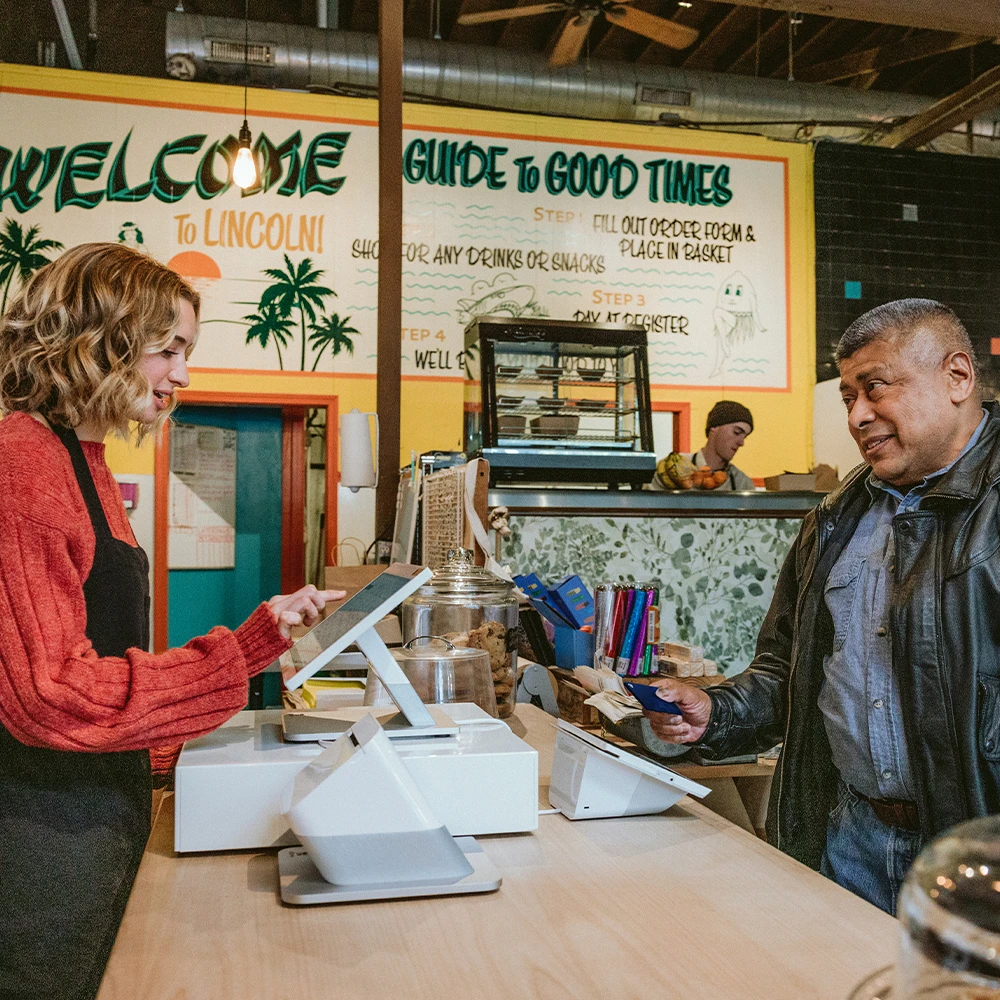
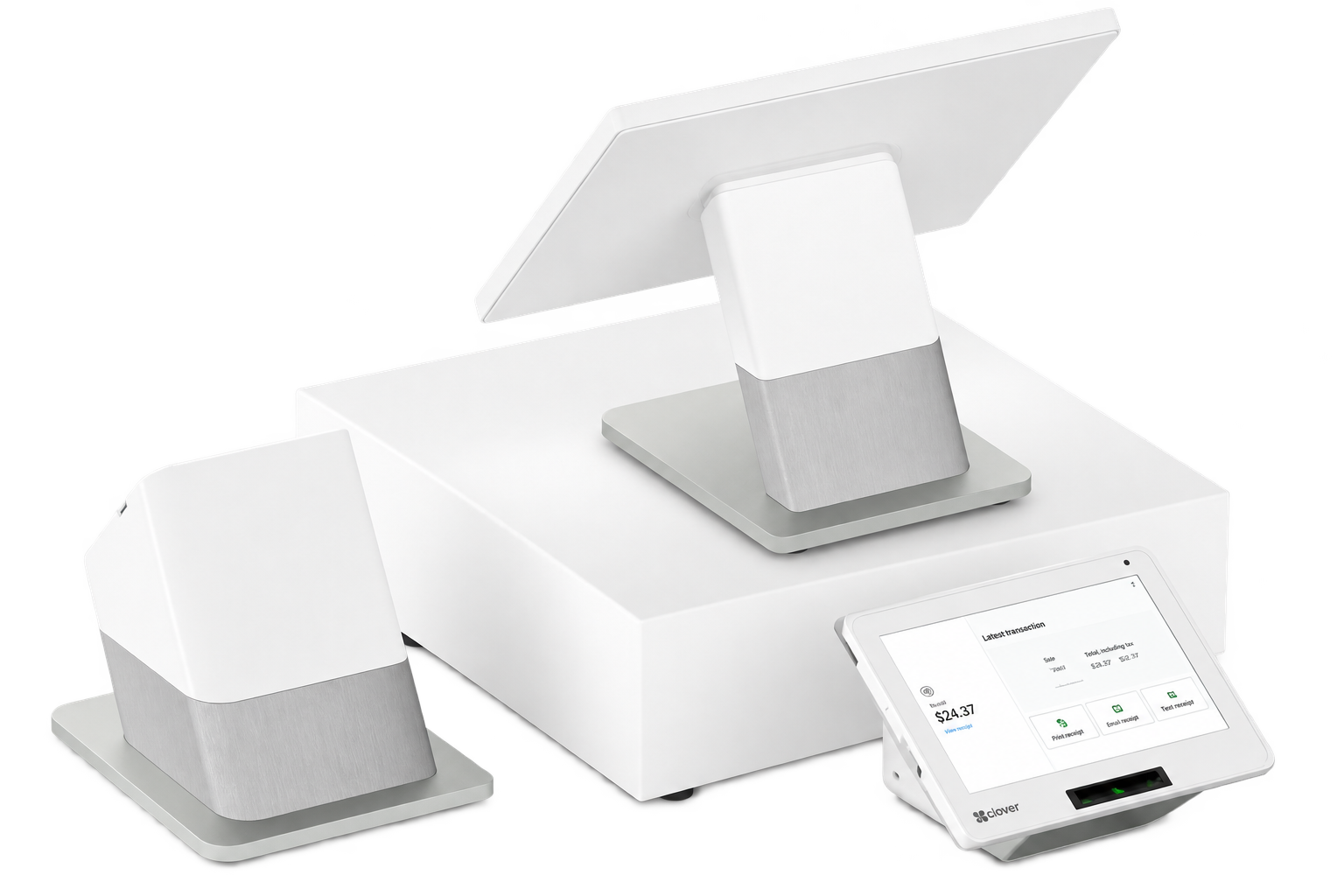
One Screen for Your Team. One for Your Customer.
The Station Duo separates the employee workflow from the customer payment experience. Your team works from the 14-inch merchant-facing touchscreen, while the customer uses the dedicated 8-inch touchscreen to interact with their own part of the transaction.
Keep Checkout Moving
Staff can continue working from the merchant screen while the customer completes their side of checkout.
Let Customers Confirm the Order
Customers can review transaction information directly on the customer-facing display.
Put Checkout in Their Hands
Customers can review the transaction, complete payment, enter a PIN when required, select receipt options and, when configured, respond to tip prompts directly on their own screen.
Reduce the Back-and-Forth
Payment, PIN entry and customer checkout interactions take place on the customer-facing side instead of requiring the merchant screen to be turned around.
Turn a Checkout Into a Reason to Come Back.
The Station Duo is more than a place to complete a payment. With the right Clover software and apps, businesses can use customer engagement, loyalty and promotional tools to build stronger relationships long after the sale is complete.
Know Your Customers
Build customer profiles and better understand who is coming back, what they purchase and how they interact with your business.
Reward Repeat Business
Create loyalty and rewards experiences designed to encourage customers to return — without adding another disconnected system at the counter.
Stay Connected Between Visits
Use supported customer engagement and promotional tools to reach customers with relevant offers and reasons to come back.
Customer engagement, loyalty and promotional features vary by Clover plan, configuration and installed applications.
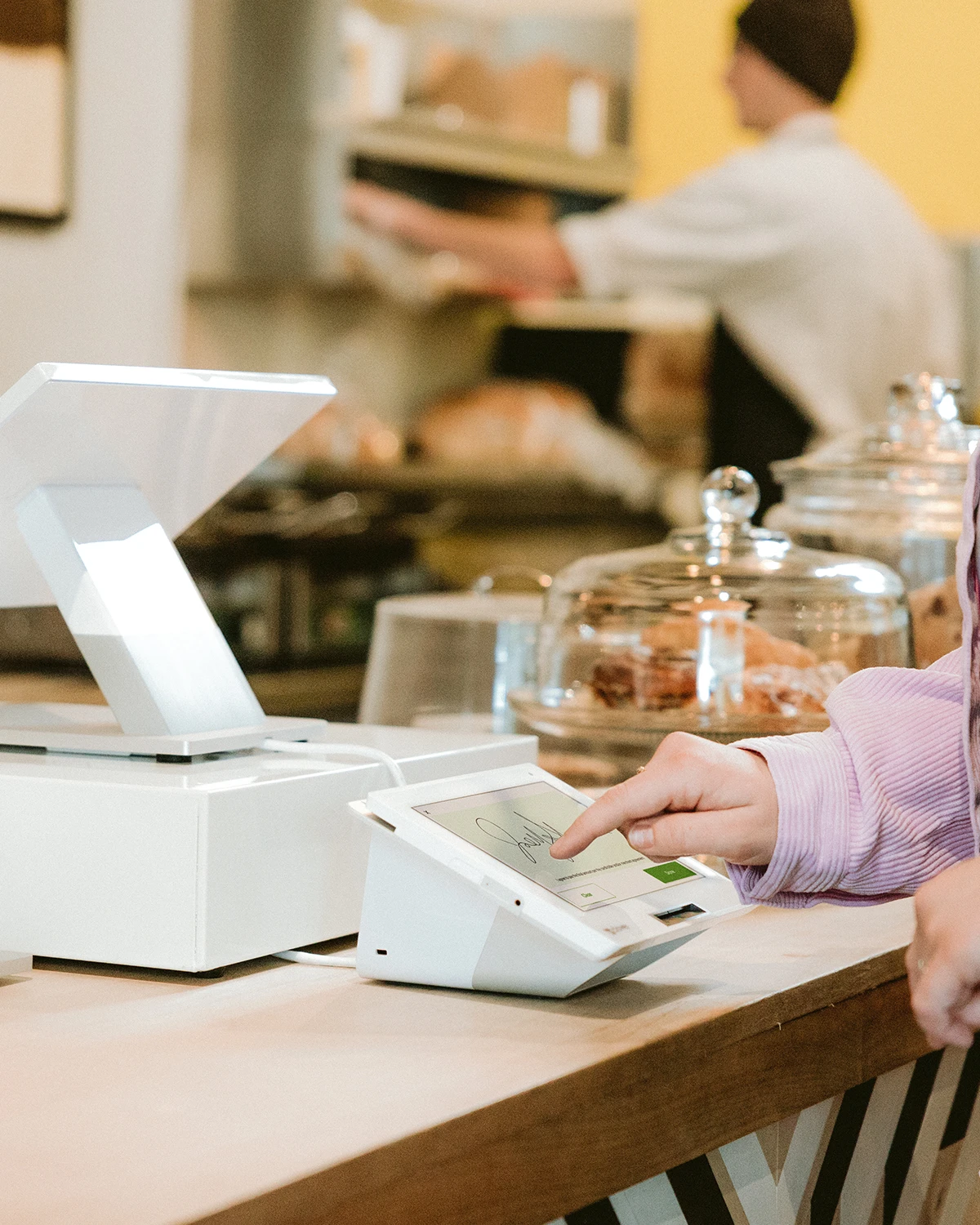
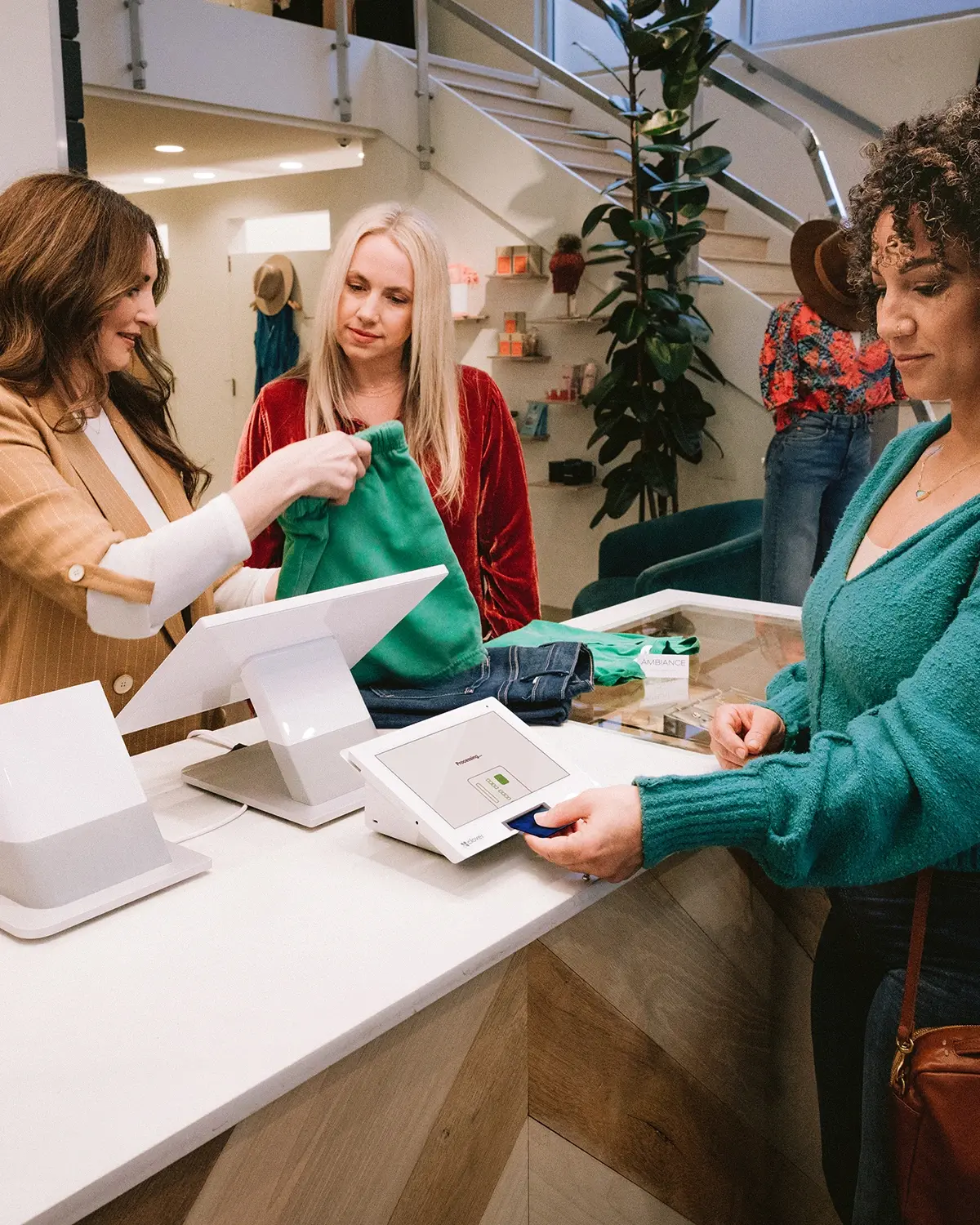
Designed for Busy Counters.
Large Merchant Workspace
The 14-inch merchant-facing touchscreen provides substantial room for ringing sales and working inside Clover applications.
Customer-Controlled Payment
The 8-inch customer display handles customer-facing payment interactions without requiring the employee to hand over or turn the merchant display.
Dedicated Receipt Printer
Station Duo includes a separate high-speed thermal receipt printer designed as part of the countertop setup.
Available software features depend on the selected Clover plan and business type.
One Duo. Different Ways to Use It.
The same hardware can be configured around very different operations.
Restaurant & Bar
Useful where customers pay at a counter, host stand, bar or other checkout location and can interact directly with the customer-facing payment display.
ExploreRetail
Give shoppers a dedicated screen for reviewing checkout, payment and customer-facing prompts while staff stay focused on the merchant display.
ExploreService Businesses
A strong front-desk setup for salons, spas, appointment-driven businesses and other service counters where checkout and tipping often happen face-to-face.
Explore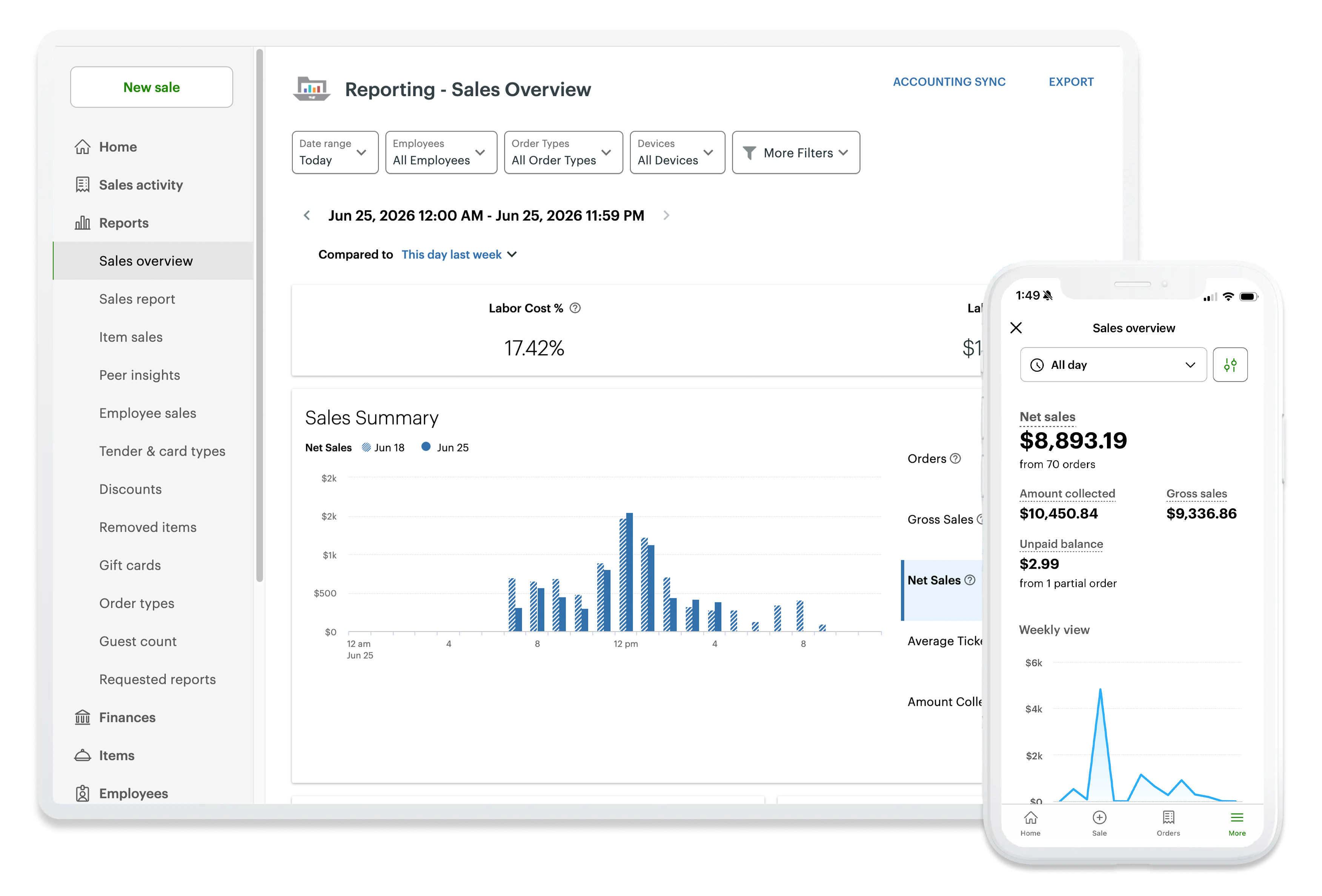
More Than a Checkout Screen.
The Duo hardware is the front end of the broader Clover platform. Depending on the merchant's Clover software plan and industry configuration, Clover can support tools for areas such as:
Available software features depend on the selected Clover plan and business type. Not every software feature is automatically included with the hardware.
Clover Station Duo Specifications
A closer look at the hardware behind the Station Duo.
Hardware, connectivity and feature availability may vary by configuration and service plan.
When Does Station Duo Make Sense?
Busy Checkout Counters
For businesses processing a steady stream of face-to-face transactions.
Businesses Where Tipping Matters
For businesses that want tip choices consistently presented directly to customers during checkout.
Customer-Facing Checkout
For merchants who want customers to review and interact with their own payment screen.
Growing Clover Environments
For merchants who may later add other Clover hardware and software around the core countertop system.
Not sure whether Duo, Solo, Mini or another Clover setup makes more sense?
Compare Clover DevicesFrequently Asked Questions.
See Whether Station Duo Fits Your Business.
Choose a time that works for you and we'll walk through the Clover setup with your actual business workflow in mind.
Schedule a Clover Consultation
The calendar is for merchants who are ready to choose a time to discuss their business, Clover configuration, processing, software needs, placement eligibility or next steps.