
Take Your POS Wherever Business Happens.
Clover Flex puts payments, order management and everyday POS tools into one portable handheld device. Serve customers at the table, on the sales floor, curbside, at an event or wherever the transaction needs to happen.
Full payment acceptance from a device that fits in your hand.
Hand customers a printed receipt on the spot, with digital options available.
Scan items and capture information without a separate scanner.
Stay connected to the POS whether you're at a counter or out in the field.

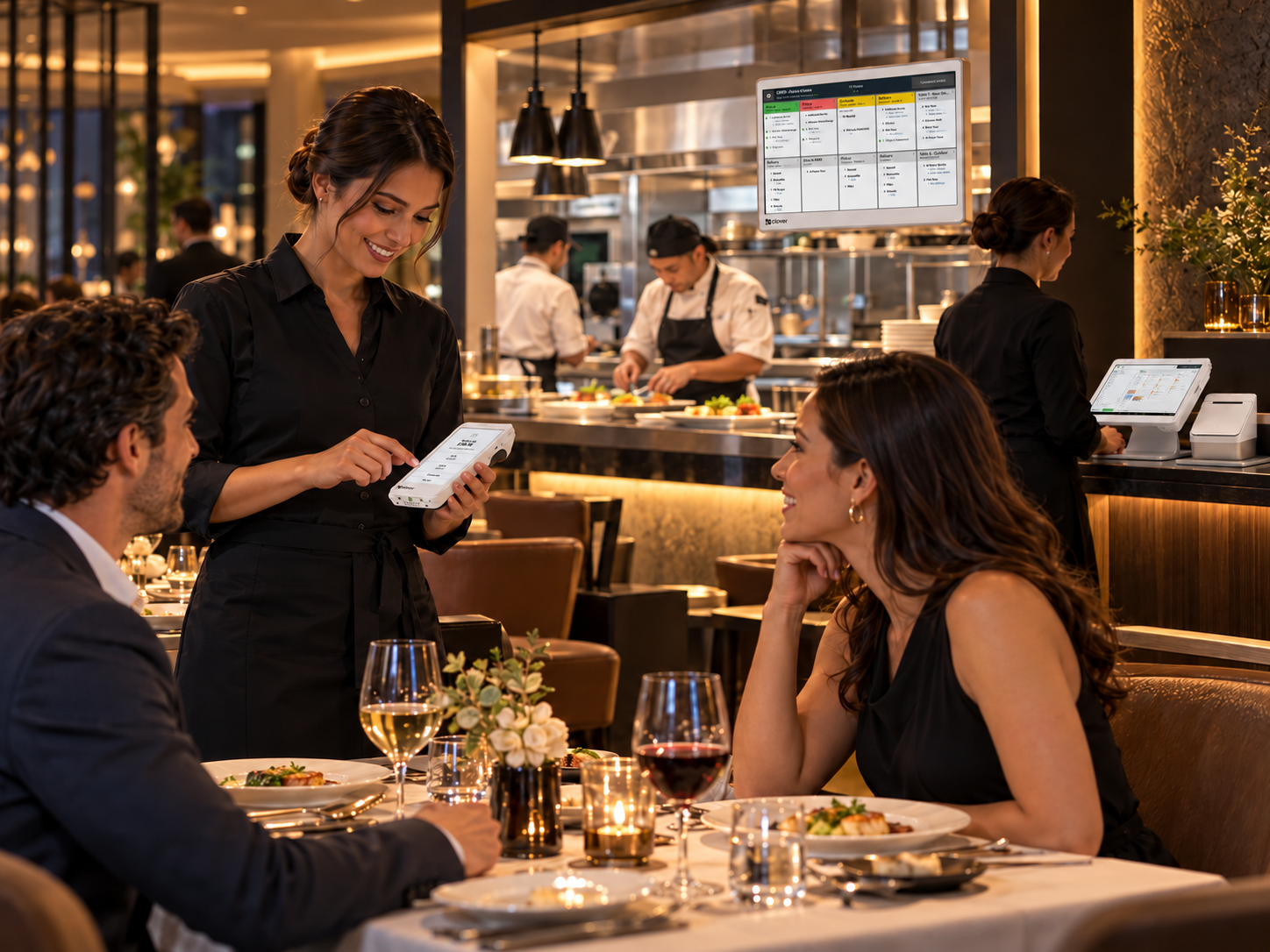
One POS. No Counter Required.
Clover Flex gives employees the ability to bring the point of sale directly to the customer instead of bringing every customer to a fixed register.
Serve Customers Where They Are
Take orders and payments tableside, on the retail floor, curbside, at pop-ups or in the field.
More Than a Payment Terminal
Flex runs Clover software, allowing businesses to do considerably more than simply accept a card payment.
Works Alone or as Part of a Larger Clover Setup
Use Flex as a portable POS or pair it with other Clover devices when your operation needs multiple checkout points.
Available software features depend on the selected Clover plan and business type.
Made for Businesses That Don't Stay Behind the Counter.
Restaurants & Bars
Tableside ordering and payments, line-busting, patio service and portable checkout.
Retail
Assist customers and complete transactions from the sales floor rather than sending every customer back to the register.
Food Trucks & Mobile Businesses
Run transactions where the business operates instead of depending on a permanent checkout counter.
Service Businesses
Take payment to the customer in salons, professional services, field-service environments and other appointment-driven businesses.
Events & Pop-Ups
Create a portable checkout point without bringing a full countertop station.
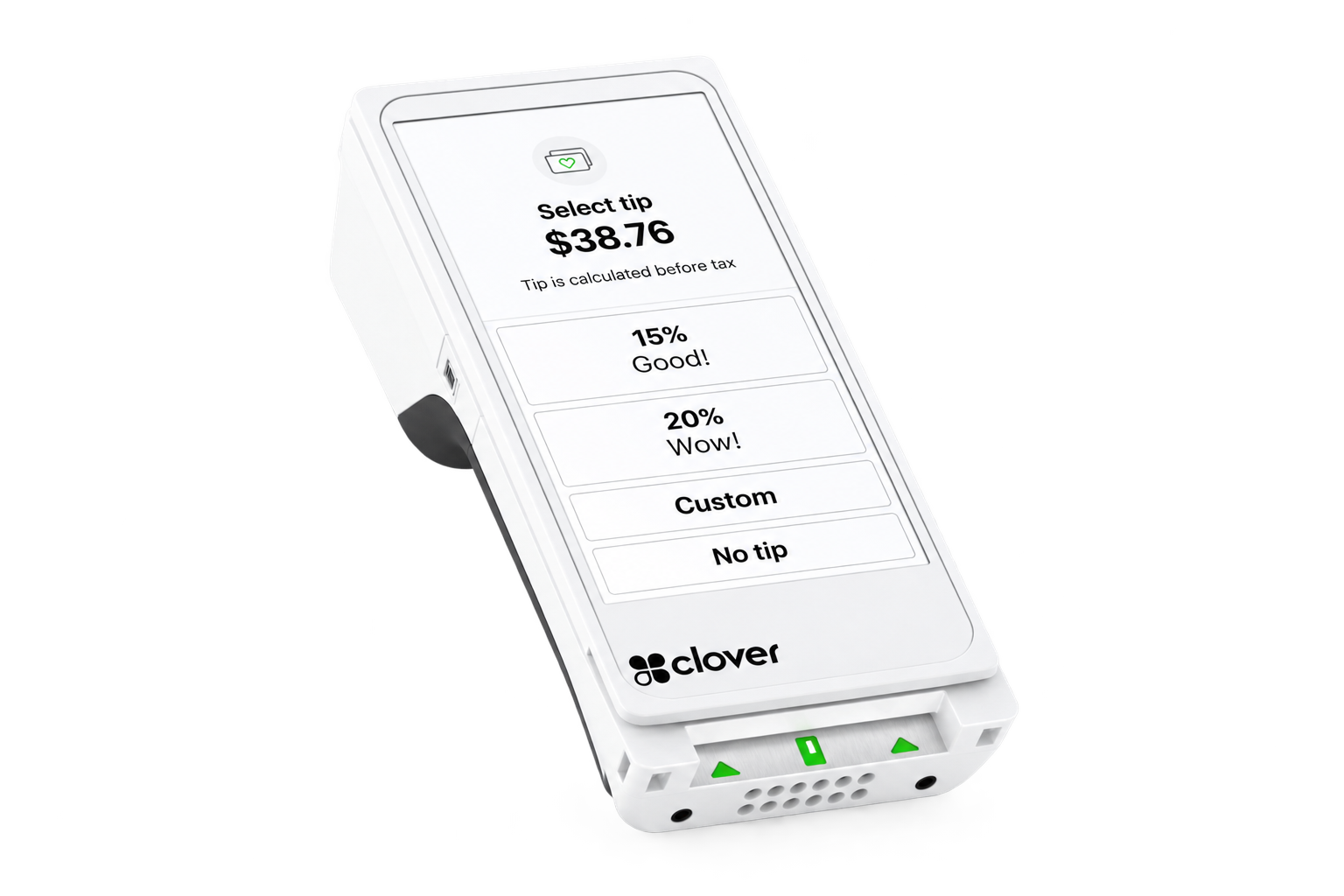
Portable Hardware Without Stripping Away POS Capability.
Display
Nearly 6-inch LCD color touchscreen.
Payments
Supports swipe, dip/chip, tap and contactless payments.
Receipt Printer
Built-in thermal receipt printer, with digital receipt options available.
Camera & Scanner
Built-in camera with 1D/2D barcode scanning capability.
Connectivity
Wi-Fi and LTE connectivity.
Battery
Designed for all-day mobility, with Clover specifying at least 8 hours of typical SMB use.
Security
Clover Security end-to-end encryption.
Bring Ordering and Checkout to the Table.
For restaurants, Flex can extend the POS beyond the fixed station. Employees can work directly with guests rather than repeatedly returning to the counter.
Tableside Service
Take orders and payments closer to the guest.
Faster Checkout
Reduce unnecessary trips between the table and a fixed terminal.
Additional Service Points
Flex can complement a larger Clover configuration during busy periods, patios, events or other areas where a fixed station is impractical.
With the appropriate Clover software configuration, Flex can support tableside ordering and payment workflows.


Take Checkout Beyond the Register.
A portable POS can be especially useful when the transaction doesn't naturally happen at a traditional checkout counter.
Line Busting
Open another checkout point during busy periods.
Customer-Side Service
Complete transactions where the customer is already being assisted.
Mobile & Appointment-Based Workflows
Create a more natural payment experience for businesses where staff move throughout the location or work away from a permanent register.
Stay Connected to the Business Behind the Transaction.
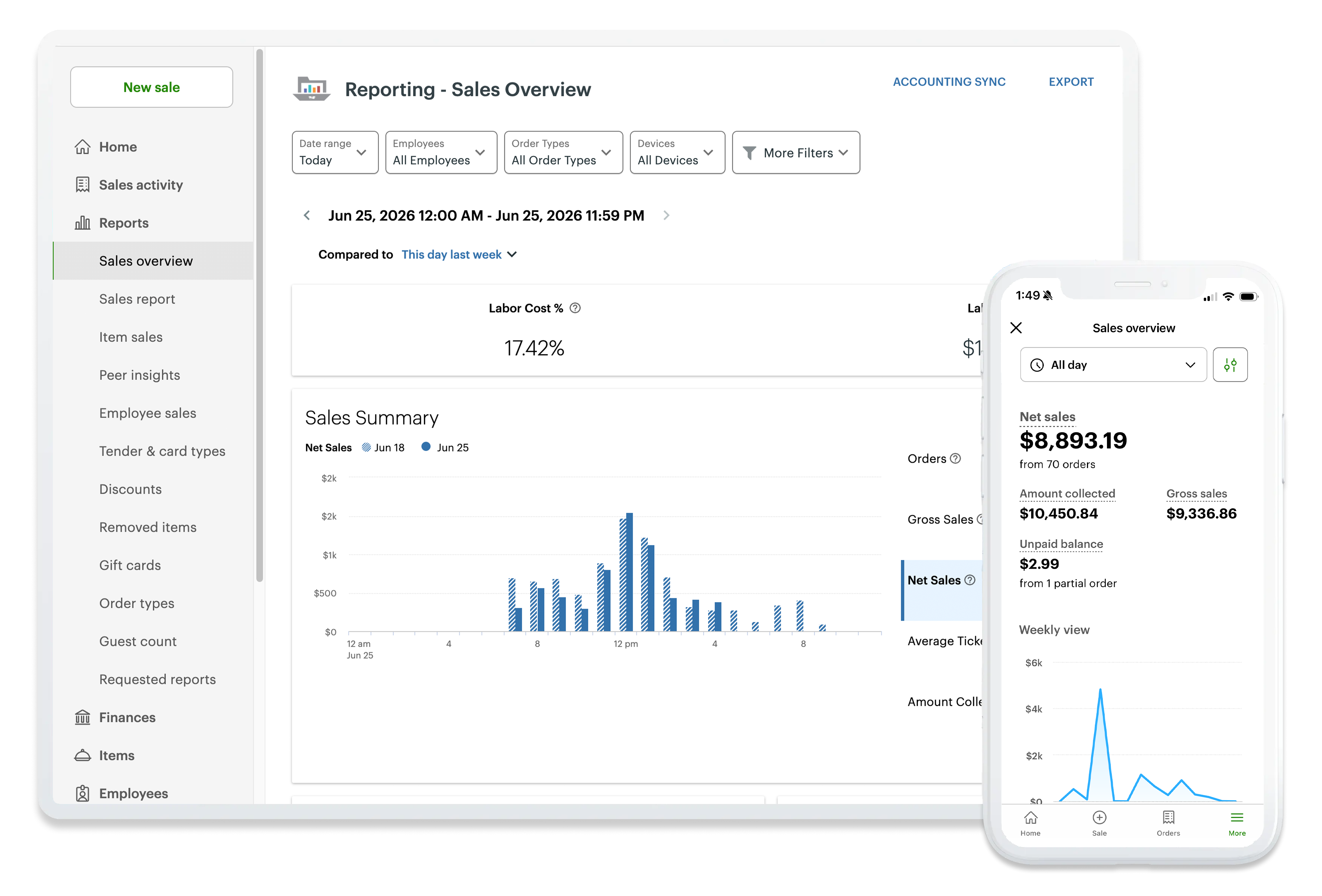
Clover is more than the physical device. Depending on the Clover software and apps configured for the business, merchants can use Clover's broader platform for areas such as reporting, inventory, employees and customer engagement.
Sales Visibility
Review business activity and reporting from Clover's management tools.
Inventory
Maintain product information and inventory workflows where applicable.
Employees
Use Clover's available employee-management tools and compatible apps.
Customer Engagement
Extend the system with Clover tools and apps designed around repeat business and customer relationships.
Available software features depend on the selected Clover plan and business type. Not every software feature is automatically included with the hardware.
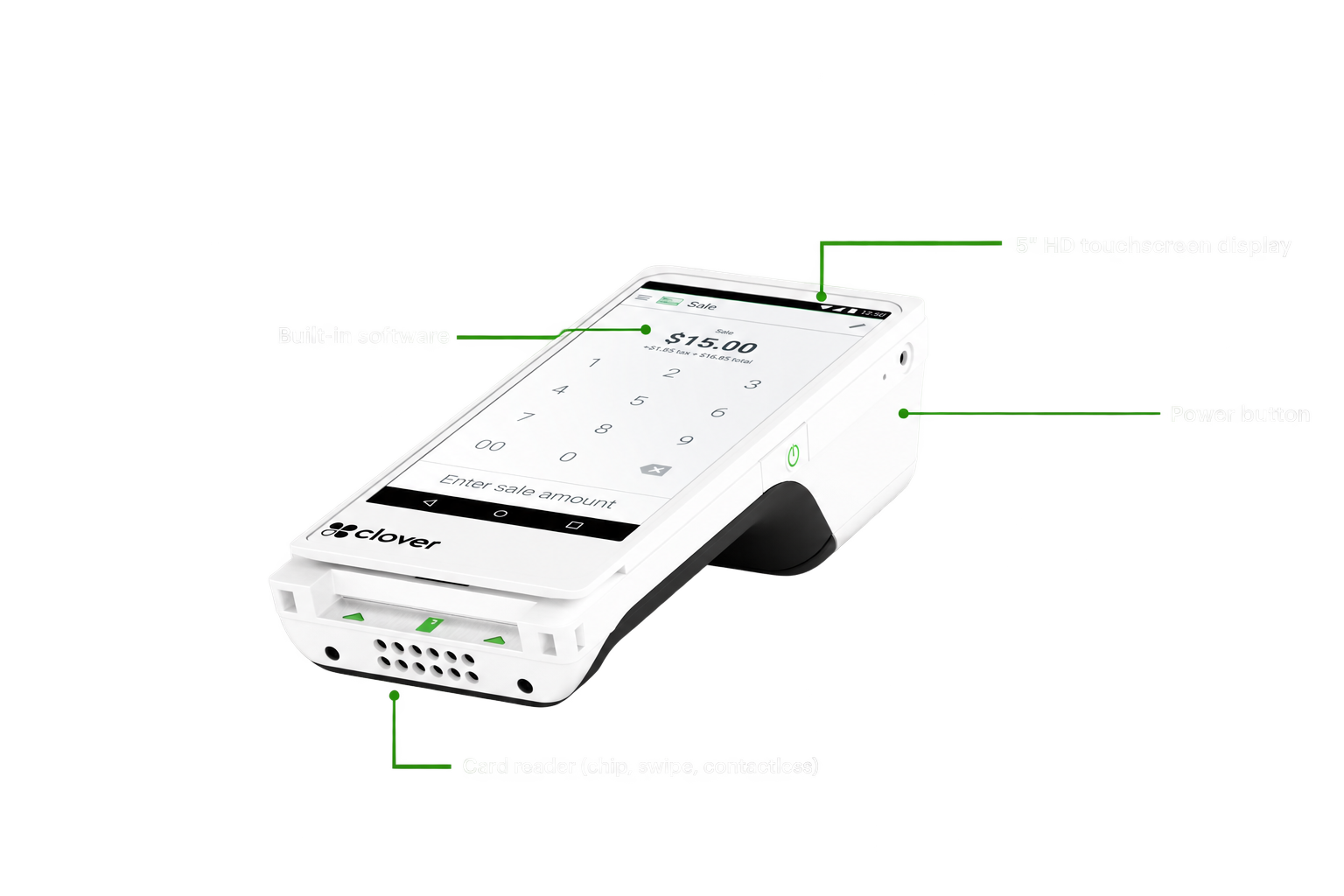
Clover Flex Specifications
A closer look at the hardware behind the Clover Flex.
Hardware, connectivity and feature availability may vary by configuration and service plan.
Could Your Business Qualify for Clover With $0 Upfront Hardware Cost?
Qualified businesses may be eligible for Clover hardware placement with no upfront equipment cost.
But don't choose a POS simply because the hardware is available. We'll first look at your business model, checkout flow, integrations, reporting requirements and operational needs. If Clover is a strong fit, we'll help configure the right setup. If another platform makes more sense for the way your business operates, we'll tell you that too.
The goal is the right system for your business — not simply selling you Clover.
Frequently Asked Questions
Schedule a Clover Consultation
The calendar is for merchants who are ready to choose a time to discuss their business, Clover configuration, processing, software needs, placement eligibility or next steps.
No pressure. No obligation. Just a conversation about your business.