
Take Payments Wherever Business Takes You.
Clover Go pairs a compact card reader with your smartphone or tablet, giving mobile businesses a simple way to accept payments without carrying a traditional countertop terminal. Use it for mobile service calls, events, markets, delivery, pop-ups, or anywhere a full register would be unnecessary.
Full card-present acceptance from a reader that fits in your pocket.
Run payments through the Clover Go app on the mobile device you already carry.
A lightweight reader built for businesses that meet customers away from a counter.
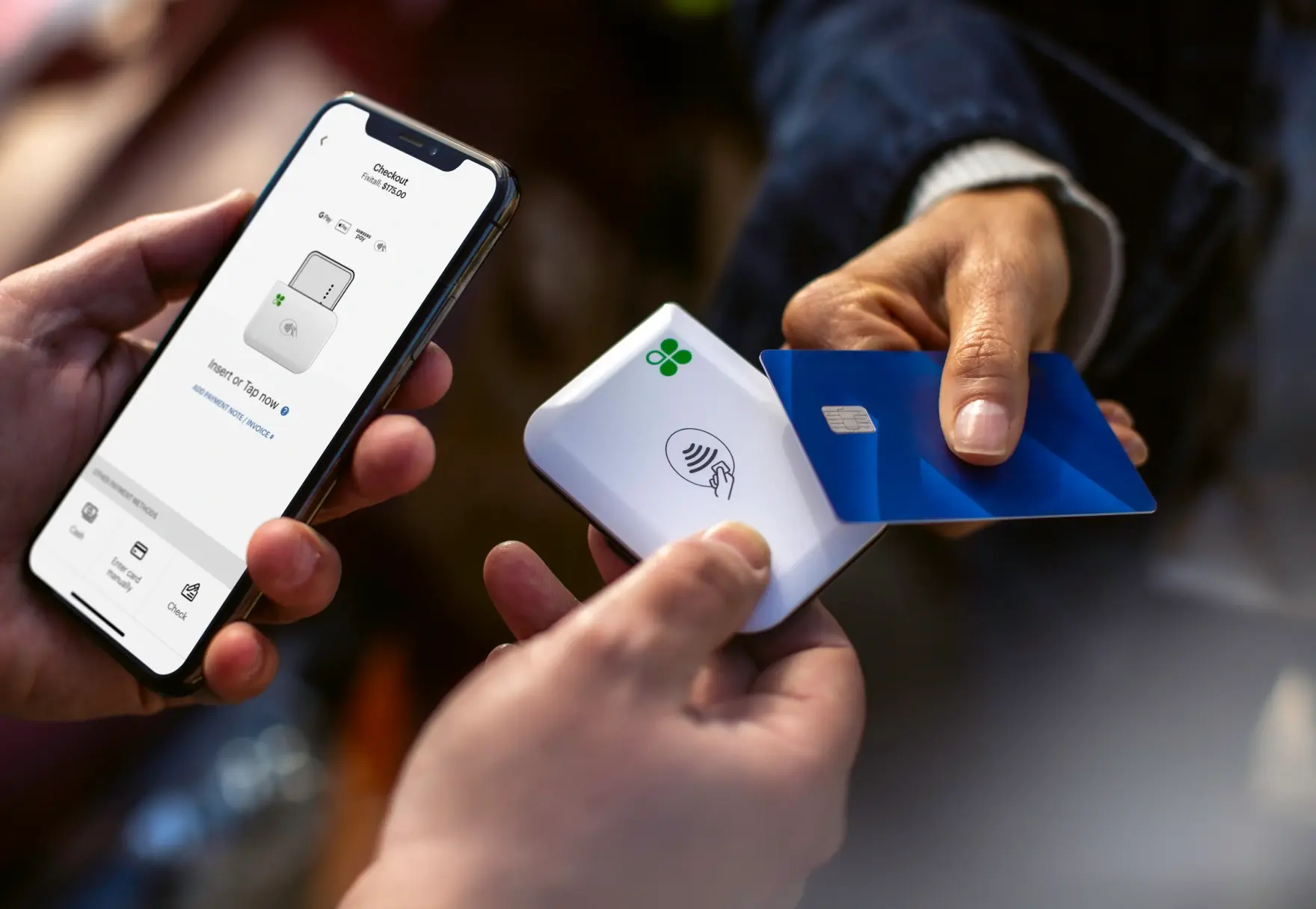
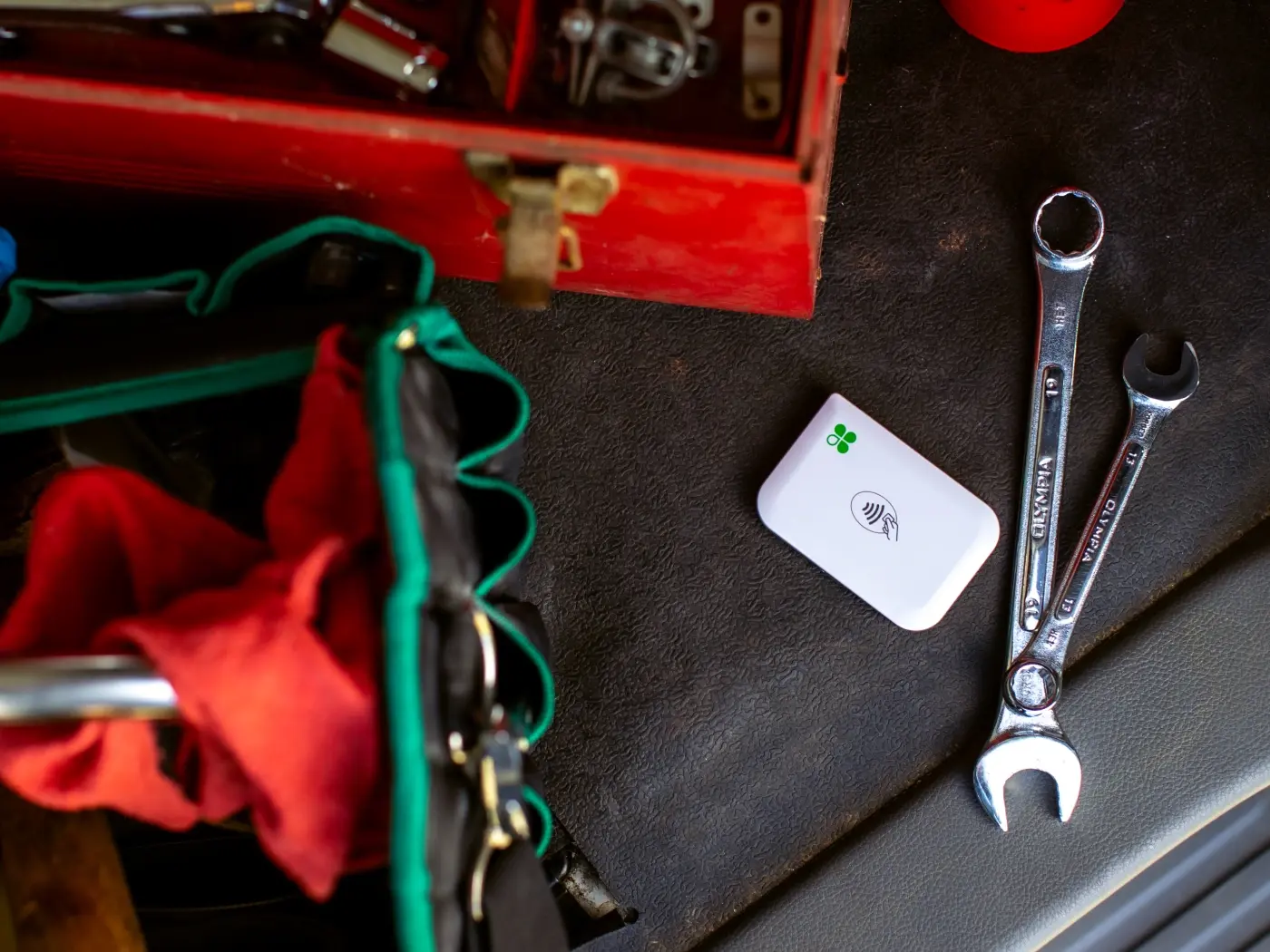
Payments Without the Counter.
Clover Go is designed for businesses that meet their customers wherever the work happens. Pair the reader with the Clover Go app and accept payments without needing a dedicated countertop POS station.
Easy to Get Started
Use the Clover Go app on a compatible phone or tablet and start accepting payments without building a traditional register setup.
Flexible Transactions
Create and manage transactions from your mobile device while keeping activity connected to your Clover account.
Accept the Ways Customers Pay
Support chip, swipe and contactless payments, including compatible mobile wallets.
Small Enough to Travel
The reader's compact size makes it practical for professionals who move between customers, jobsites or events.
Clover Go works best when the business needs secure payment acceptance without carrying a full POS terminal.
Contractors & Field Service
For professionals accepting payment at the customer's home, jobsite or business.
Food Trucks & Mobile Vendors
Accept payments at mobile locations without tying the business to a fixed checkout counter.
Events, Markets & Pop-Ups
Useful for trade shows, farmers markets, temporary retail setups and special events.
Fitness, Beauty & Personal Services
Accept payment where the appointment or service actually happens.
Delivery & Mobile Businesses
Turn a compatible phone or tablet into part of a portable payment setup.
If you need receipt printing, tableside ordering, more advanced POS functions or a dedicated handheld device, Clover Flex may be the better fit.
Keep the Business Connected While You're on the Move.
Configure Payments from Your Device
Manage transaction settings such as taxes, tips and discounts through the Clover environment.
Sync Activity with Clover
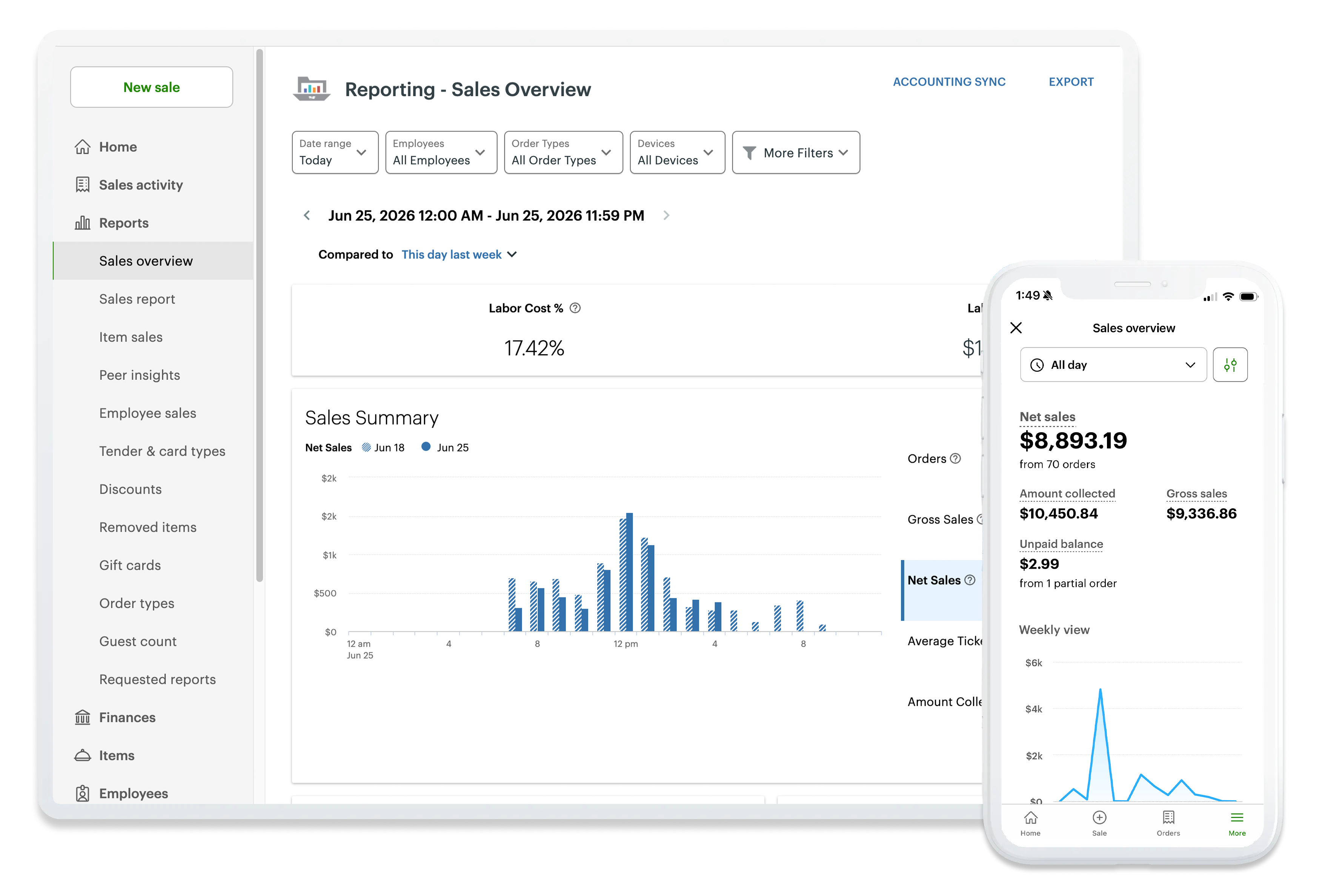
Transactions stay connected with your Clover account so activity can be reviewed beyond the mobile device.
Track Transactions in Real Time
Review sales and transaction activity without waiting until you return to a physical location.
Available software features depend on the selected Clover plan and business type.
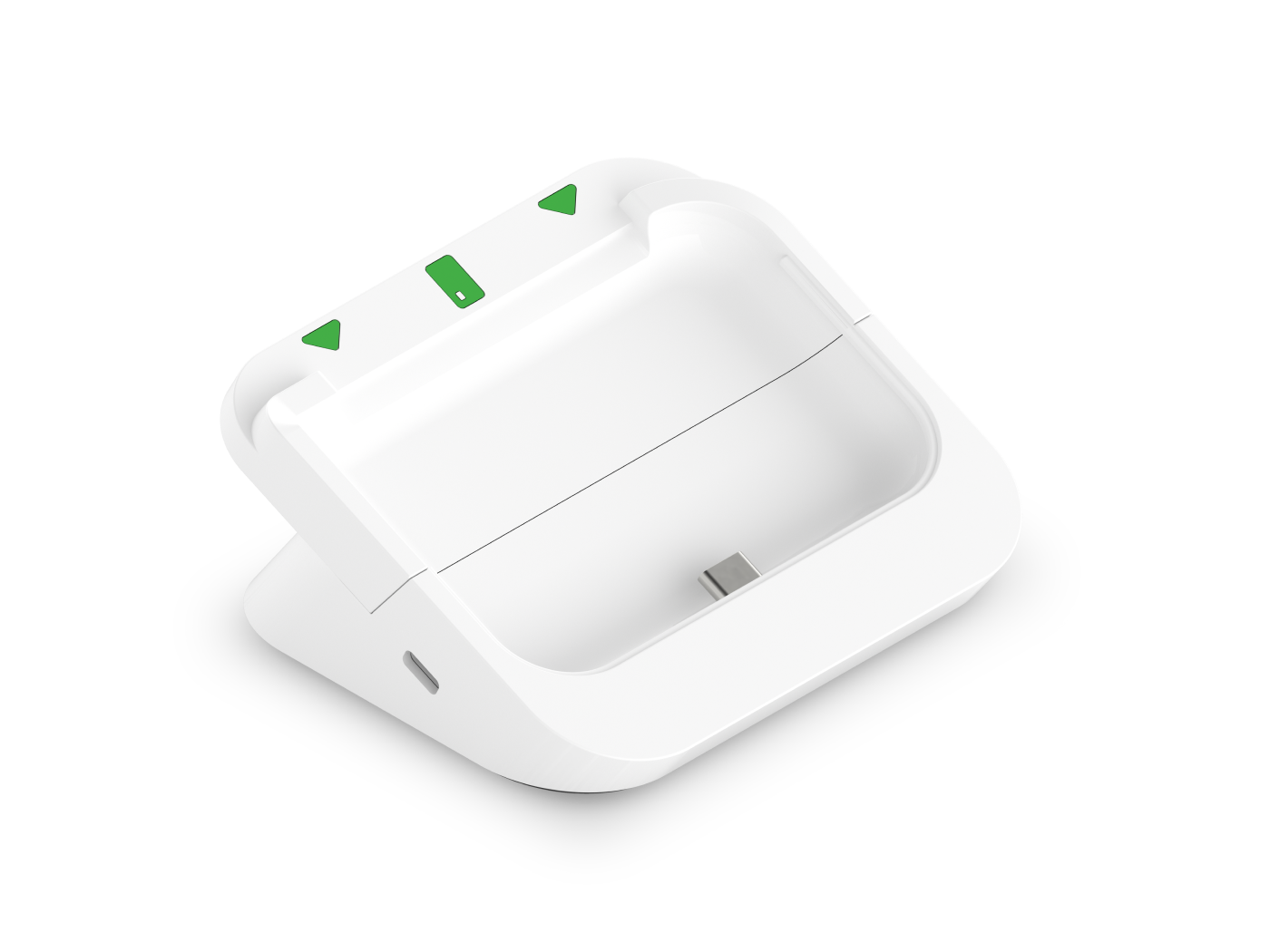
Mobile When You Need It. Countertop When You Don't.
For businesses that sometimes operate from a counter, the optional Clover Go Dock gives the reader a secure home while keeping the setup compact.
- Provides a stable countertop position for Clover Go
- Keeps the reader conveniently accessible
- Supports continuous charging while docked
- Useful for businesses that alternate between mobile and fixed checkout
- Can support security-conscious countertop installations
The Go Dock is an optional accessory — not a required part of the Clover Go setup.
Sometimes You May Not Need a Separate Reader at All.
Depending on device compatibility and the Clover setup being used, eligible businesses may also be able to accept contactless payments directly through a supported smartphone using Tap to Pay. The Clover Go reader adds support for additional card-present payment methods such as chip and swipe transactions.
Contactless Payments
Accept supported contactless cards and mobile wallets.
Secure Transactions
Clover's payment environment uses security and encryption designed for card-present transactions.
Choose the Setup That Fits
Use mobile payment acceptance alone or pair it with Clover hardware when the workflow requires more.
Not every phone, platform or merchant automatically qualifies for Tap to Pay. Compatibility depends on the device and the Clover configuration.
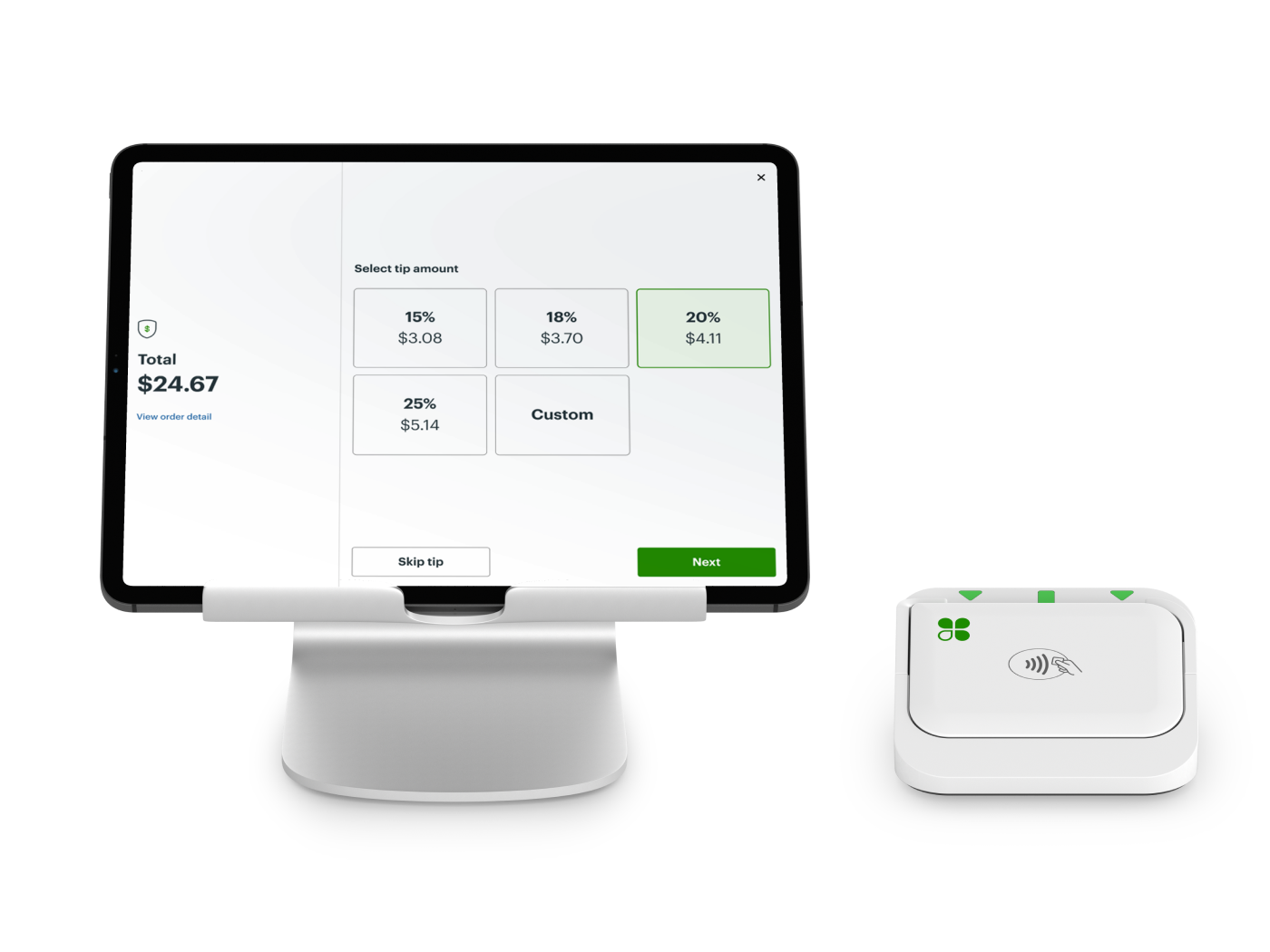
Clover Go at a Glance
A closer look at the hardware behind the Clover Go.
Hardware, connectivity and feature availability may vary by configuration and service plan.
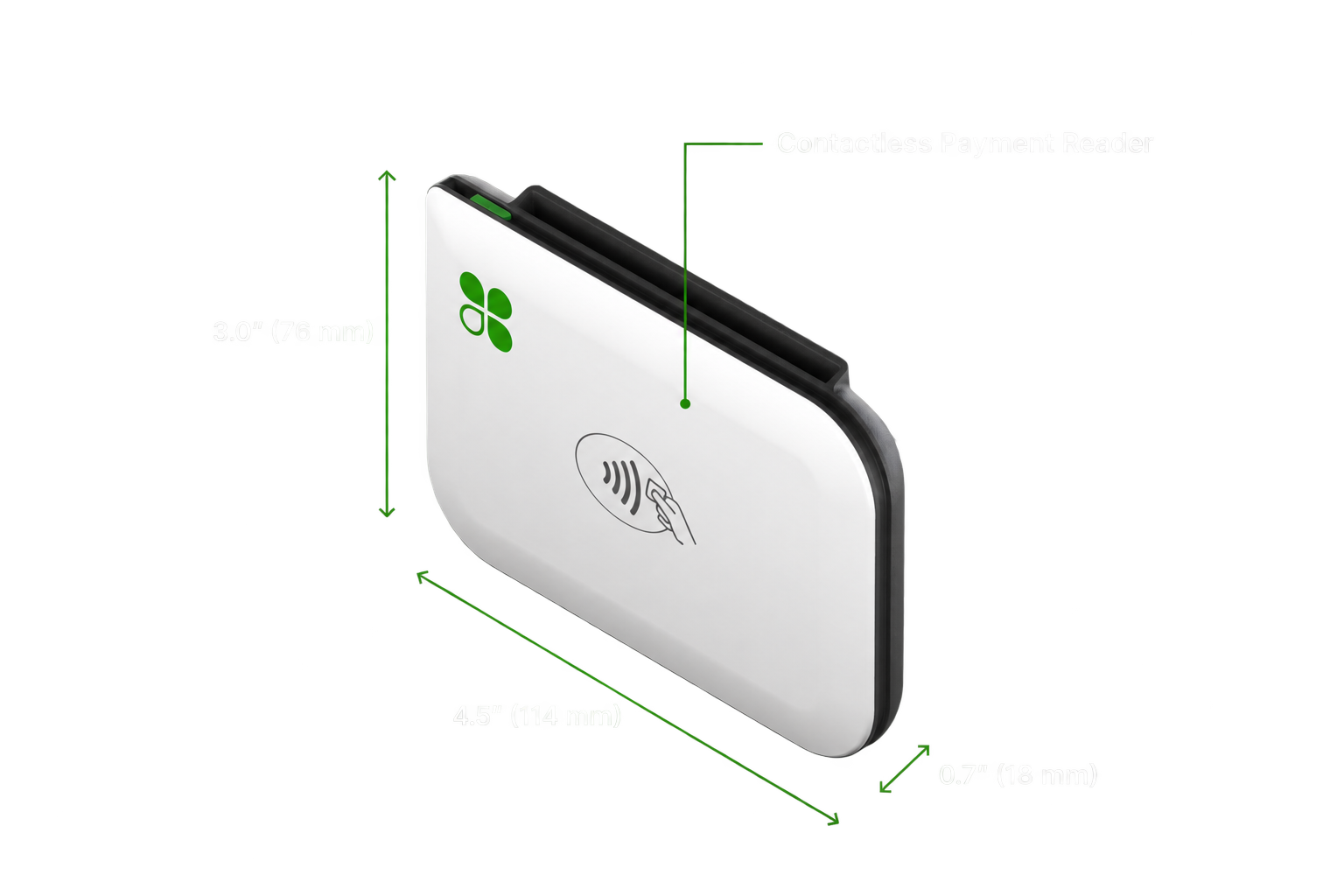
The Smallest Device Isn't Always the Best Fit.
Clover Go can be ideal when your main priority is accepting payments on the move. But businesses that need printed receipts, dedicated POS hardware, inventory workflows, tableside ordering or more advanced operations may be better served by Clover Flex, Mini, Station — or a different POS platform entirely. We'll look at how your business actually operates before recommending the technology.
Could Your Business Qualify for a Clover Placement?
Some qualifying businesses may be eligible for Clover hardware placement with little or no upfront equipment cost. Qualification depends on the business, processing volume, selected equipment and program requirements.
Rather than choosing hardware based only on the promotion, we'll first make sure the Clover setup itself makes sense for your operation.
Eligibility and program terms vary. No outcome is guaranteed.
Clover Go FAQs
Schedule a Clover Consultation
The calendar is for merchants who are ready to choose a time to discuss their business, Clover configuration, processing, software needs, placement eligibility or next steps.
No pressure. No obligation. Just a conversation about your business.