
A Powerful Countertop POS for the Heart of Your Business
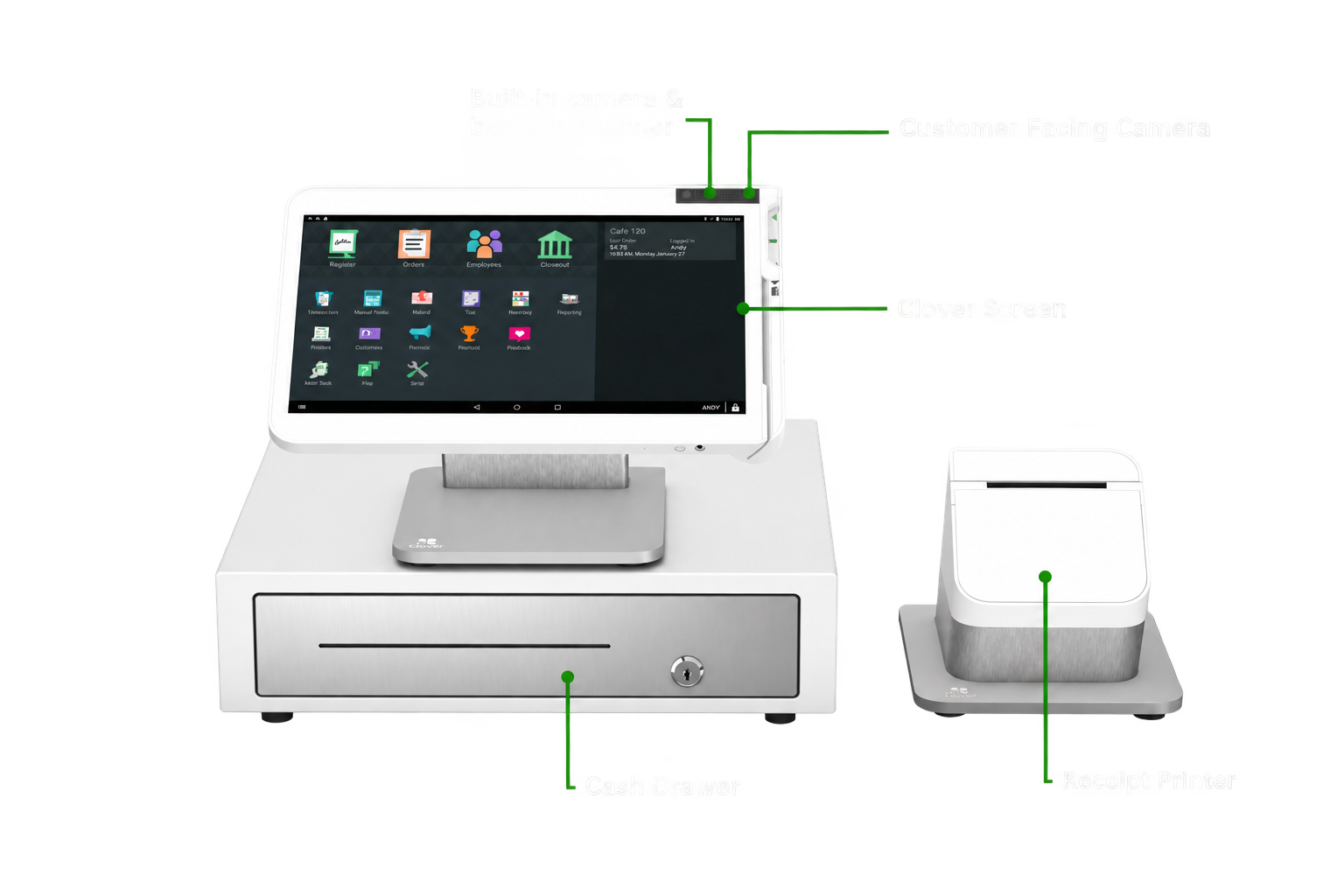
Clover Station Solo gives your team a large, dedicated workspace for payments and day-to-day operations. Its 14-inch HD touchscreen, included receipt printer and cash drawer create a complete fixed checkout station for businesses that want room to work and a system built for busy operations.
More room to manage sales, orders, employees, inventory and reporting.
Includes a matching cash drawer and high-speed thermal receipt printer.
Connect Solo with other compatible Clover devices and software as your business evolves.
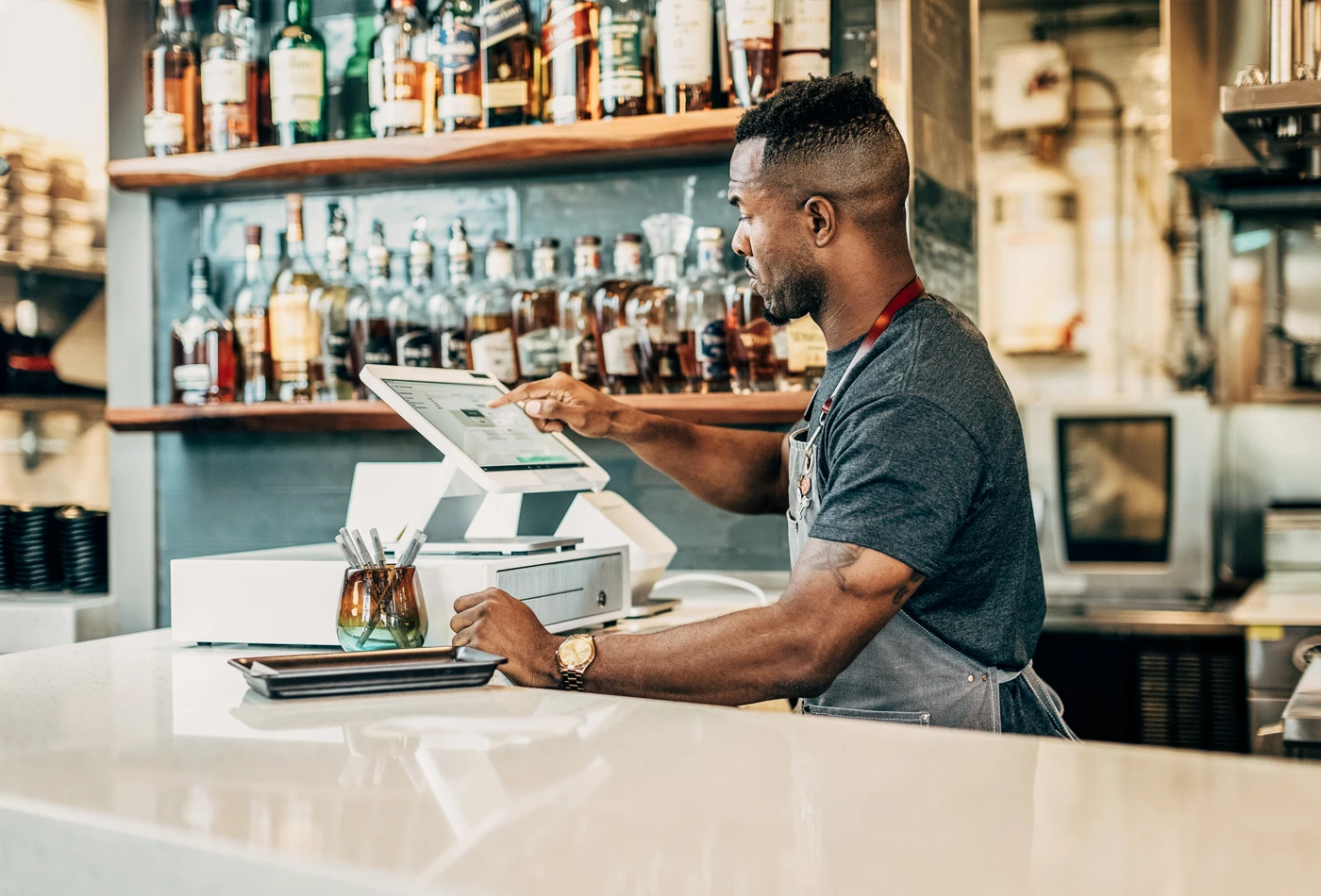
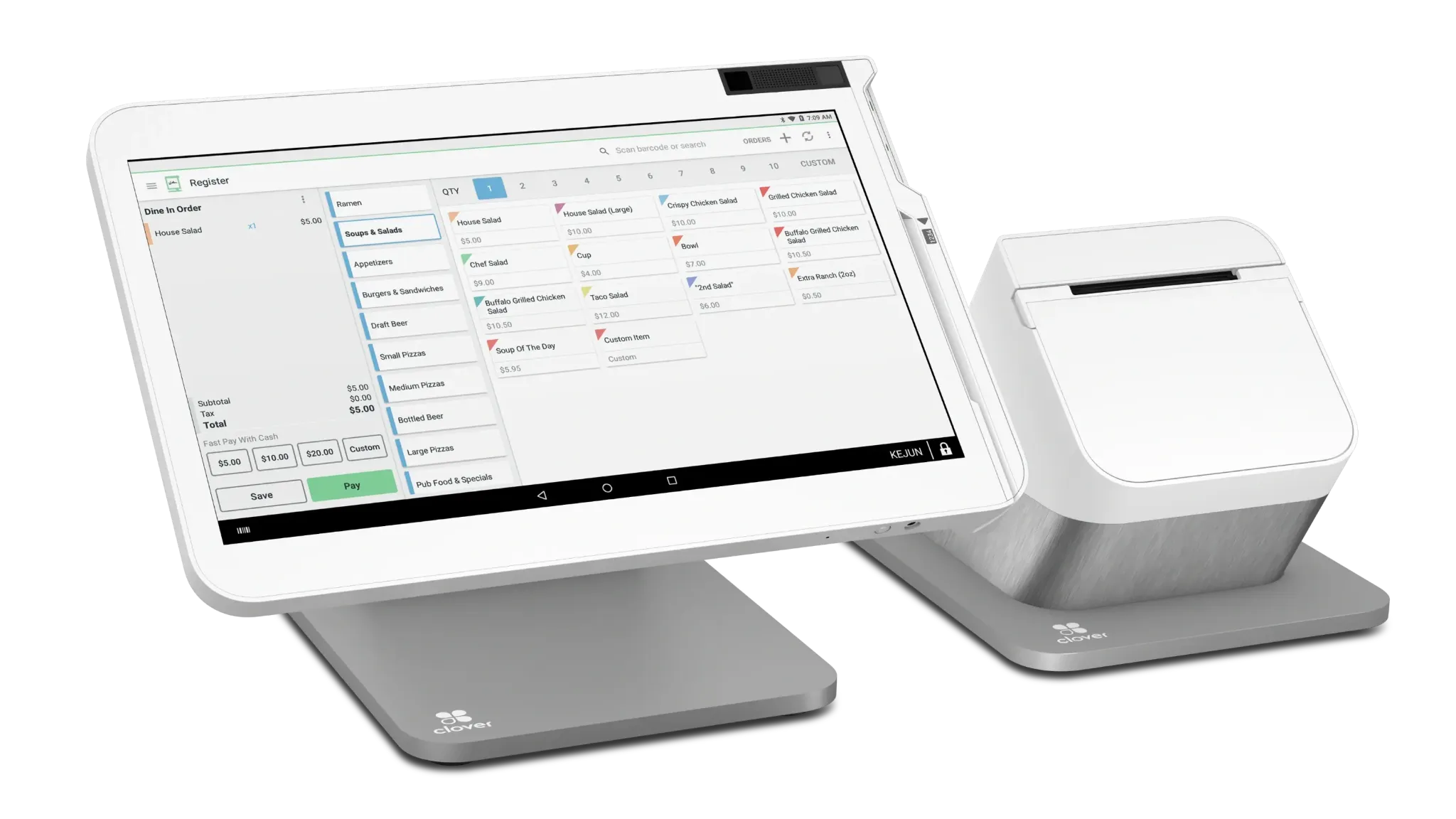
Everything Your Team Needs at the Counter
Station Solo is designed as a full-size merchant workstation. The tiltable 14-inch HD touchscreen gives staff space to navigate Clover applications and everyday business functions without working from a small payment-terminal display.
Room to Work
The 14-inch merchant display provides a large workspace for checkout and supported Clover business-management tools.
Ready for the Counter
A matching cash drawer and high-speed thermal receipt printer are included with the Station Solo configuration.
Scan When Needed
The Station includes a 5-megapixel camera with scanning software for supported barcode-scanning workflows.
A Strong Fit for Busy Fixed Checkout Areas
Station Solo makes the most sense when the register is the center of the operation and the employee is primarily controlling checkout from one location.
Full-Service Restaurants
Give front-of-house staff a large screen for supported order, payment and business-management workflows.
Retail Counters
Create a dedicated checkout position with room for sales, inventory and customer-management tools supported by the merchant's Clover plan and apps.
Service Businesses
Use a full-size front-desk workstation when appointments, payments and customer activity are handled from a central reception area.
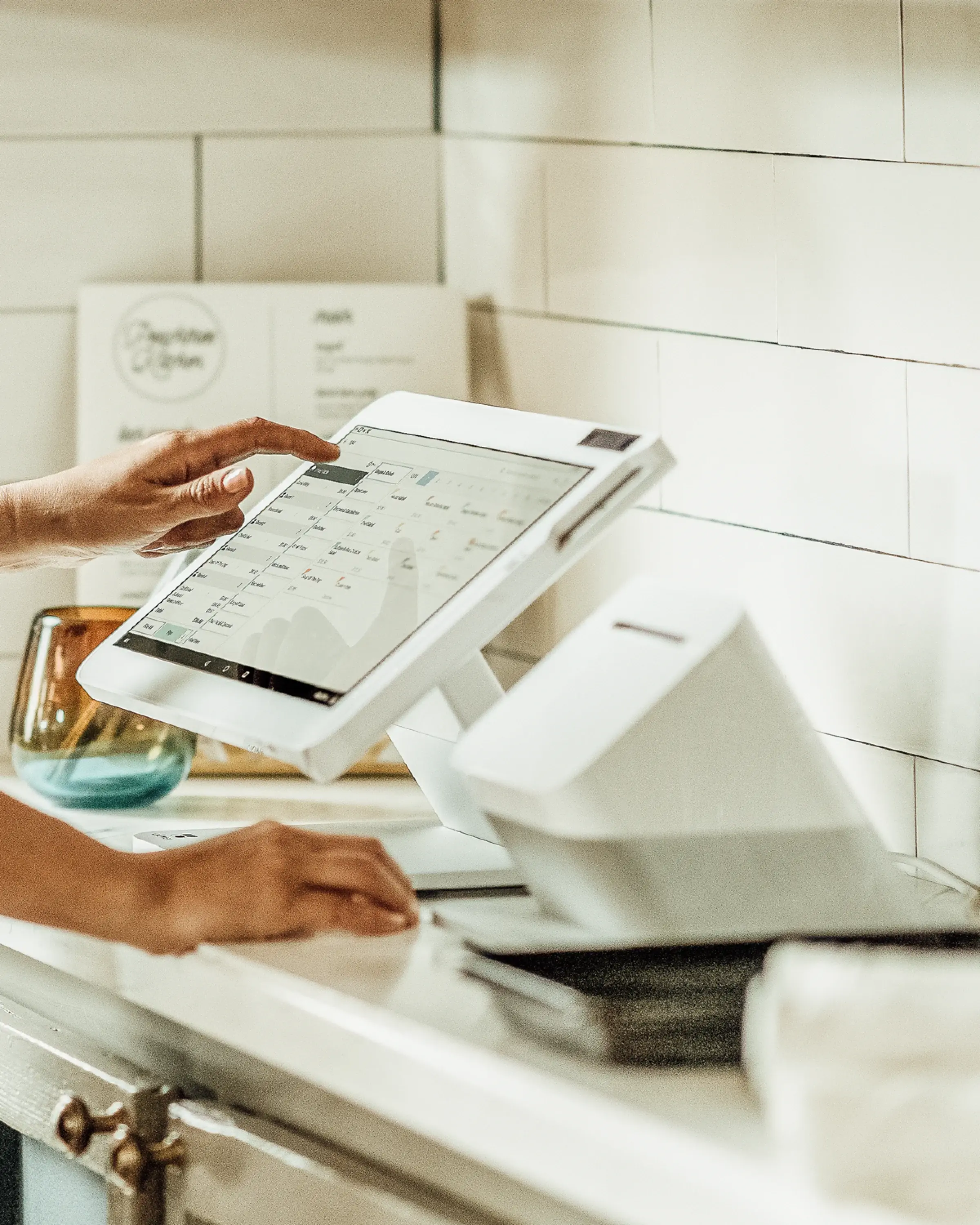
Your Business Doesn't Stop at the Register
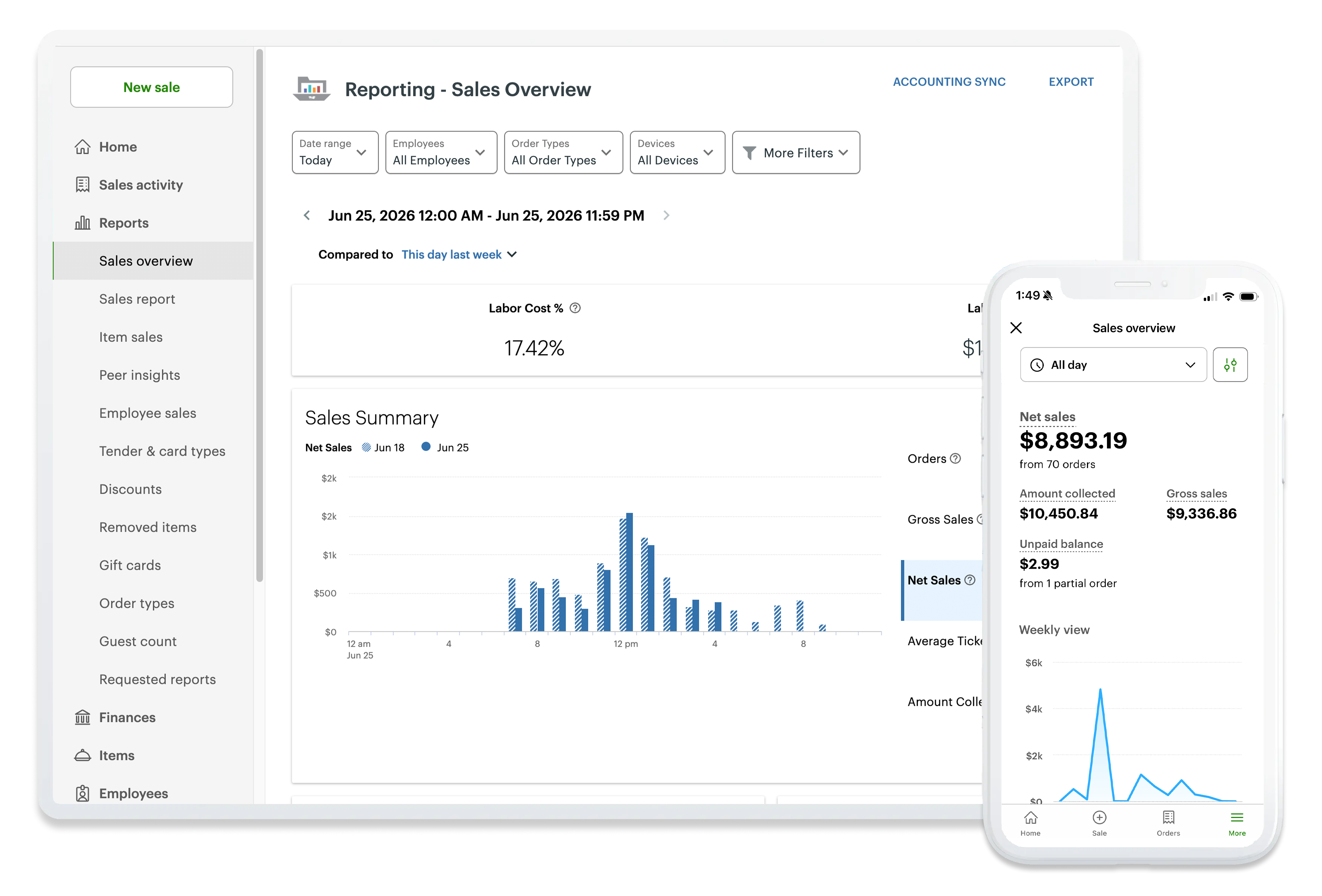
Clover can extend beyond the physical Station through its web-based business tools. Depending on the merchant's Clover plan and enabled applications, owners and managers can access supported reporting, payment and management functions away from the checkout counter.
Tracking & Reporting
Review sales activity and supported business reports from Clover's web tools.
Virtual Terminal
Accept supported card-not-present payments from a computer, tablet or phone without using the physical Station.
Employee Management
Use supported Clover and integrated tools for employee access, schedules, hours and permissions.
Customer Engagement
Use available Clover tools for features such as rewards, promotions, feedback and gift cards.
Feature availability varies by Clover service plan, application and merchant configuration.
Start with Solo. Add What Your Workflow Needs.
Station Solo can serve as the main fixed workstation while compatible Clover devices and applications extend the system into other parts of the business.
Add Mobility
Pair the operation with compatible Clover handheld devices when employees need to take supported workflows away from the main counter.
Extend Your Software
Choose Clover applications and supported integrations based on the way the business actually operates.
Keep One Connected Ecosystem
Clover hardware and supported software can work together so a merchant is not limited to a single device at a single counter.
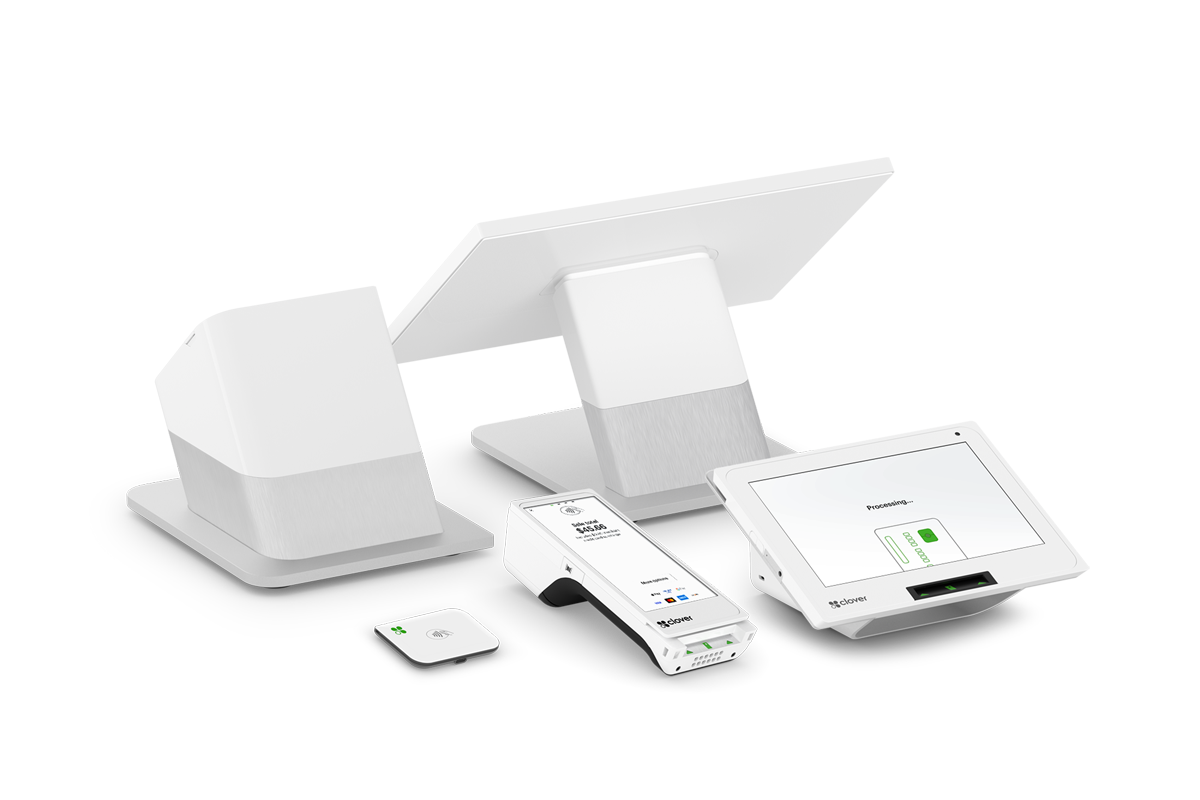
Clover Station Solo Specifications
A closer look at the hardware behind the Station Solo.
Hardware, connectivity and feature availability may vary by configuration and service plan.
Station Solo Makes Sense When...
You Have a Dedicated Checkout
Your primary transactions happen from a fixed counter or register position.
Your Team Wants More Screen Space
Employees benefit from a large merchant-facing display rather than a compact terminal.
You Need a Complete Countertop Setup
A receipt printer and cash drawer are part of the day-to-day workflow.
You Want Room to Expand
The business may later add compatible Clover hardware, applications or integrations.
Not sure whether Solo, Duo, Mini or another Clover setup makes more sense?
Compare Clover DevicesClover Station Solo FAQs
Not Sure Which Clover Setup Fits Your Business?
You don't have to choose the hardware by yourself. We'll look at how your business takes orders, serves customers, accepts payments and manages day-to-day operations, then help you determine which Clover configuration makes the most sense.
Schedule a Clover Consultation
The calendar is for merchants who are ready to choose a time to discuss their business, Clover configuration, processing, software needs, placement eligibility or next steps.