

One Platform. Built Around the Way You Do Business.
Clover combines payments, point of sale, business software and an extensive application ecosystem in a platform that can be configured around very different types of businesses — from restaurants and retailers to appointment-driven and professional service operations.
Start with your business. Then build the Clover setup around it.
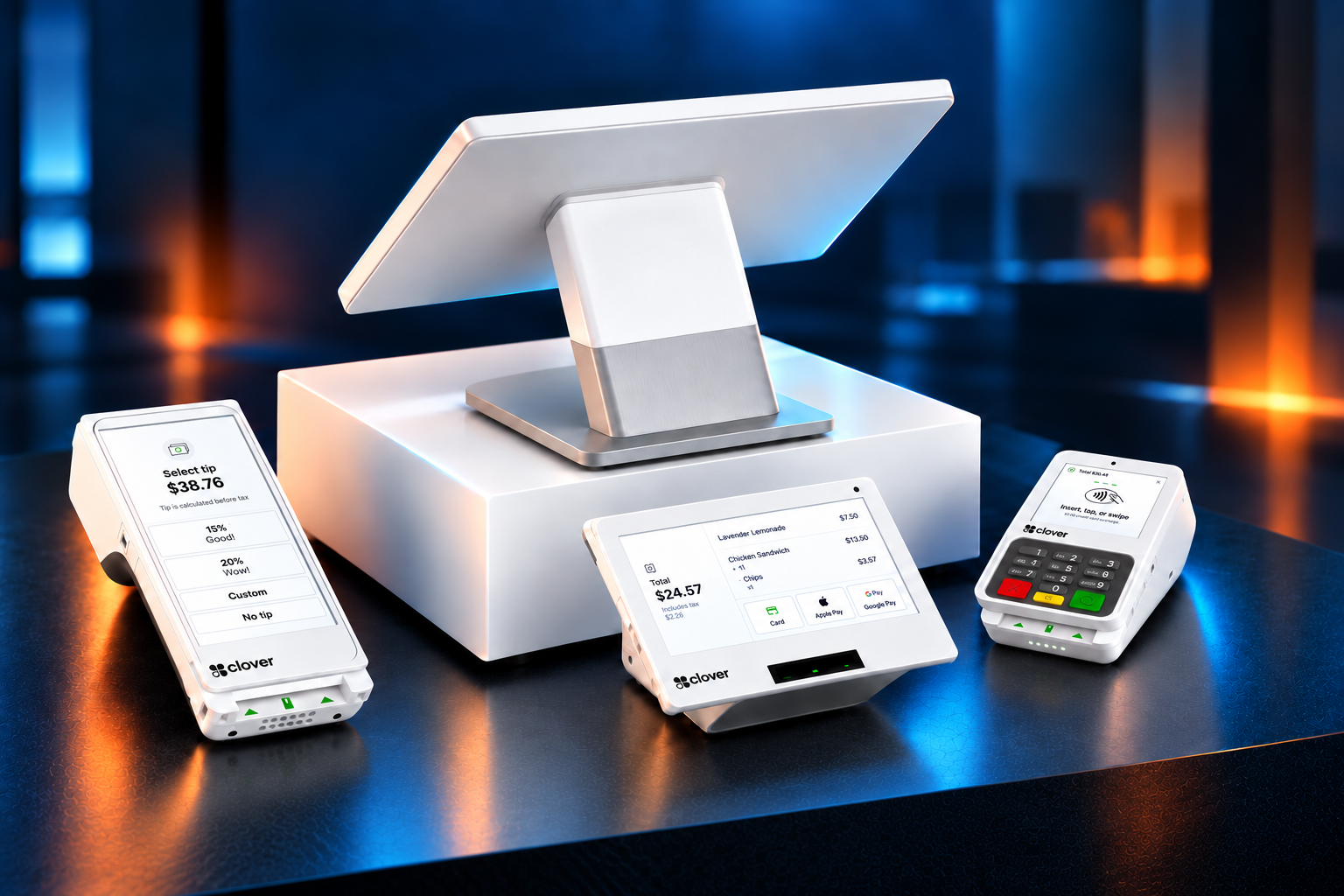
Clover Isn’t One Setup for Every Business.
A full-service restaurant, boutique, contractor and appointment-driven business do not operate the same way. Clover can combine different hardware, software, payment tools and business applications based on what the operation actually needs.
PPT Southeast starts with the workflow first — then helps determine which Clover configuration makes sense.
Choose the Right Workflow
Start with how the business sells, serves and operates.
Configure the Technology
Match hardware, software and applications to the workflow.
Structure the Payments
Evaluate the payment setup after the technology fit is established.
What Kind of Business Do You Run?
Choose the category closest to your operation. We’ll narrow the Clover options from there.
Restaurant & Bar
Ordering, service, kitchen and guest experience
Retail
Inventory, checkout, customers and omnichannel selling
Services
Appointments, projects, invoices and client management
Healthcare
Patient payments and practice-management connectivity
Not sure where you fit? That’s exactly what the consultation is for.
Explore the Clover Device Lineup.
From full countertop stations to compact and mobile payment devices, build the Clover hardware mix around the way your business actually operates.
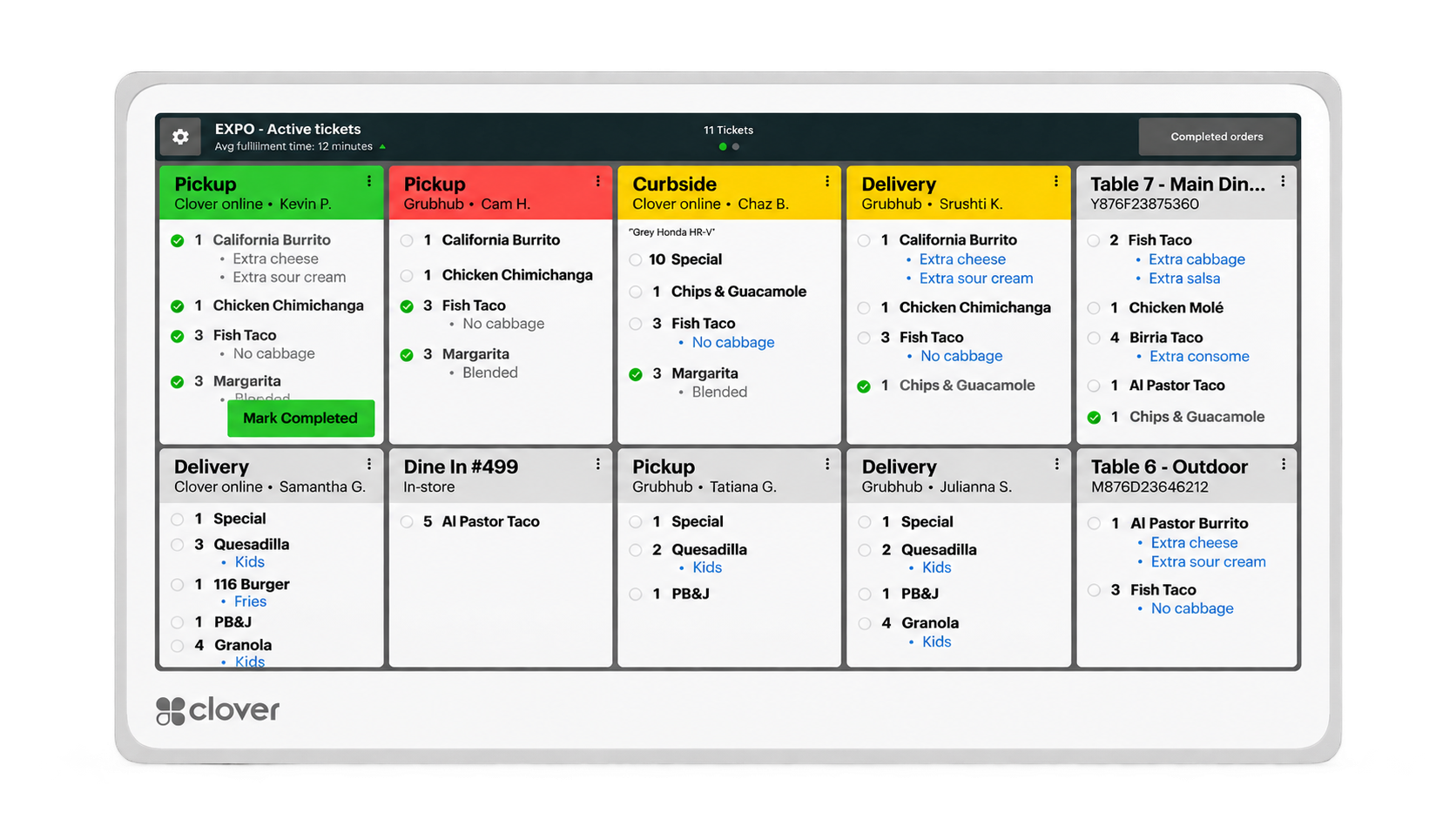
Clover Kitchen Display System
A digital kitchen display that replaces paper tickets for compatible Clover restaurant setups.
Learn More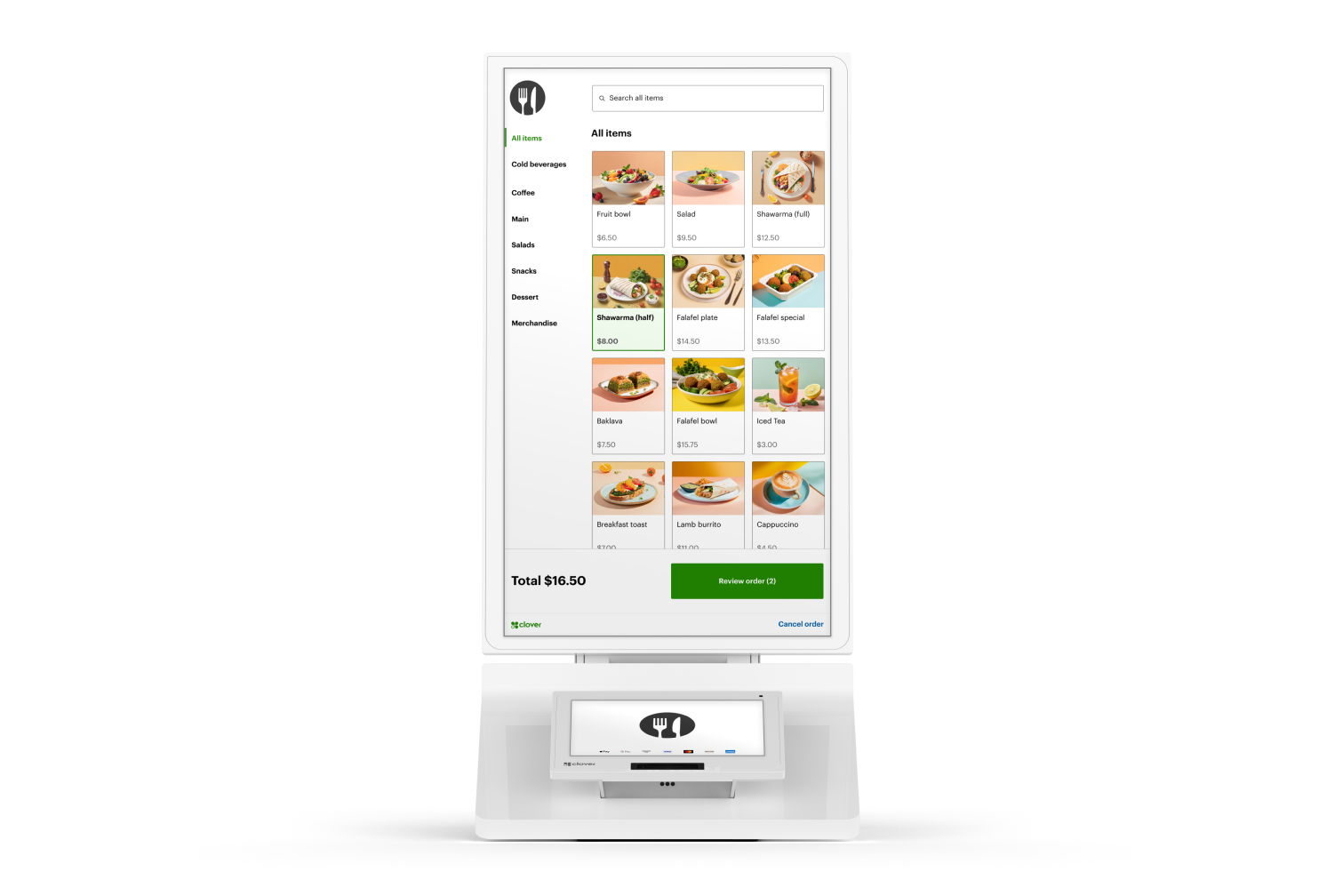
Clover Kiosk
A self-ordering restaurant kiosk connected to your Clover POS and kitchen workflow.
Learn MoreWhich Clover Device Is Right for Your Business?
Compare Clover devices at a glance to find the best fit for your business size, workflow, checkout style, and customer experience.
| Device | Best For | Form Factor | Built-In Printer | Display |
|---|---|---|---|---|
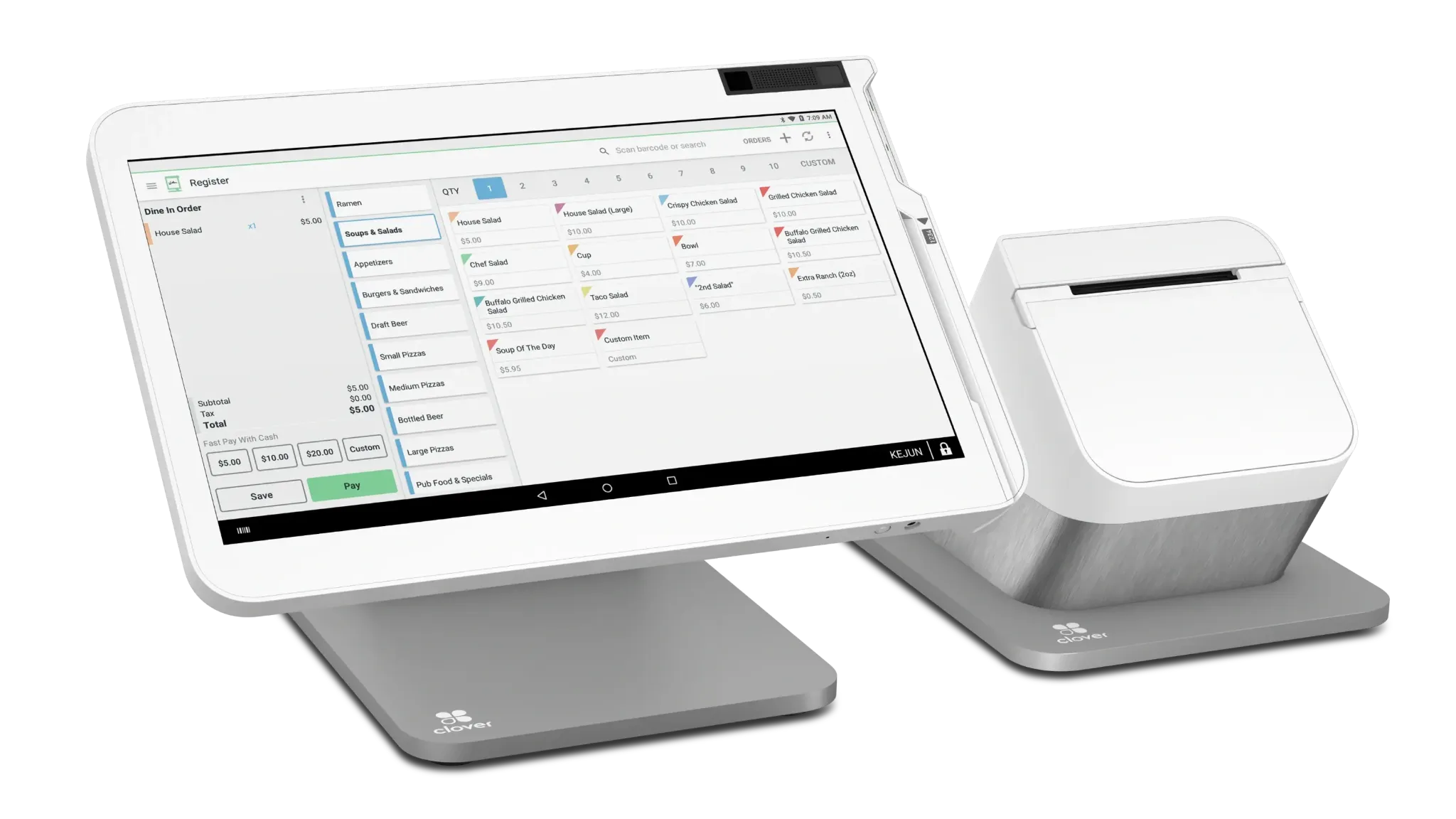 | Full-service restaurants and larger retail counters | Countertop | Yes | 14" touchscreen |
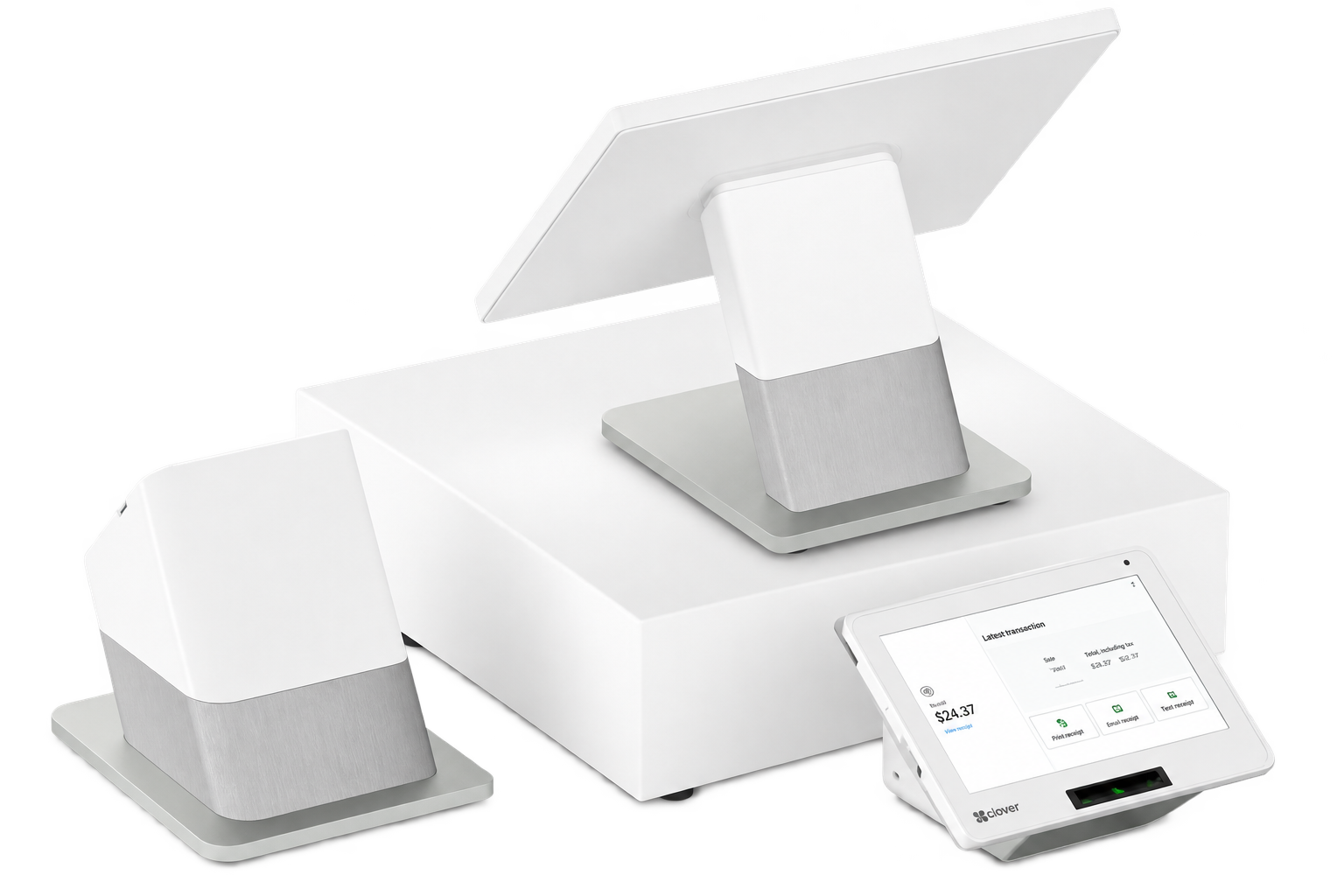 | High-volume retail & restaurants needing a customer-facing display | Countertop | Yes | 14" + customer-facing screen |
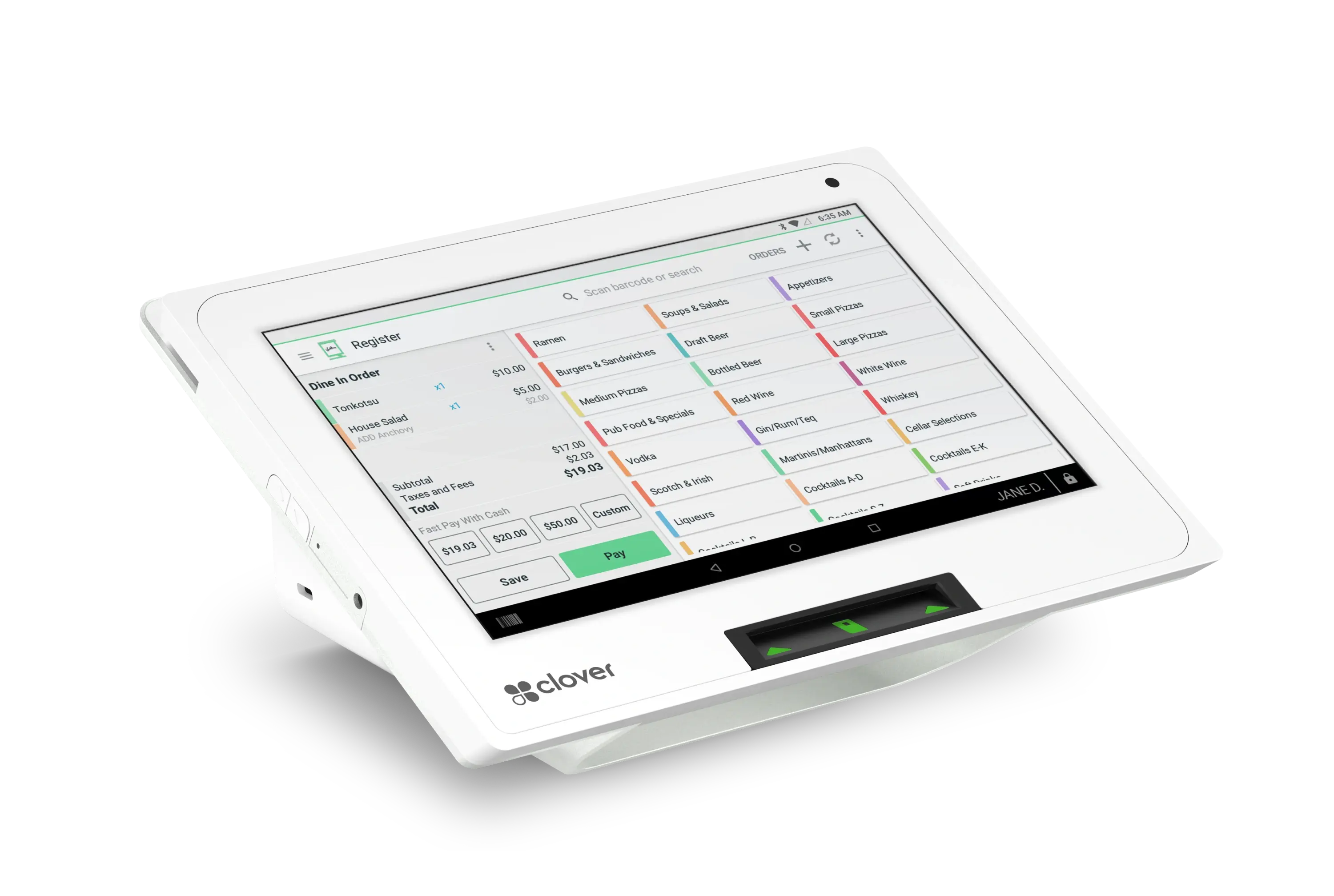 | Small counters, quick service and compact checkout | Countertop | Yes | 8" touchscreen |
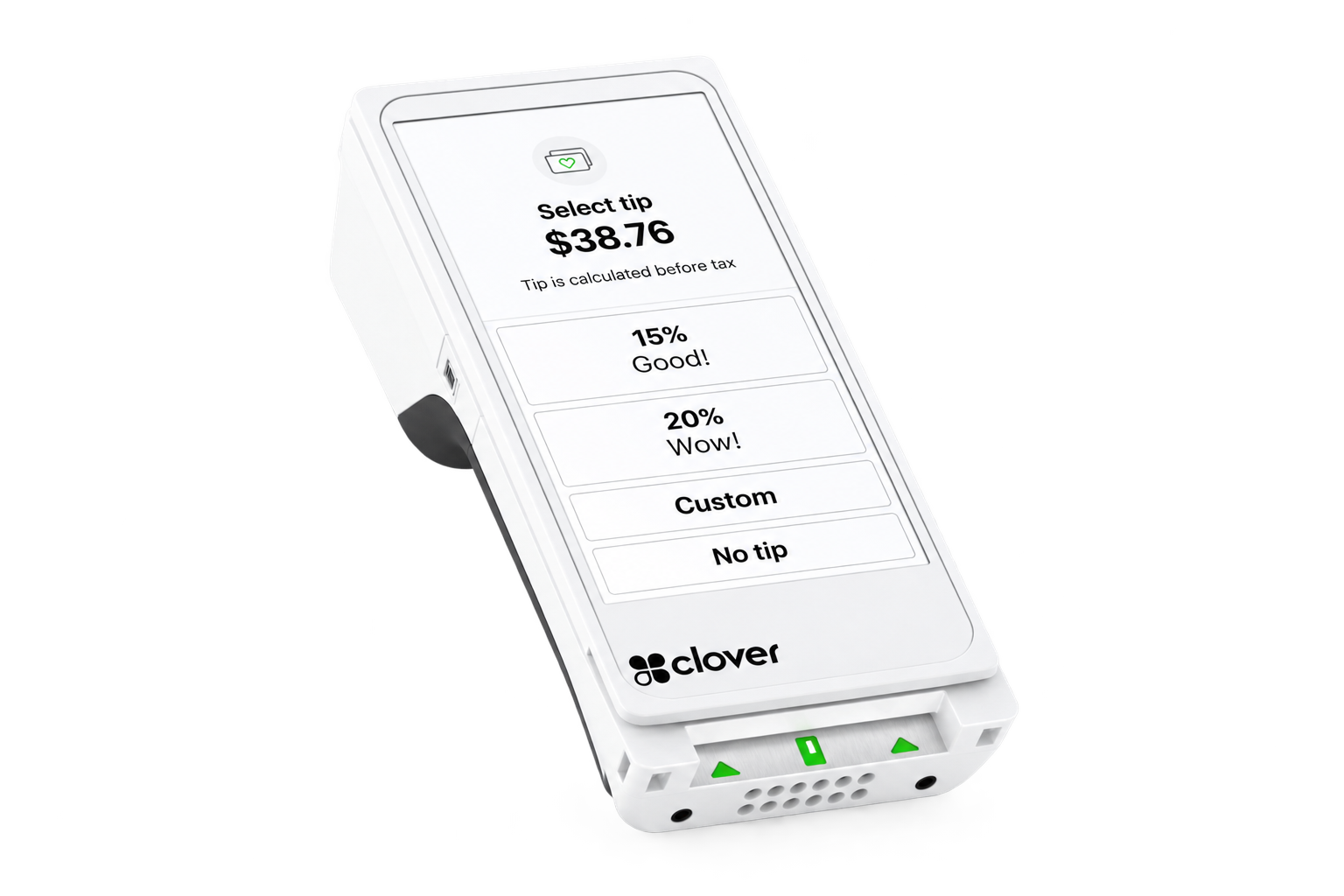 | Mobile payments, tableside, line-busting & service businesses | Mobile | Yes | 6" touchscreen |
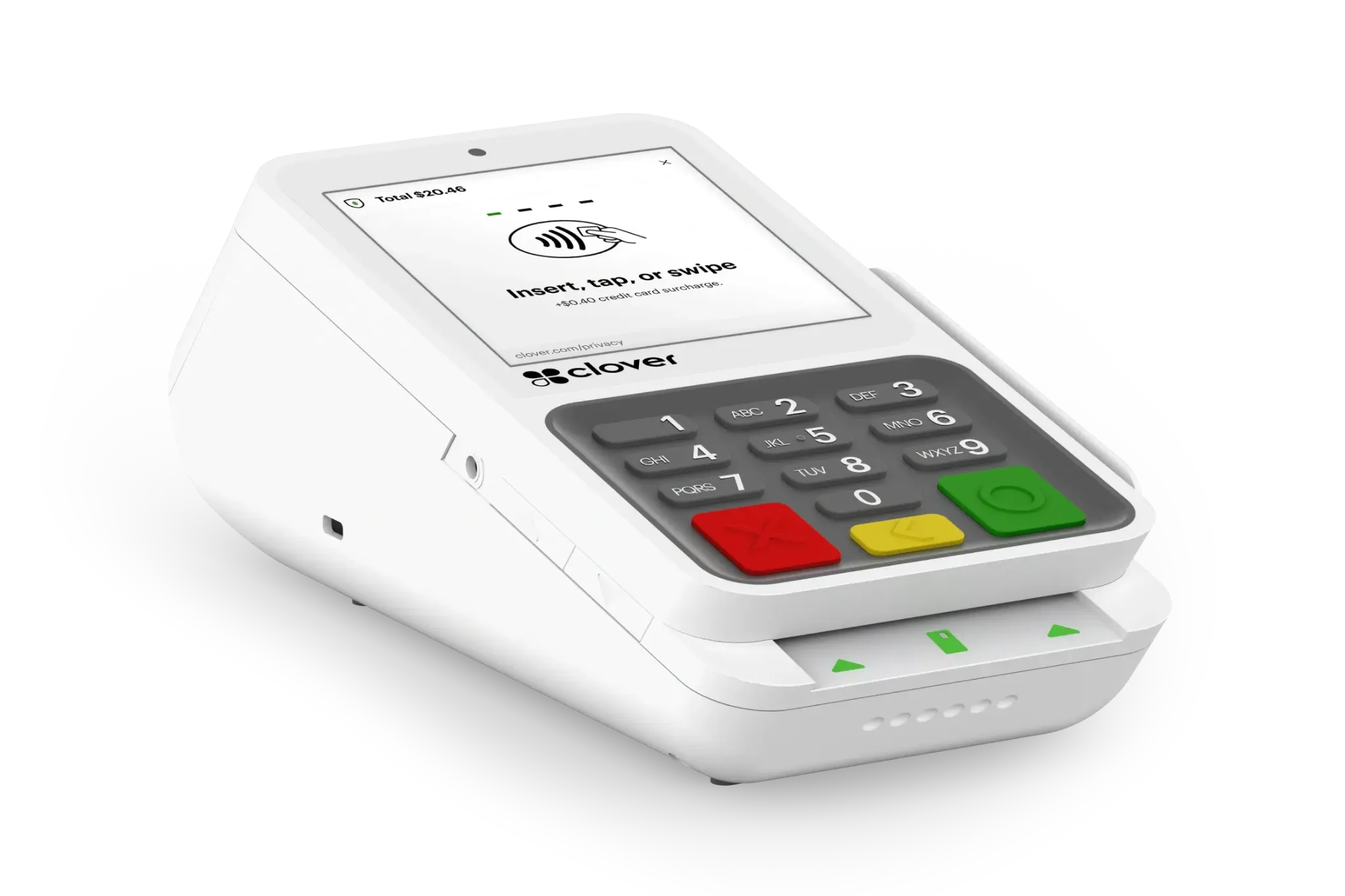 | Payment-focused countertop businesses | Compact Countertop | Yes | 4" touchscreen + keypad |
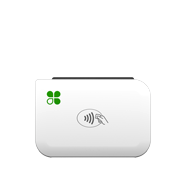 | Mobile vendors and field service | Mobile | No | Compact card reader |
Clover Station Solo
Full-service restaurants and larger retail counters
14" touchscreen
Clover Station Duo
High-volume retail & restaurants needing a customer-facing display
14" + customer-facing screen
Clover Mini
Small counters, quick service and compact checkout
8" touchscreen
Clover Flex
Mobile payments, tableside, line-busting & service businesses
6" touchscreen
Clover Compact
Payment-focused countertop businesses
4" touchscreen + keypad
Clover Go
Mobile vendors and field service
Compact card reader
Still not sure which Clover setup fits your business? Schedule a consultation and we’ll help you choose the right configuration.