Build Clover Around the Way You Serve Your Customers.
A salon, professional office and field-service business may all accept payments, but they operate very differently. Clover can combine payments, scheduling, invoicing and business-management tools around the way the service is actually delivered.

How Do You Serve Your Customers?
Choose the service model closest to your business. We’ll narrow the Clover workflow from there.
From Booking to Payment, Keep the Client Experience Connected.
Appointment-driven businesses need more than a checkout screen. Clover can help connect booking, reminders, customer history, staff scheduling, payments and repeat-customer engagement.
Online Booking
Allow customers to book appointments online while keeping scheduling organized in one place.
Appointment Management
Create, update and organize appointments by date, time and employee.
Reminders
Use automated appointment confirmations and reminders to help reduce missed appointments.
Customer History
Keep customer information and visit history available to support a more personalized experience.
Loyalty & Engagement
Use customer engagement, gift cards, rewards and promotions where they fit the business.
Keep the Schedule Moving From First Booking to Checkout.
Salons and barber businesses depend on a steady flow of appointments, repeat clients and staff availability. Clover can help connect scheduling, client information and payment without making the checkout process the center of the experience.
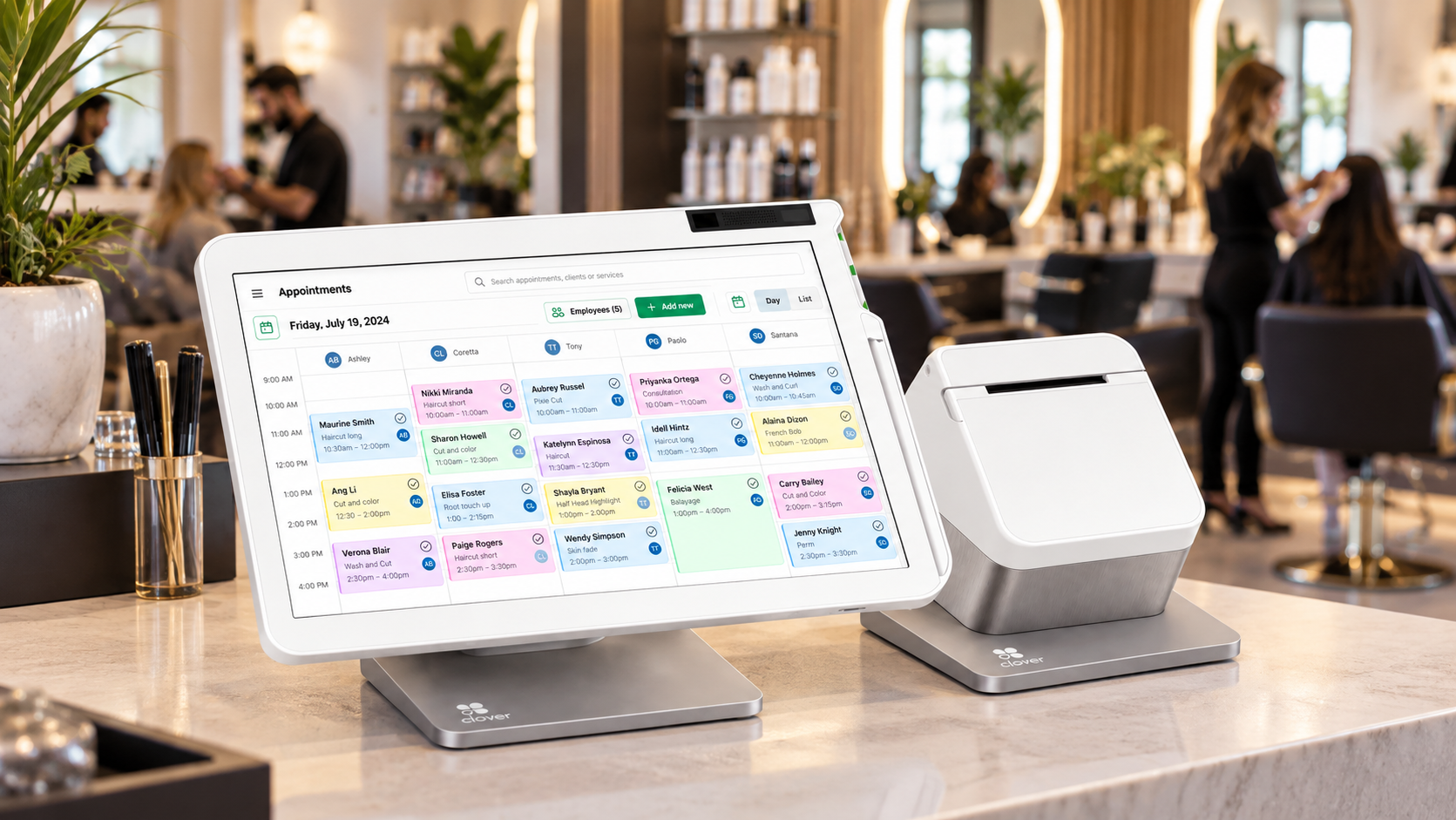
Appointments & Online Booking
Give clients convenient ways to book while keeping the schedule organized.
Staff Scheduling
Coordinate appointments and staff availability around the daily service schedule.
Client History
Use customer information and visit history to support stronger repeat relationships.
Payment & Re-Engagement
Complete payment and use customer-engagement tools to encourage repeat visits.
A Salon or Barber Clover Setup Could Include:
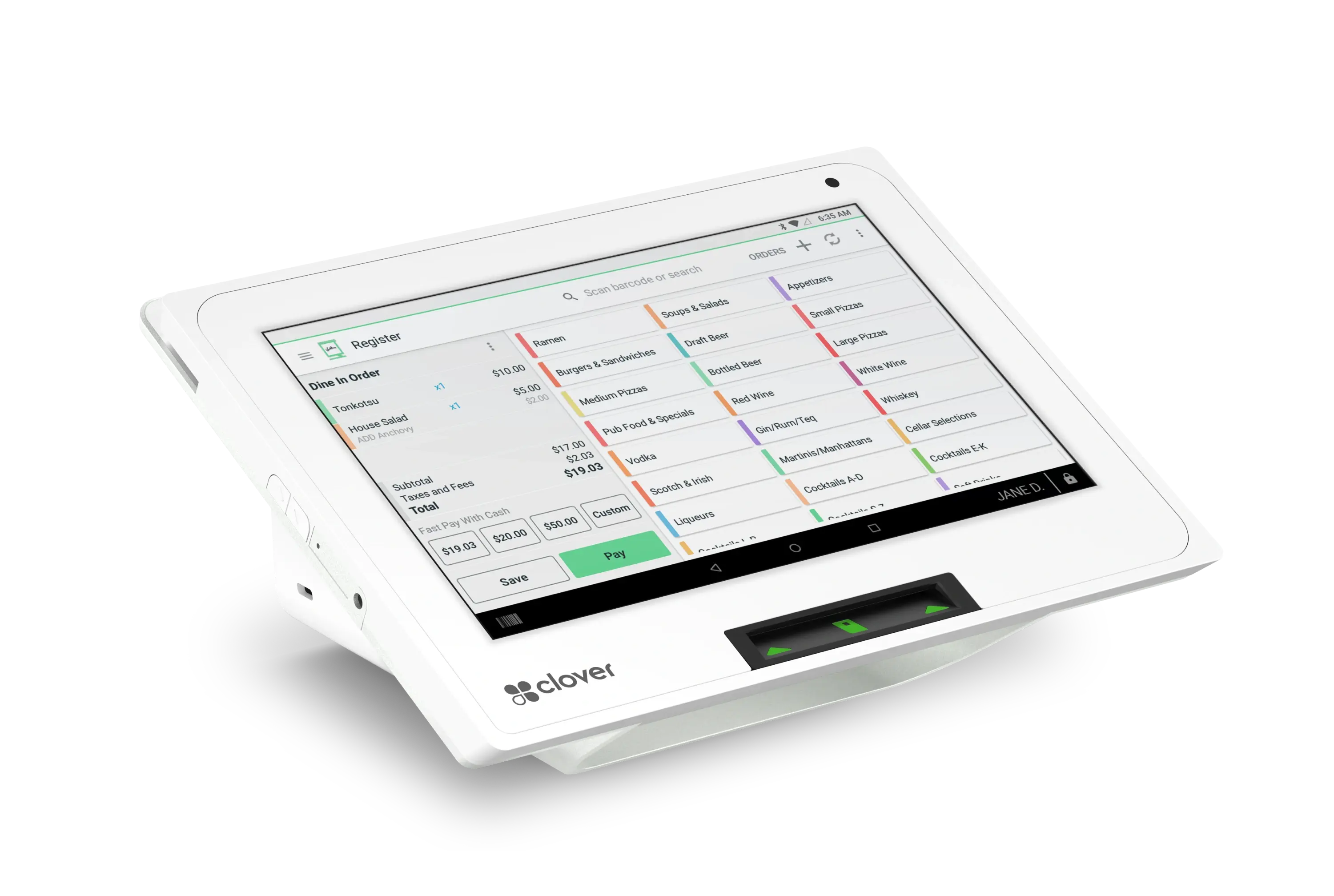
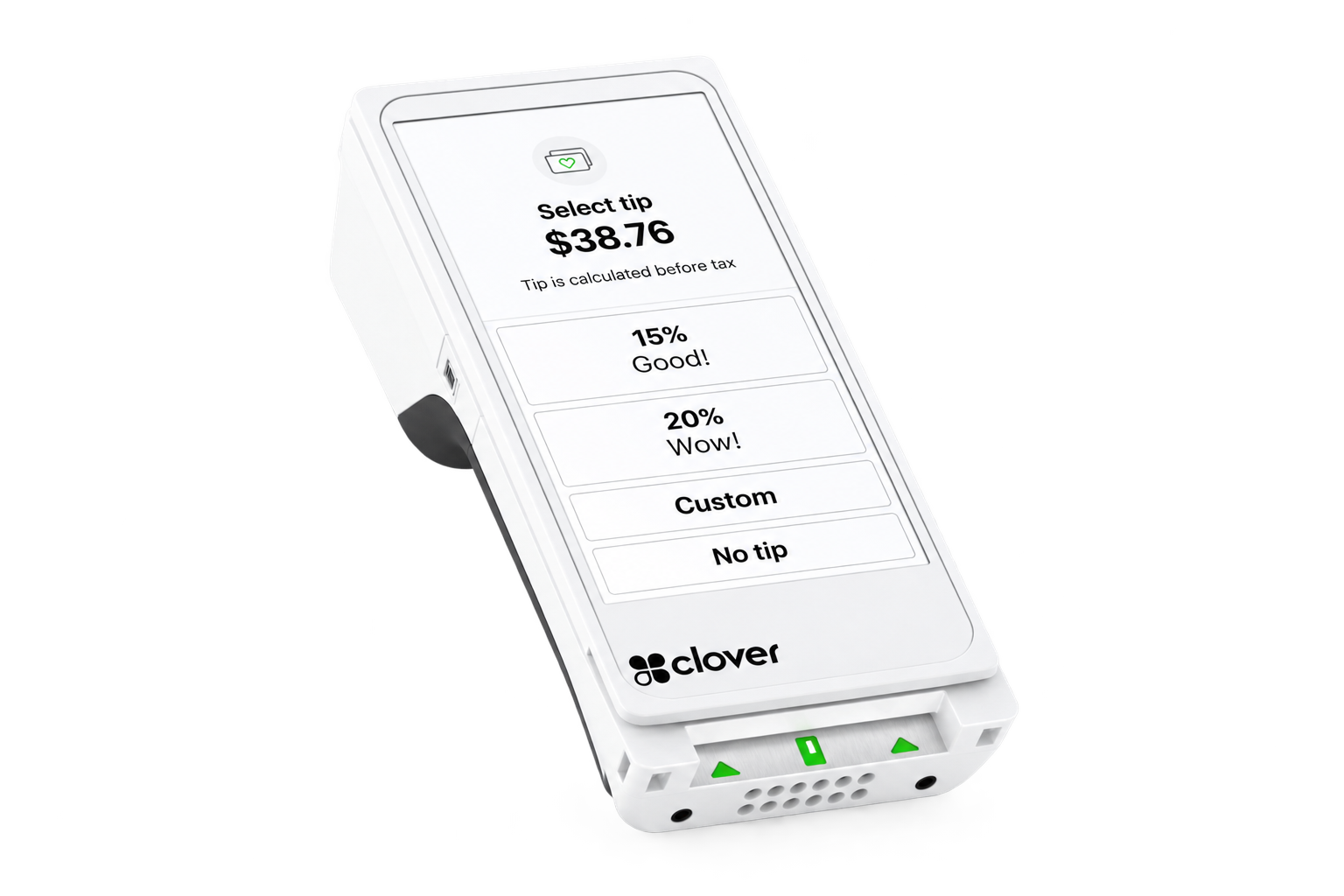
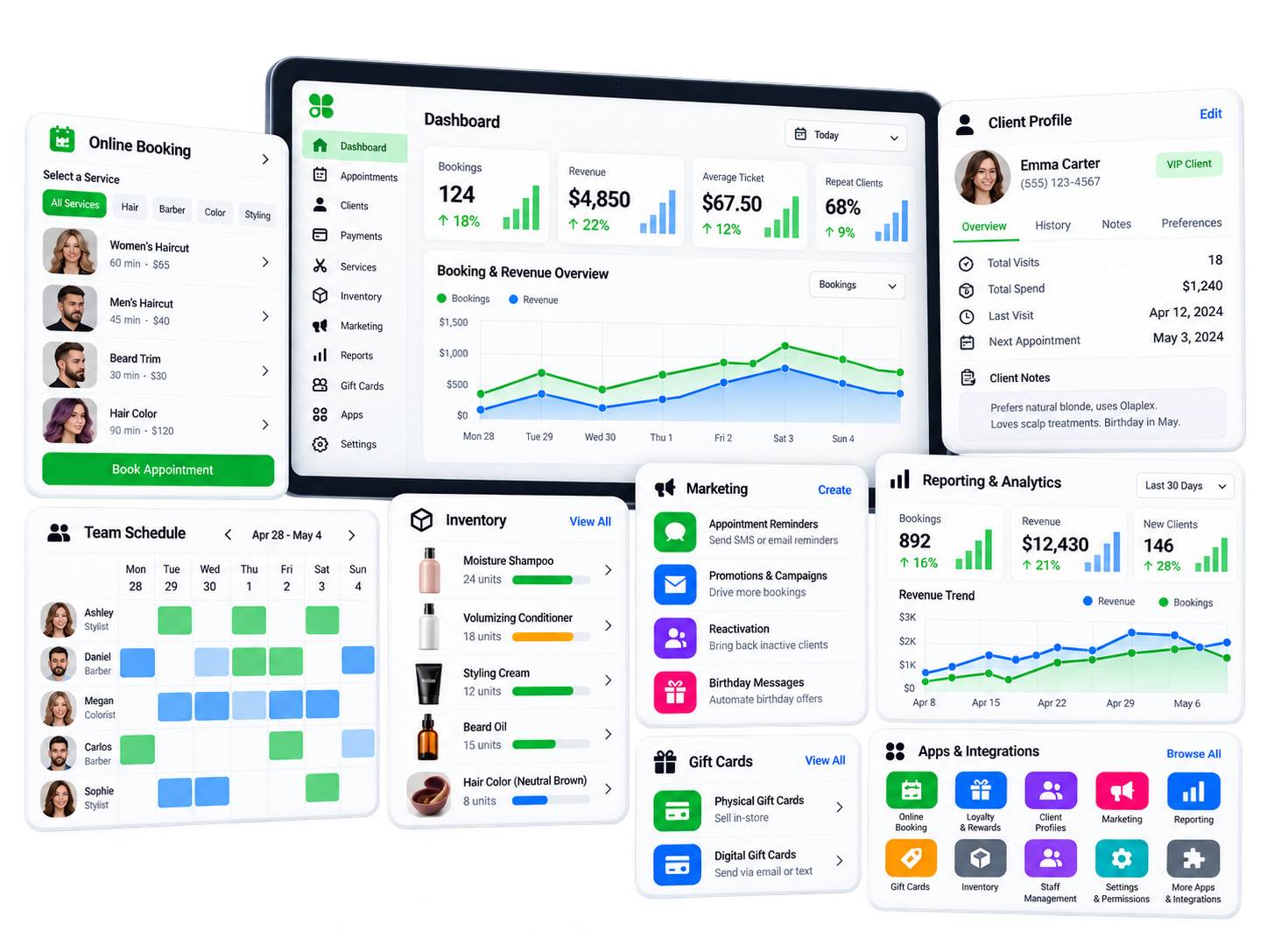
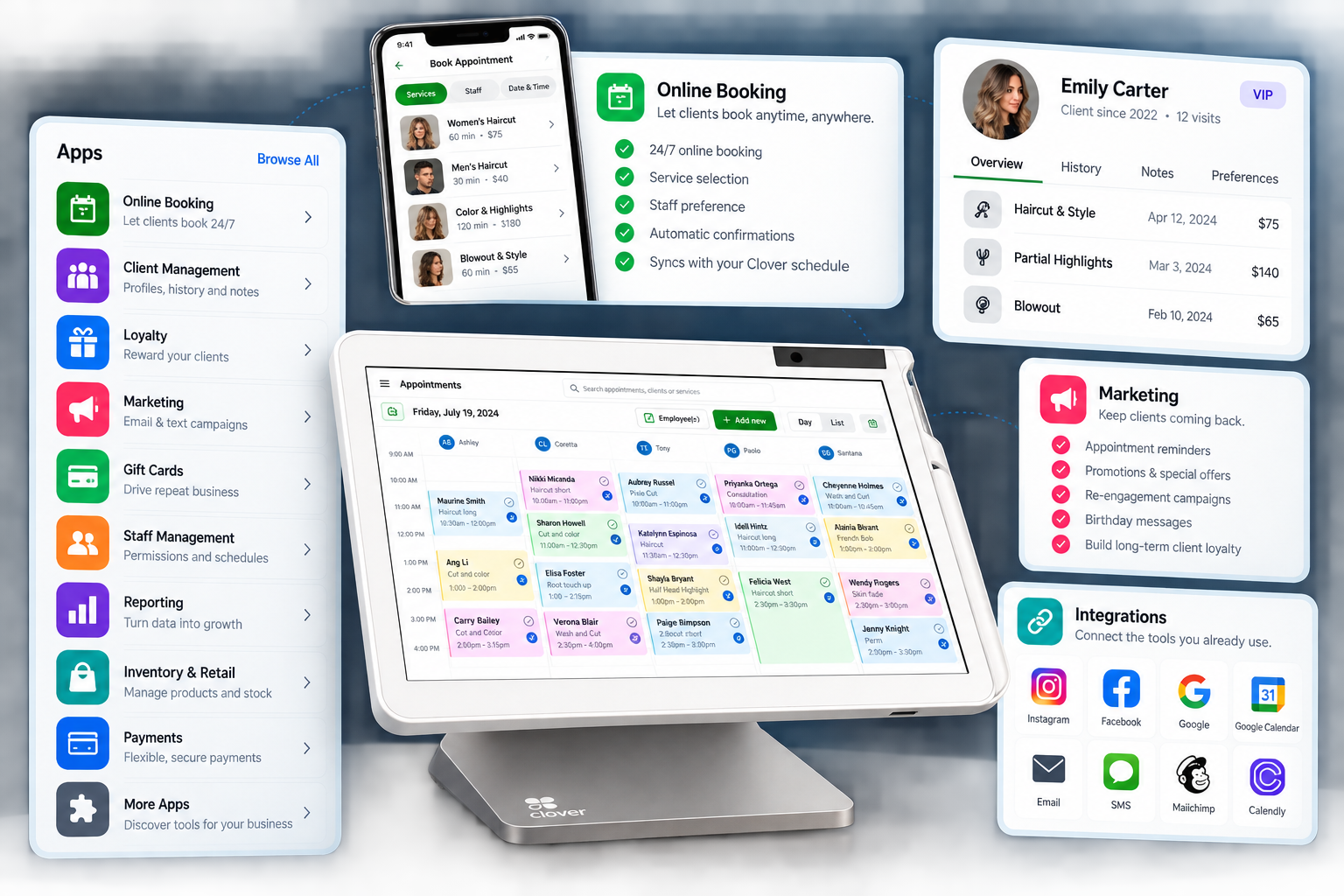
The right configuration depends on the number of staff, checkout style, appointment volume and how much of the client experience the business wants to manage through Clover.
Make Booking and Checkout Feel Like Part of the Service.
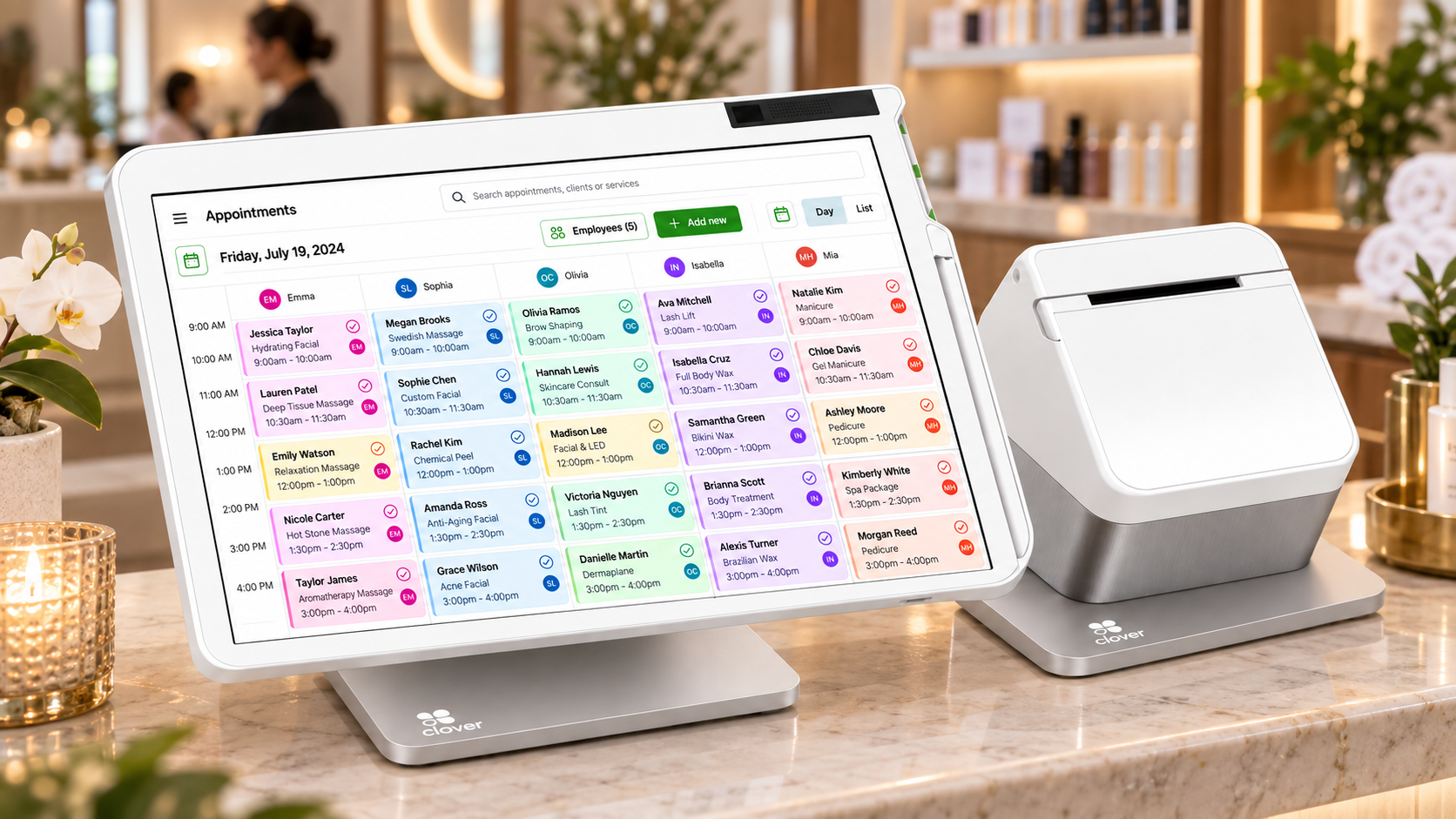
Spa and beauty businesses often depend on scheduled services, repeat clients and a polished customer experience. Clover can help keep appointments, customer information and payments connected without adding unnecessary friction.
Online Booking
Allow clients to schedule services through supported Clover appointment tools.
Automated Reminders
Help clients stay informed with appointment confirmations and reminders.
Customer Engagement
Use customer history, loyalty, gift cards and promotional tools where appropriate.
Flexible Payments
Accept payment at the front desk or through a more mobile workflow depending on the operation.
A Clover Spa & Beauty Setup Could Include:
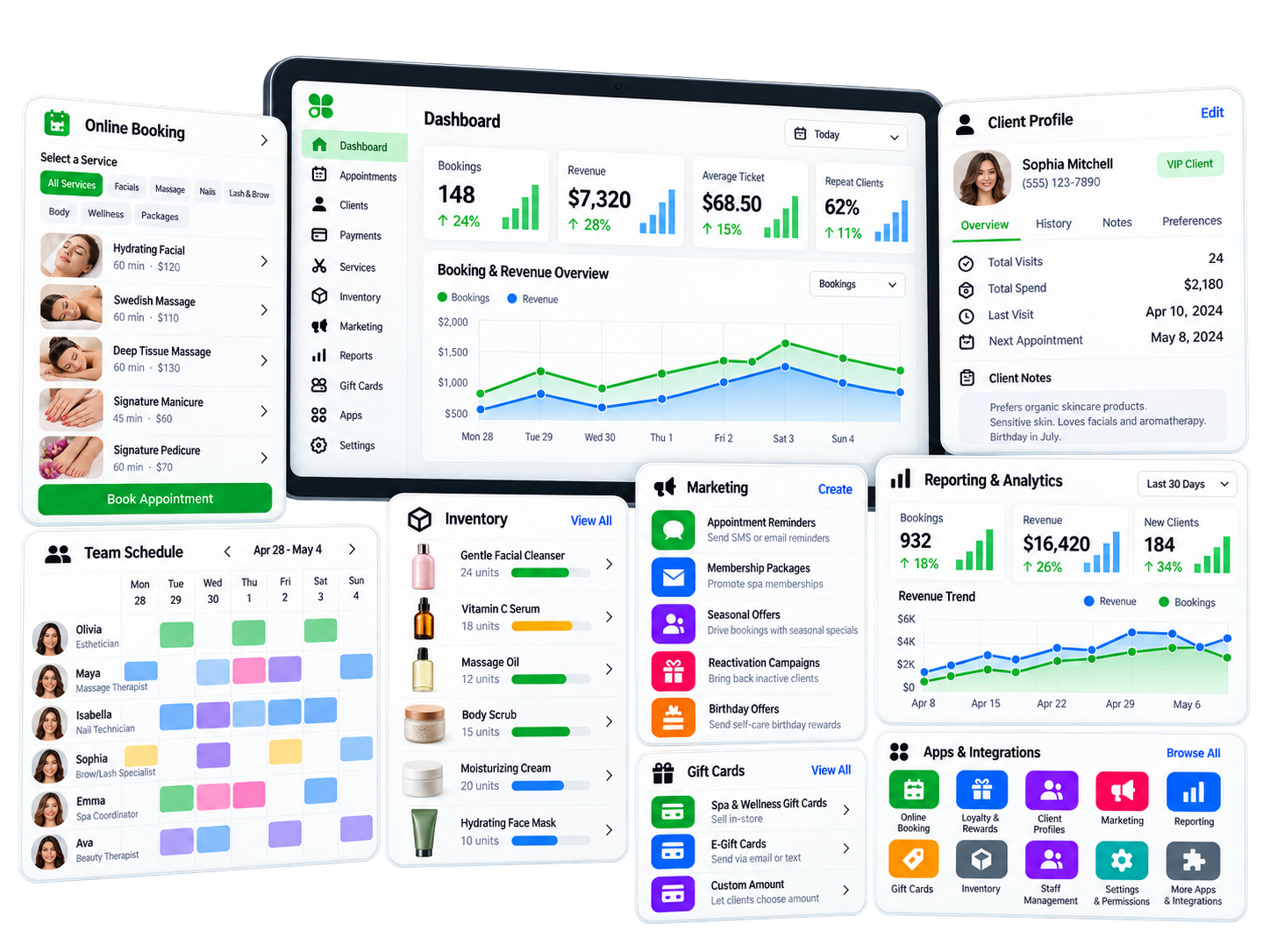
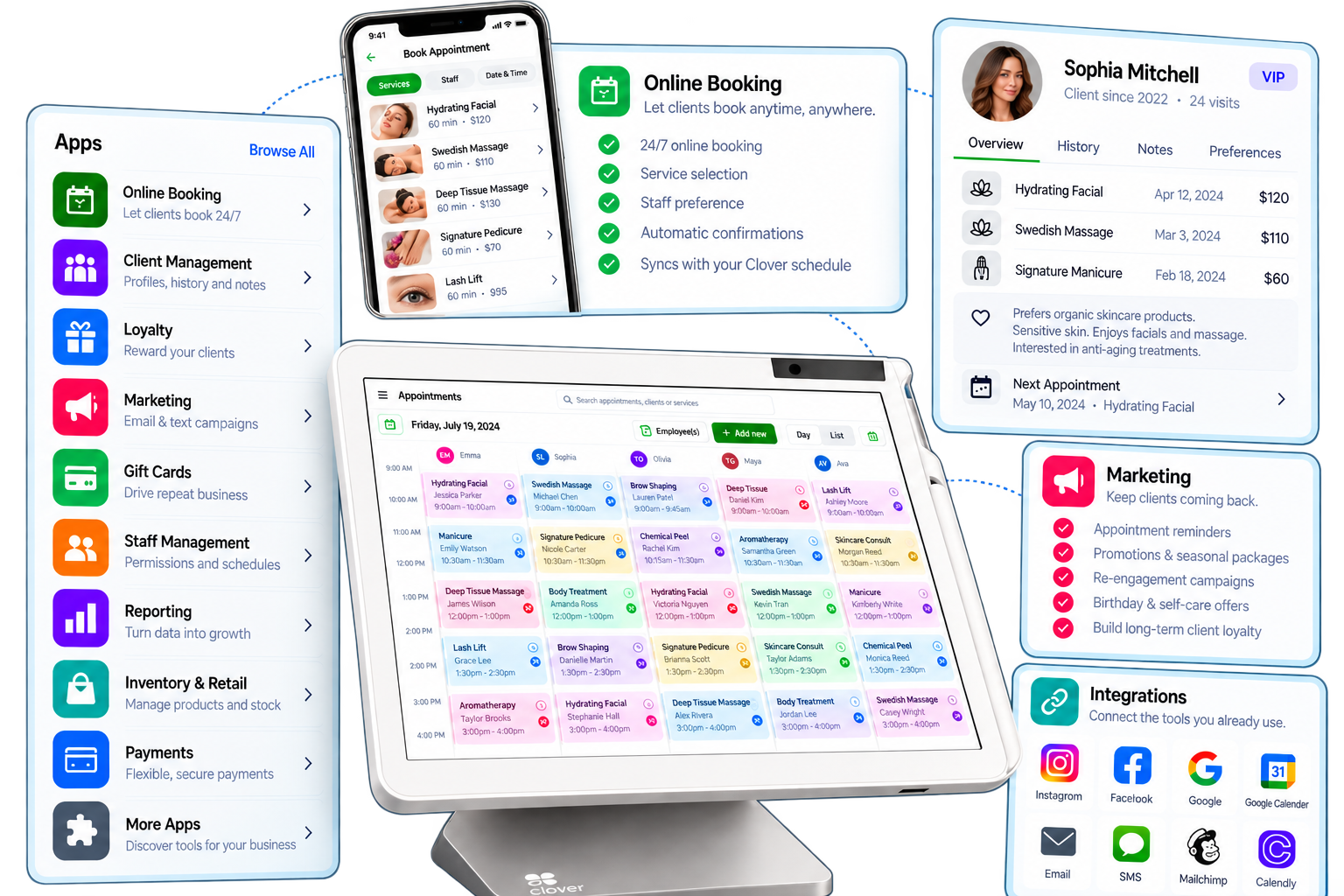
Device and software choices should reflect the number of service providers, reception workflow and client volume.
If Your Business Runs on Appointments, Start With the Schedule.
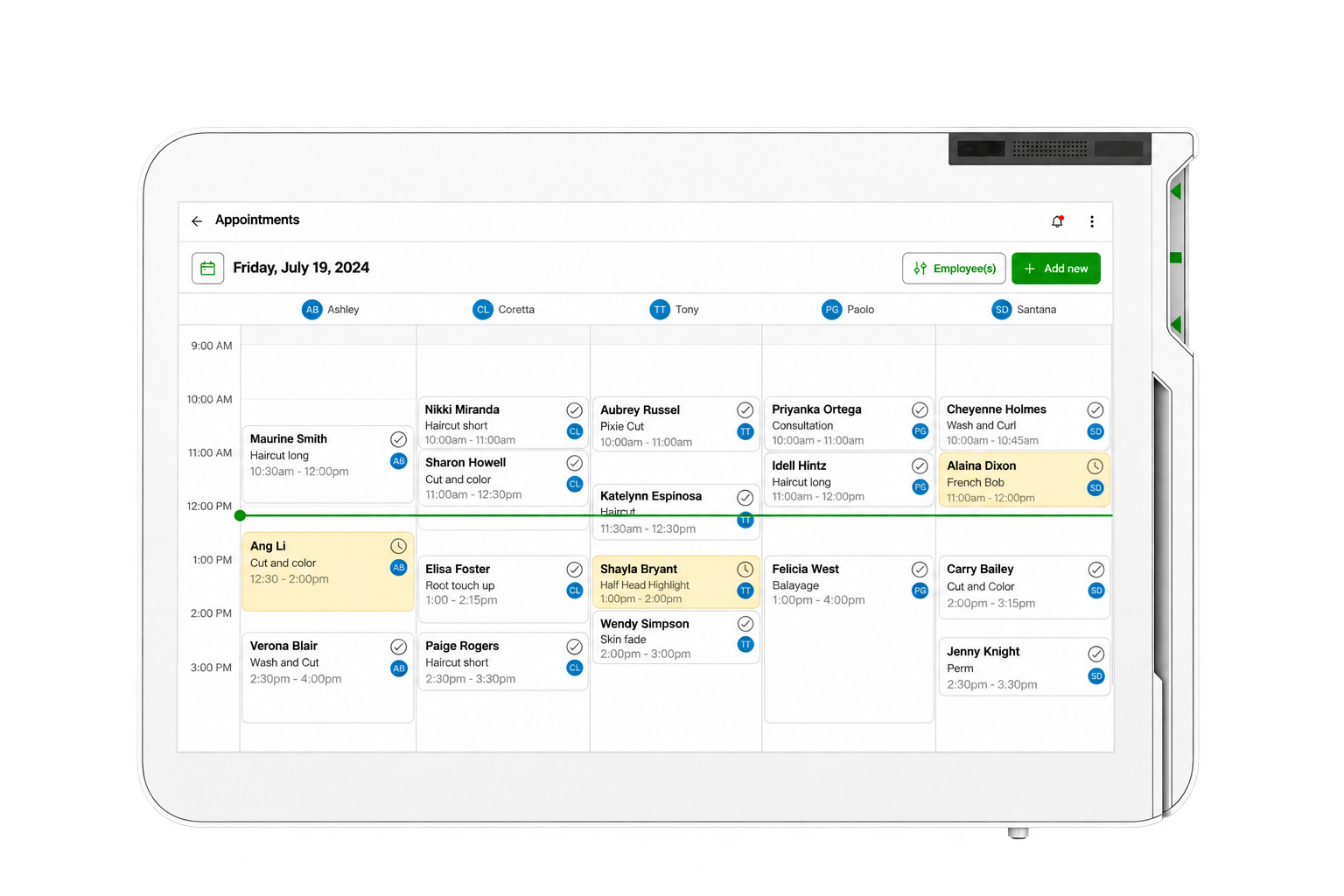
Not every appointment-driven business fits neatly into a salon or spa category. The Clover setup can instead be built around how customers book, how staff manage the schedule and how payment is collected.
What Should the Setup Account For?
- How do customers book today?
- How many employees or service providers manage appointments?
- Do customers need online booking?
- Are appointment reminders important?
- Is payment usually taken before, during or after the service?
- Is customer history important to repeat visits?
- Is there one location or more than one?
Those answers help determine the Clover software, hardware and scheduling workflow.
See the Client Journey in Action.
Official Clover personal-services or appointment-management video will be added here.
Official Clover personal-services customer story or testimonial will be added here.
From Estimate to Invoice to Payment, Keep the Work Connected.
Professional-service businesses often spend more time managing estimates, invoices, projects and receivables than they do standing behind a register. Clover can support a more flexible workflow built around billing and client relationships.
Estimates
Create branded estimates and send them to clients electronically.
Estimate-to-Invoice
Convert accepted estimates into invoices without rebuilding the transaction.
Invoicing
Send invoices electronically and track payment status.
Project Workflows
Keep estimates, invoices, notes and payment activity connected to the work being performed.
Flexible Client Payments
Accept supported payment methods through in-person or remote workflows depending on how the business operates.
Appointment & Client Scheduling
Use appointment-management tools where consultations or scheduled client meetings are part of the business.
The Dashboard May Matter More Than the Register.
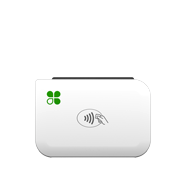
A professional-services business may need very little countertop hardware. The configuration should start with billing, project and client workflows first.
Official Clover professional-services workflow video will be added here.
Official Clover professional-services customer story or testimonial will be added here.
Take the Payment Workflow Beyond the Counter.
Contractors and field-service businesses often quote the work in one place, perform it somewhere else and collect payment afterward. Clover can help connect estimates, invoices, projects and payments whether the business is in the office or on the road.
Digital Estimates
Create and send estimates to customers by email or text.
Invoicing
Convert approved work into invoices and allow customers to pay electronically.
Mobile Payments
Accept payment away from the office using appropriate Clover mobile hardware.
Recurring Payments
Schedule recurring payments where the service model calls for ongoing billing.
Project Management
Keep estimates, invoices, notes and payment activity tied to the job.
Payment From the Website
Where appropriate, give customers another way to pay through a business website.
A Clover Field-Service Setup Could Include:
Hardware should be selected based on where staff work, how frequently payments are collected in person and whether the operation needs a mobile reader, handheld POS or primarily remote billing.
See How Clover Works Away From the Counter.
Official Clover home or field-services video will be added here.
Official Clover contractor or field-service customer story or testimonial will be added here.
That’s What the Consultation Is For.
The right Clover setup depends on how customers book, how work is delivered, where payment happens and which parts of the business need to stay connected.
No pressure. No obligation. Just a conversation about your business.
Explore the Clover Device Lineup.
From full countertop stations to compact and mobile payment devices, build the Clover hardware mix around the way your business actually operates.