 1
1Seat & Manage the Room
Keep tables, checks and the flow of the dining room organized from one connected workflow.

From fine dining to food trucks, Clover can be configured around the way your kitchen, bar and front-of-house actually operate. Choose the sub-type closest to your setup.
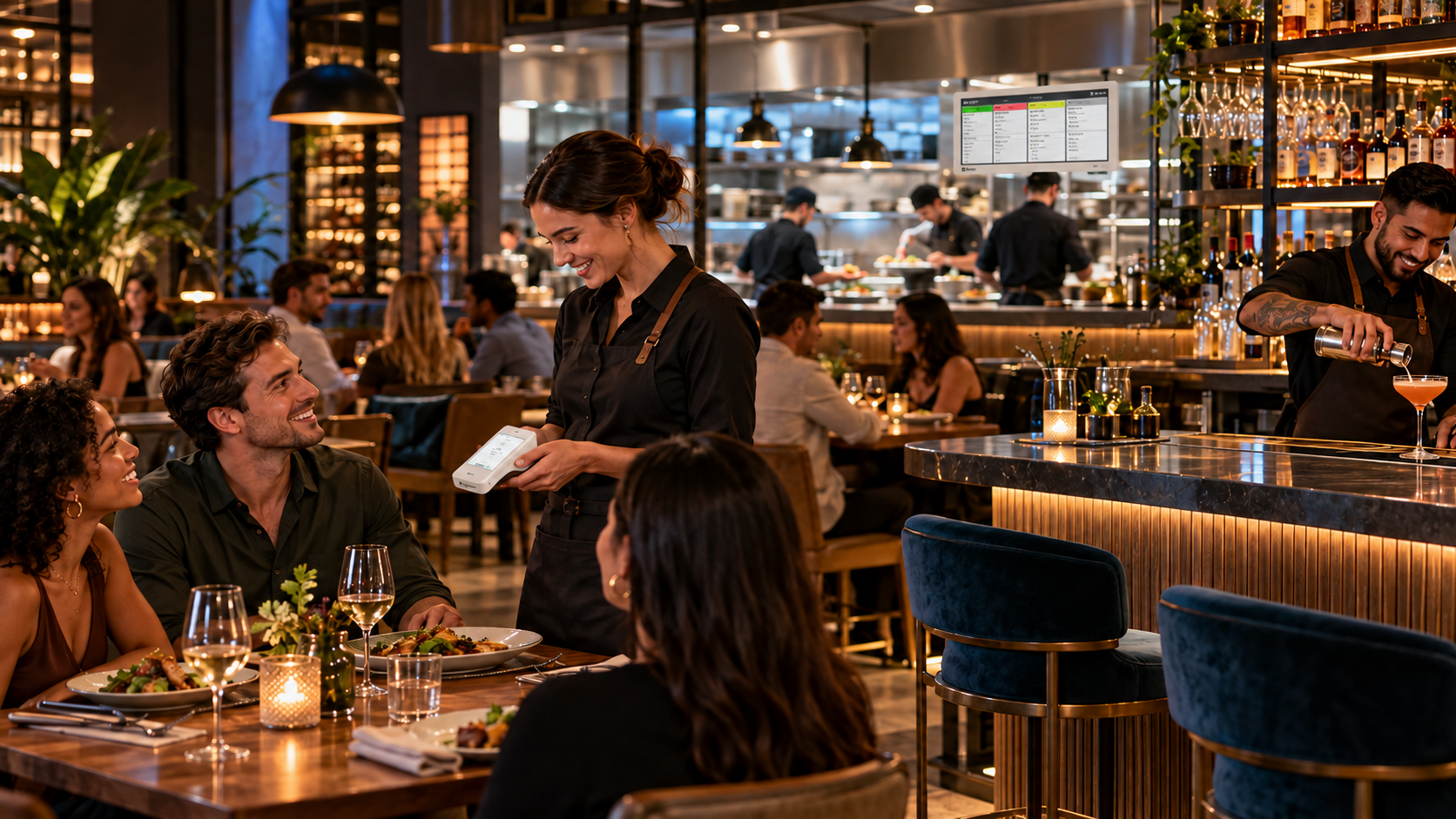
Book a live Clover demonstration and see the hardware, ordering, payments and restaurant workflows in action.
Schedule My Clover DemoClover can connect the moving parts of full-service dining — seating, tableside ordering, course timing, kitchen communication and payment — while allowing the configuration to change with the way the restaurant actually operates.
The right configuration depends on service style, restaurant size, ordering flow and how much technology you want in the hands of the staff.
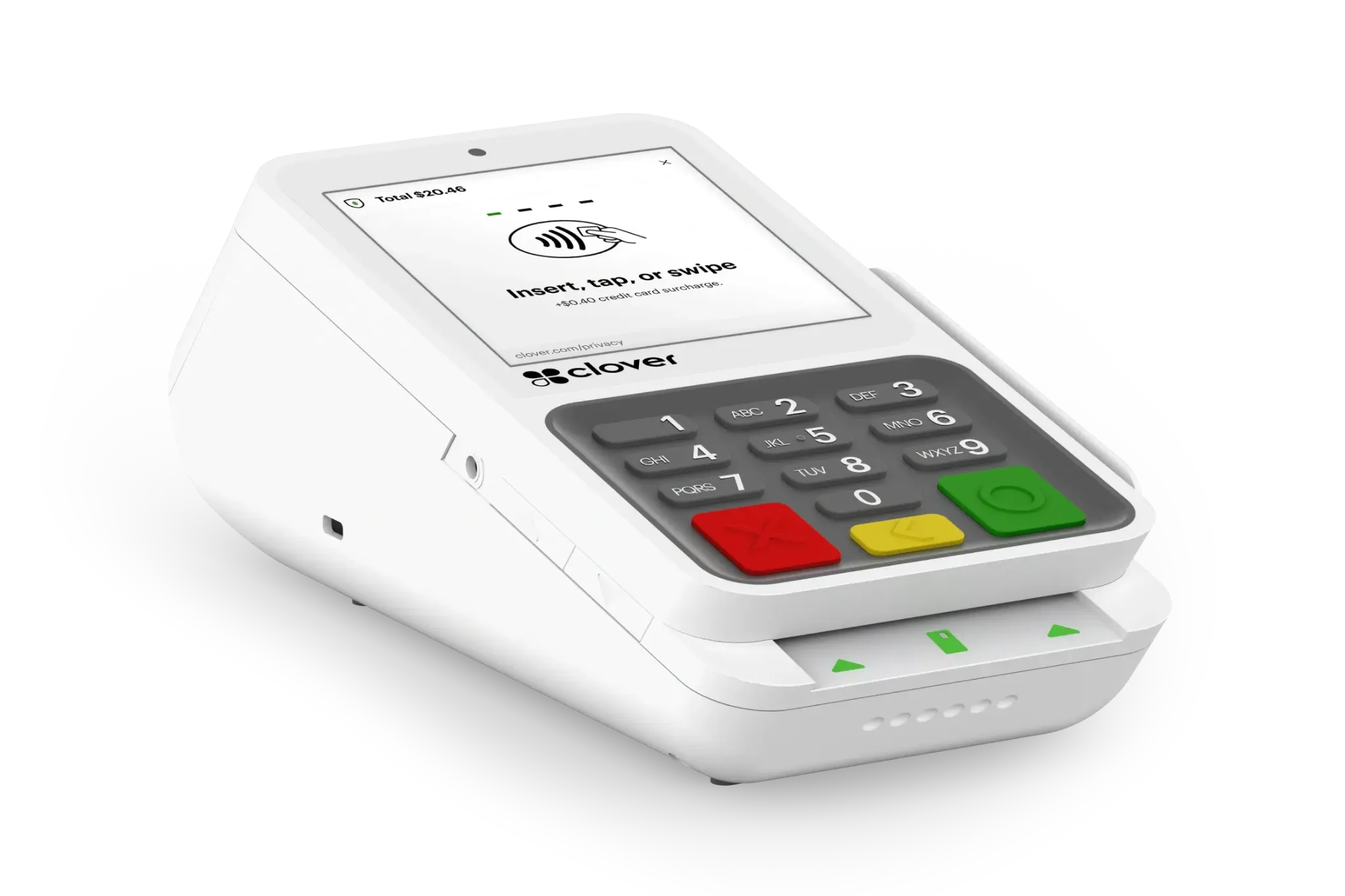
A full-service restaurant depends on more than taking an order. The right Clover setup can connect table management, tableside ordering, kitchen production and payment around the way your staff actually serves guests.
1Keep tables, checks and the flow of the dining room organized from one connected workflow.
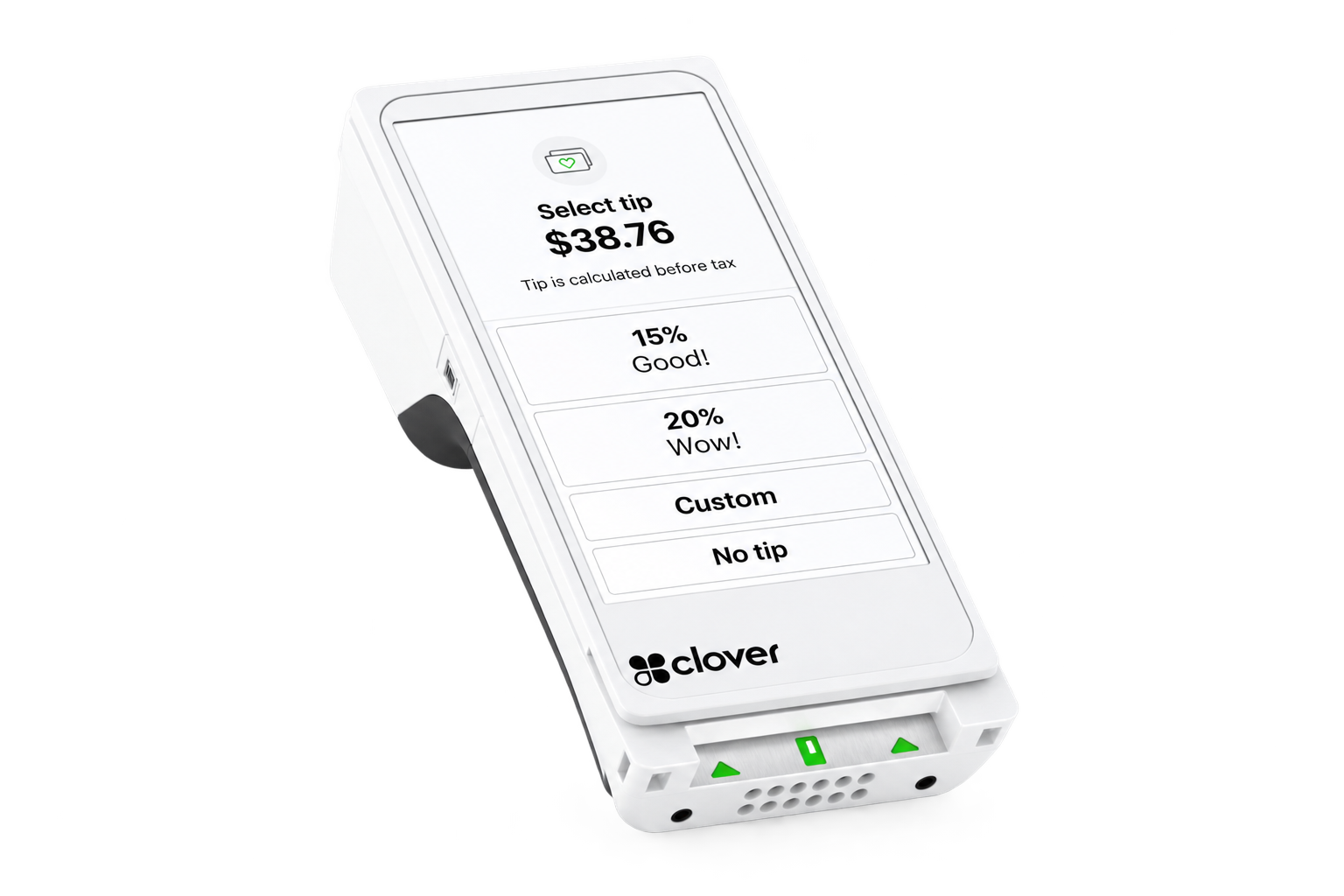 2
2Give servers a mobile way to enter orders, modifiers and guest requests without repeatedly returning to a stationary terminal.
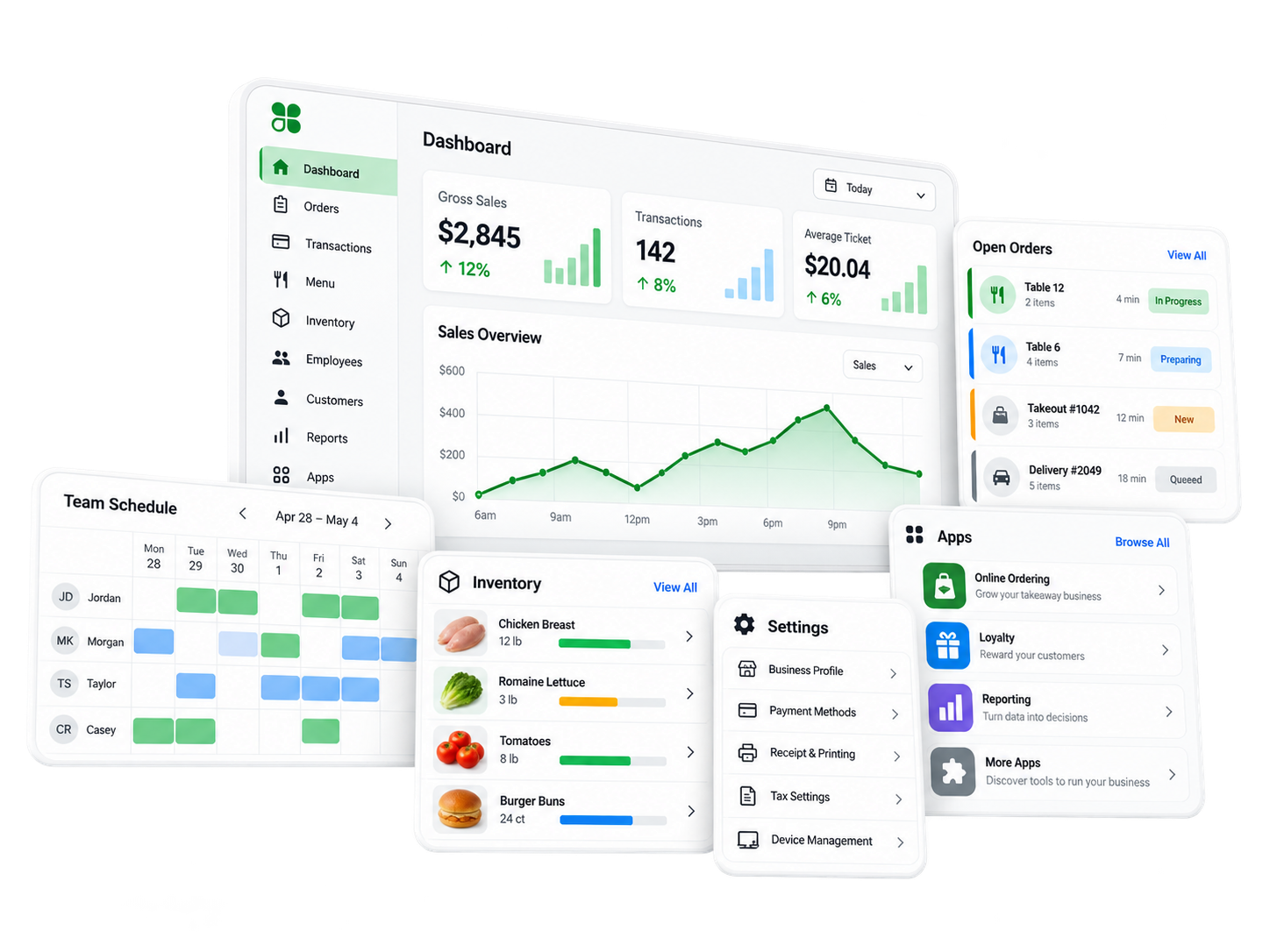 3
3Send the right items at the right time while keeping modifiers, courses and order details connected.
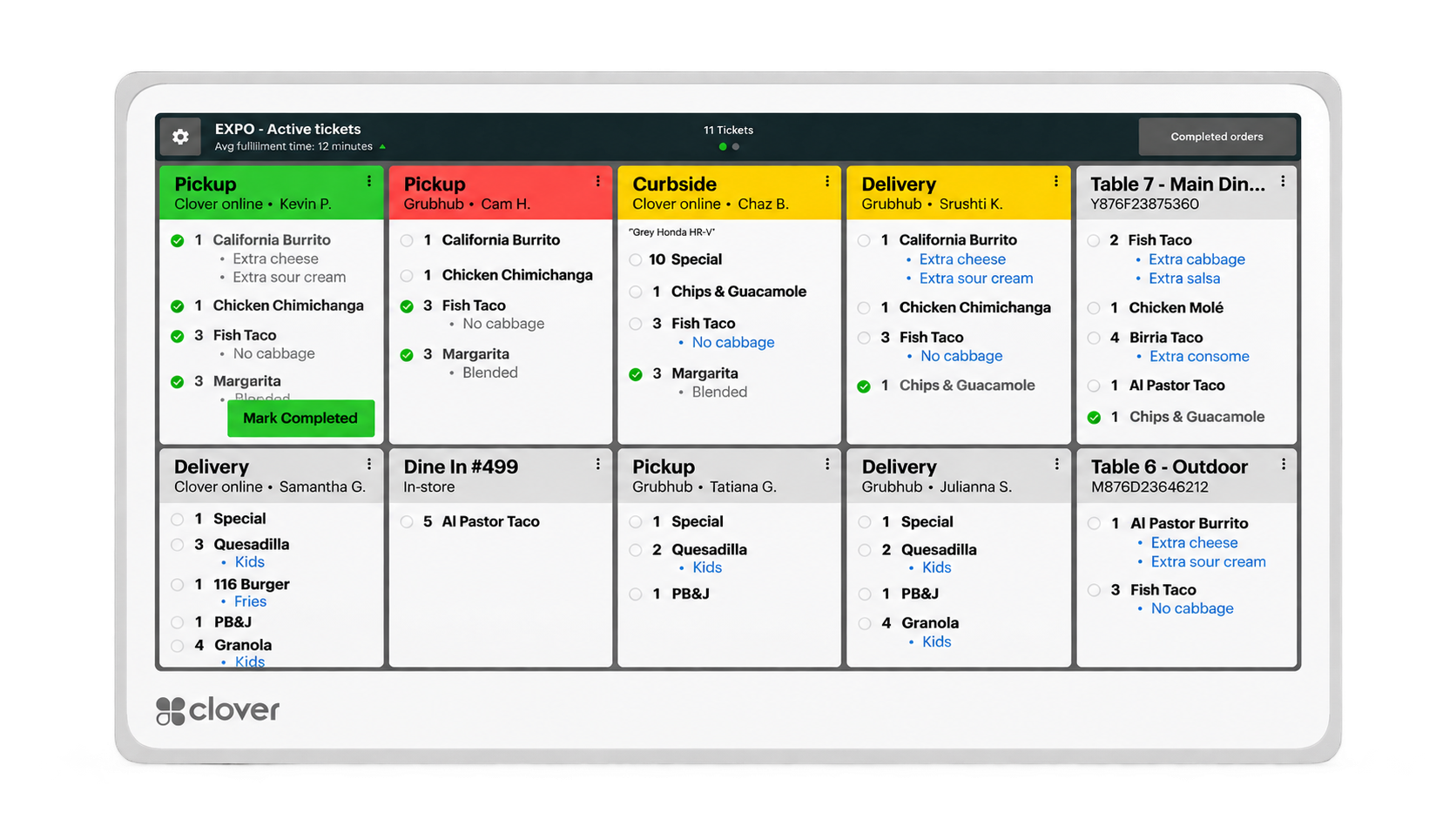 4
4Move orders digitally from front of house to kitchen production so staff can track what is being prepared and what comes next.
5Handle split checks and flexible payment workflows while keeping checkout connected to the table experience.
Fine dining demands more than simply entering an order and taking a payment. Timing, communication and discretion matter. Clover can help connect the dining room and kitchen while giving servers tools to manage service closer to the guest.
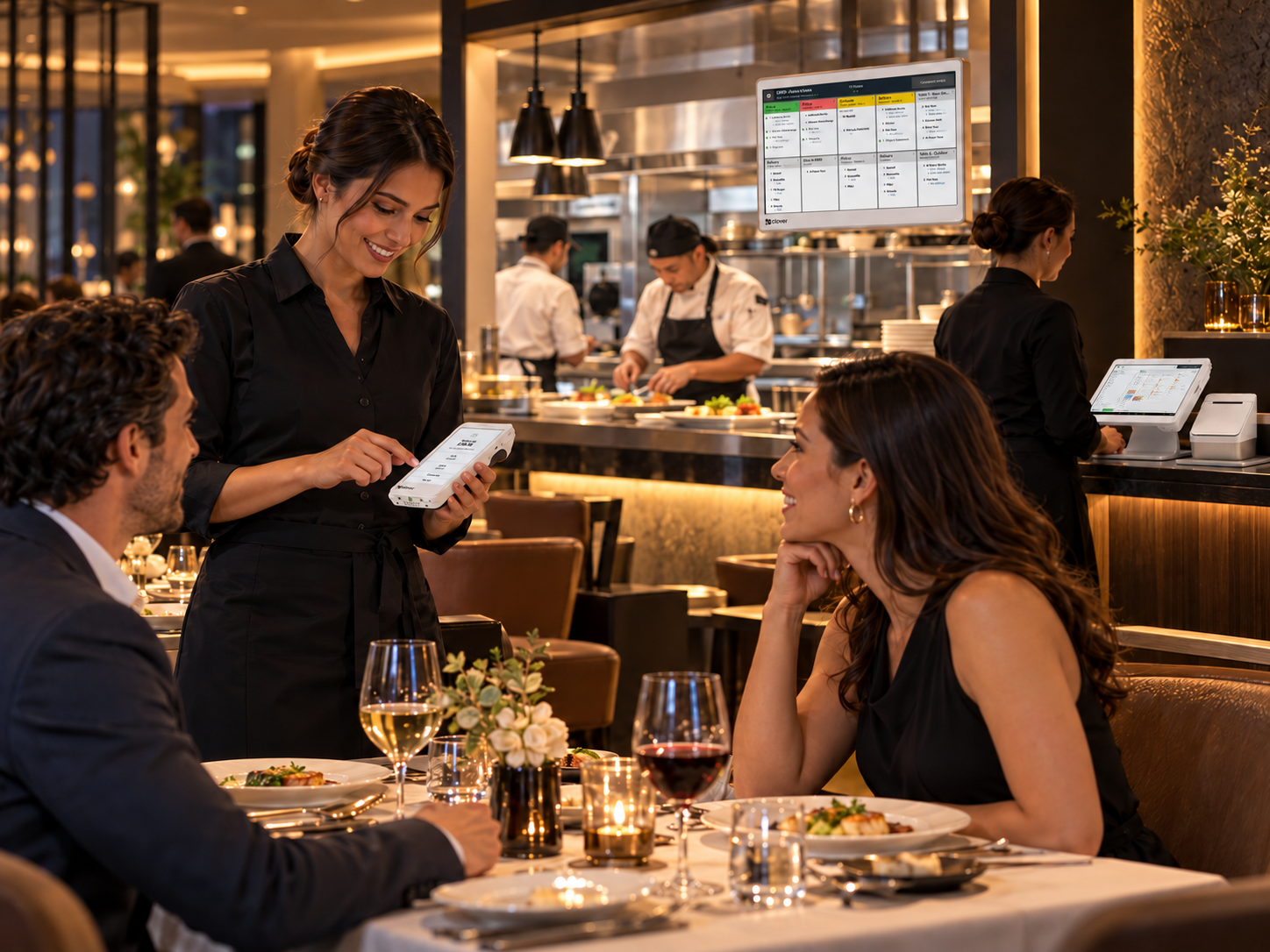
Take orders tableside and control when courses are fired to the kitchen.
Use digital floor plans along with reservation, seating and waitlist tools to help coordinate the dining room.
Use mobile Clover devices to take orders and payments closer to the guest instead of repeatedly returning to a fixed station.
Connect front-of-house ordering with Clover KDS for real-time ticket visibility and coordinated service.
Split bills and complete payment in a way that fits the table and the guest experience.
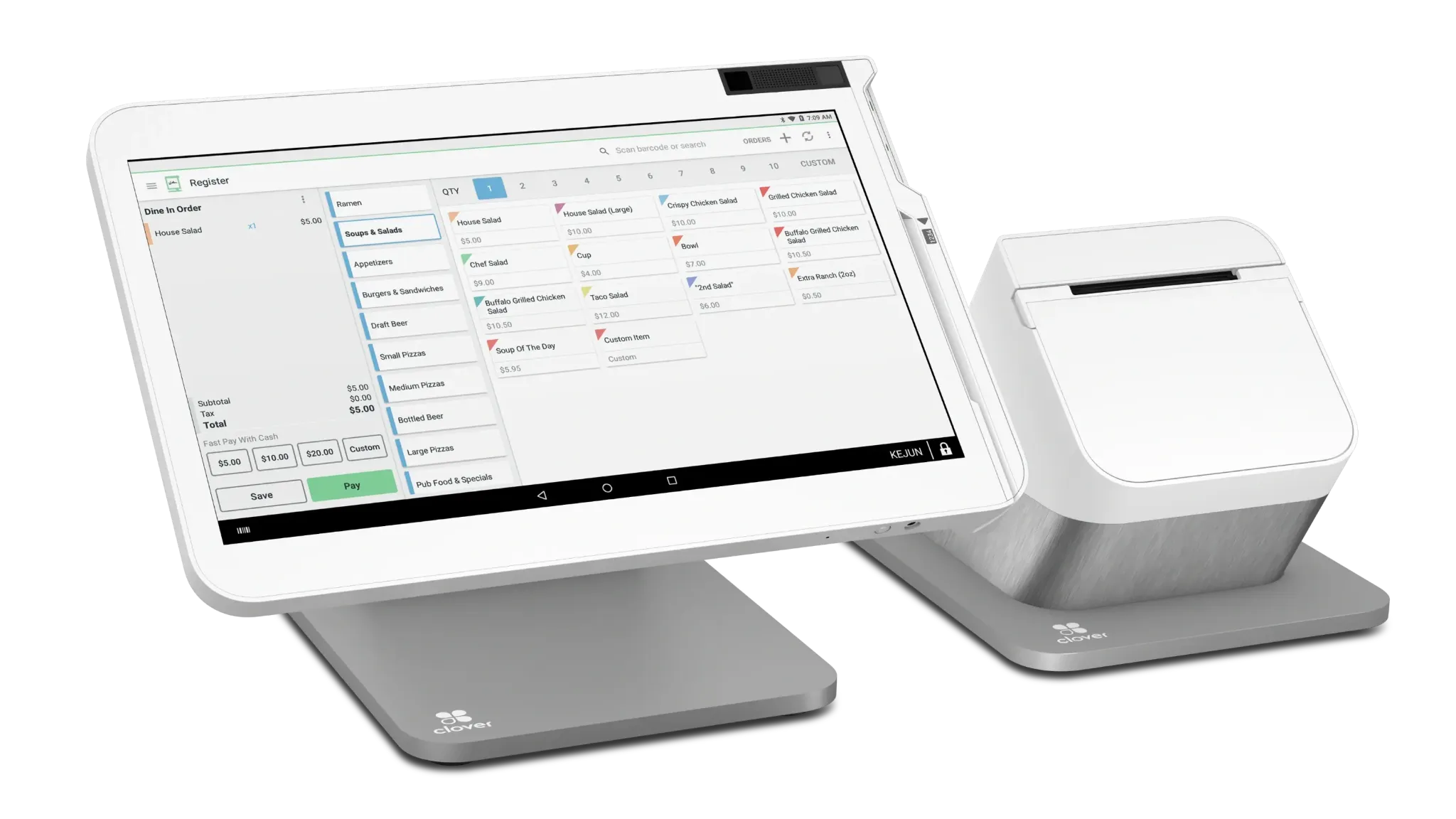
This is an example configuration, not a fixed package. Device quantities and hardware mix should be determined by the restaurant’s workflow, service model and volume.
Casual dining often combines table service, bar traffic, takeout and busy rush periods in the same operation. Clover can help servers move between the floor, kitchen and checkout while keeping orders and payments connected.
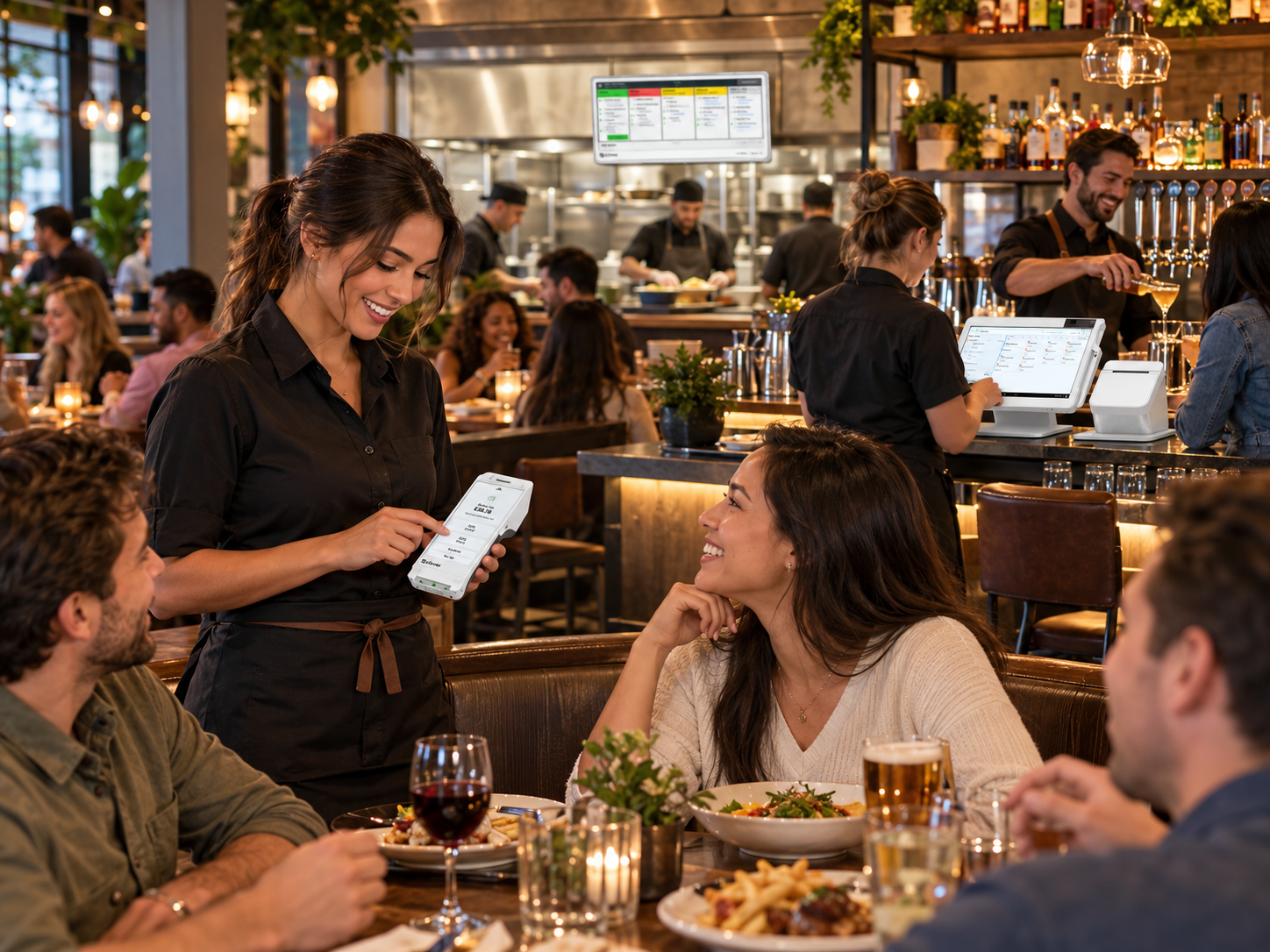
Take orders closer to the table and send them into the restaurant workflow.
Use digital table mapping to keep service organized across the dining room.
Handle bill splitting and different payment needs without disrupting service.
Connect order entry with kitchen workflows and Clover KDS.
Use Clover business tools to help manage employee schedules, time and performance.
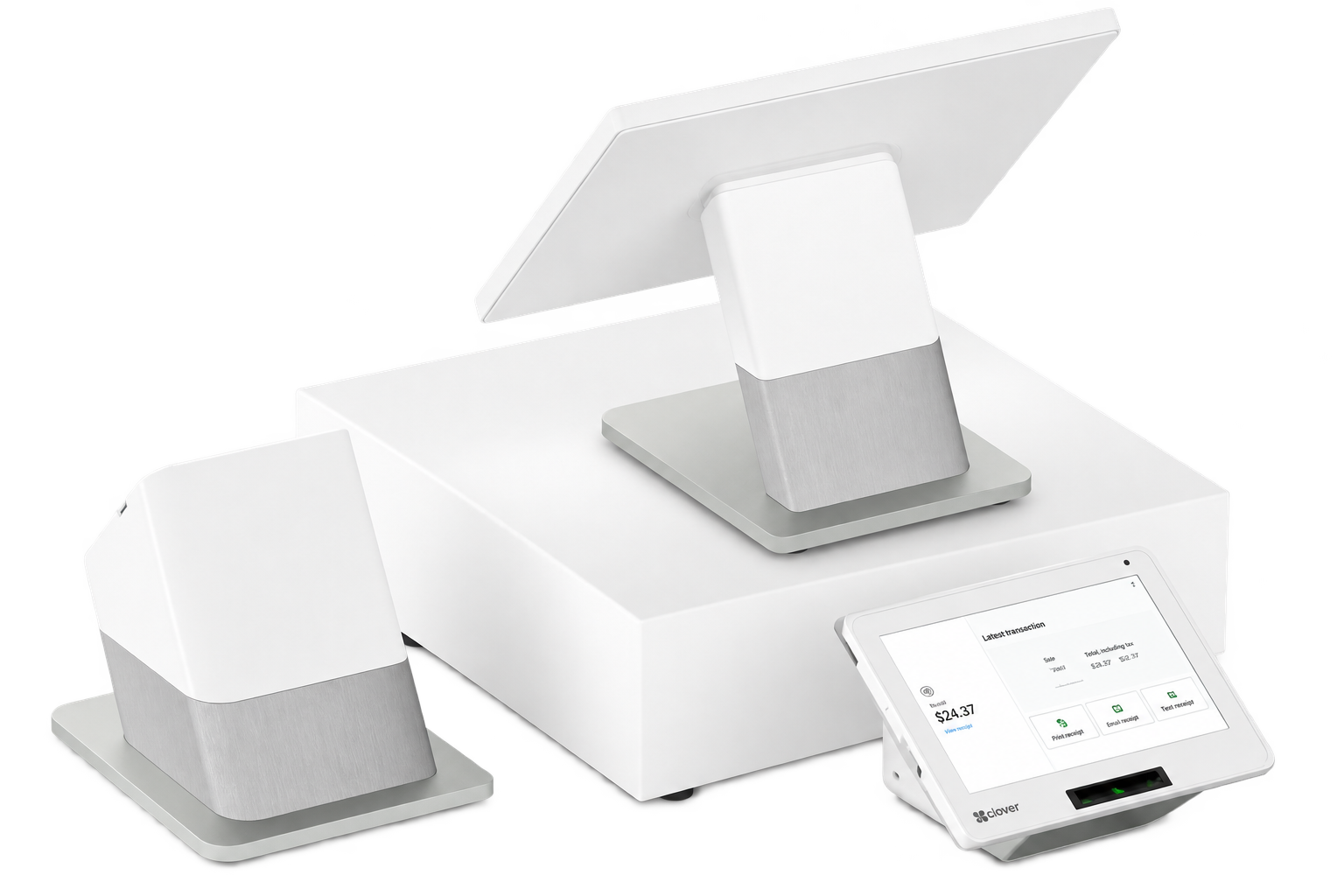
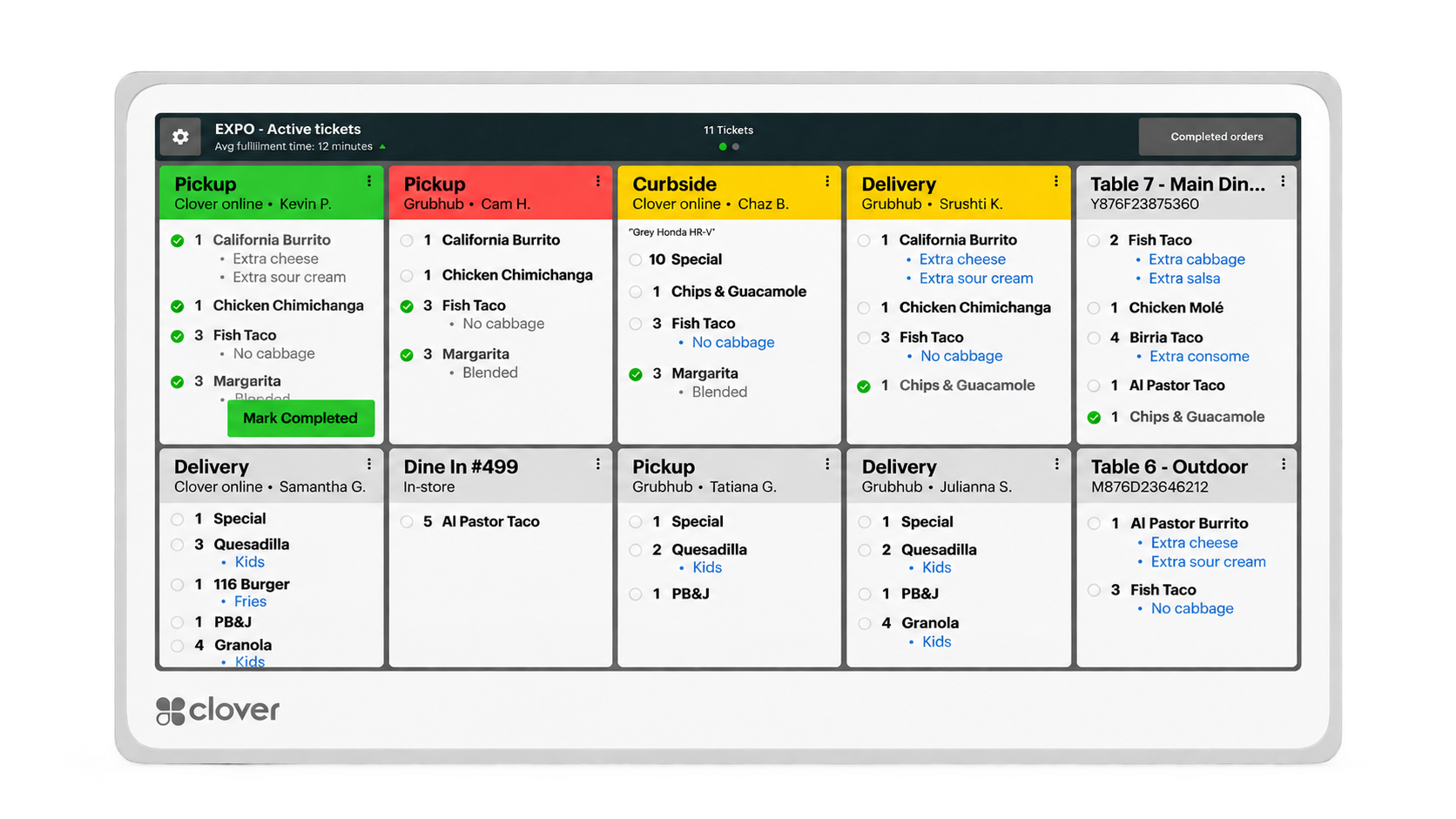
The right mix depends on service volume, number of stations, table layout and whether the restaurant wants handheld ordering throughout the floor.
Not every sit-down restaurant is fine dining or casual dining. Rather than force the operation into a category, we can configure Clover around the way orders, tables, staff, kitchen communication and payments actually move through the restaurant.
Configure table management, tabs and service workflows around the way the dining room actually operates.
Use fixed stations, mobile ordering and tableside payment in the combination that makes sense for the staff.
Route orders into the kitchen and add Clover KDS where real-time kitchen visibility improves the workflow.
Account for takeout, online ordering and other sales channels alongside the dine-in operation.
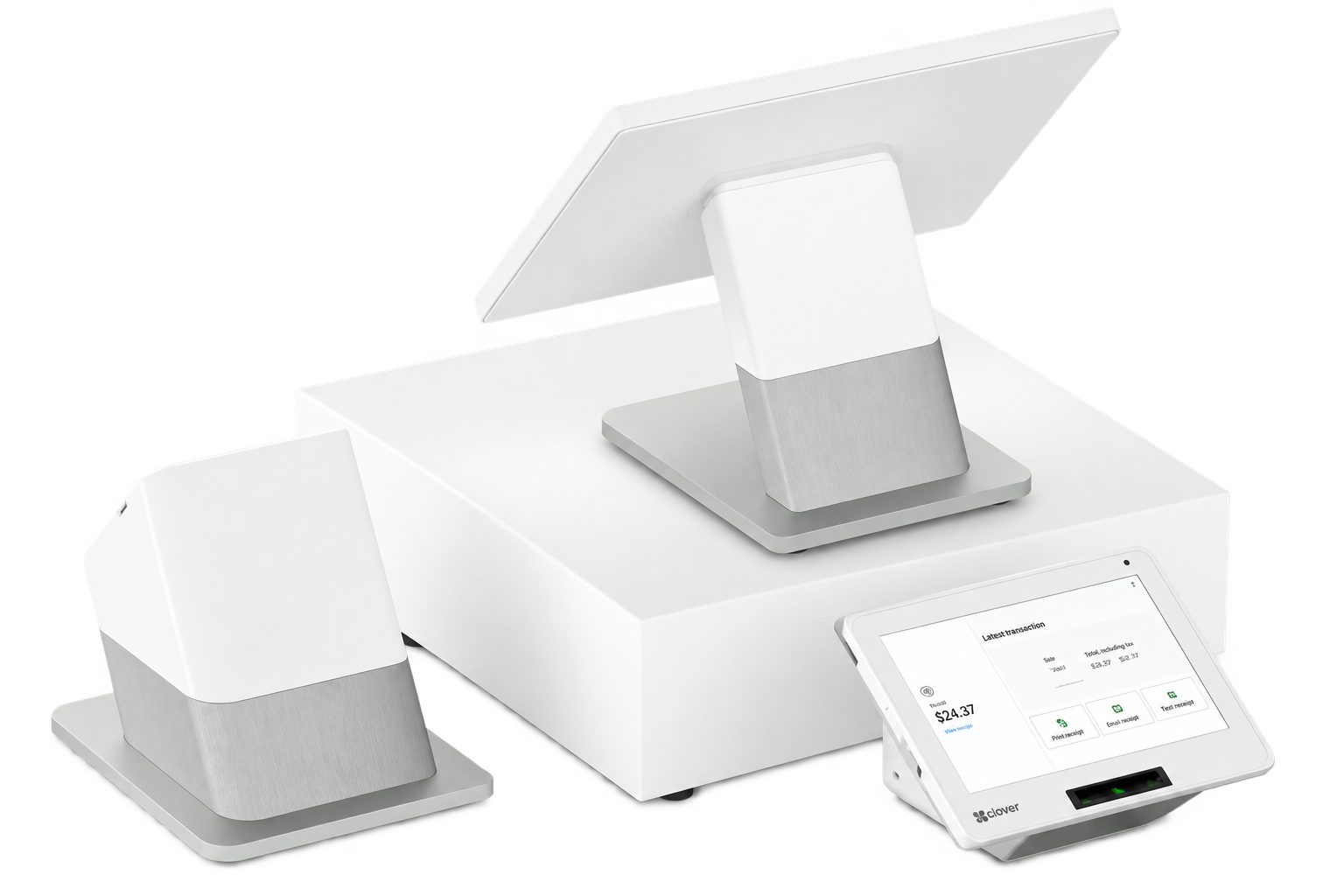
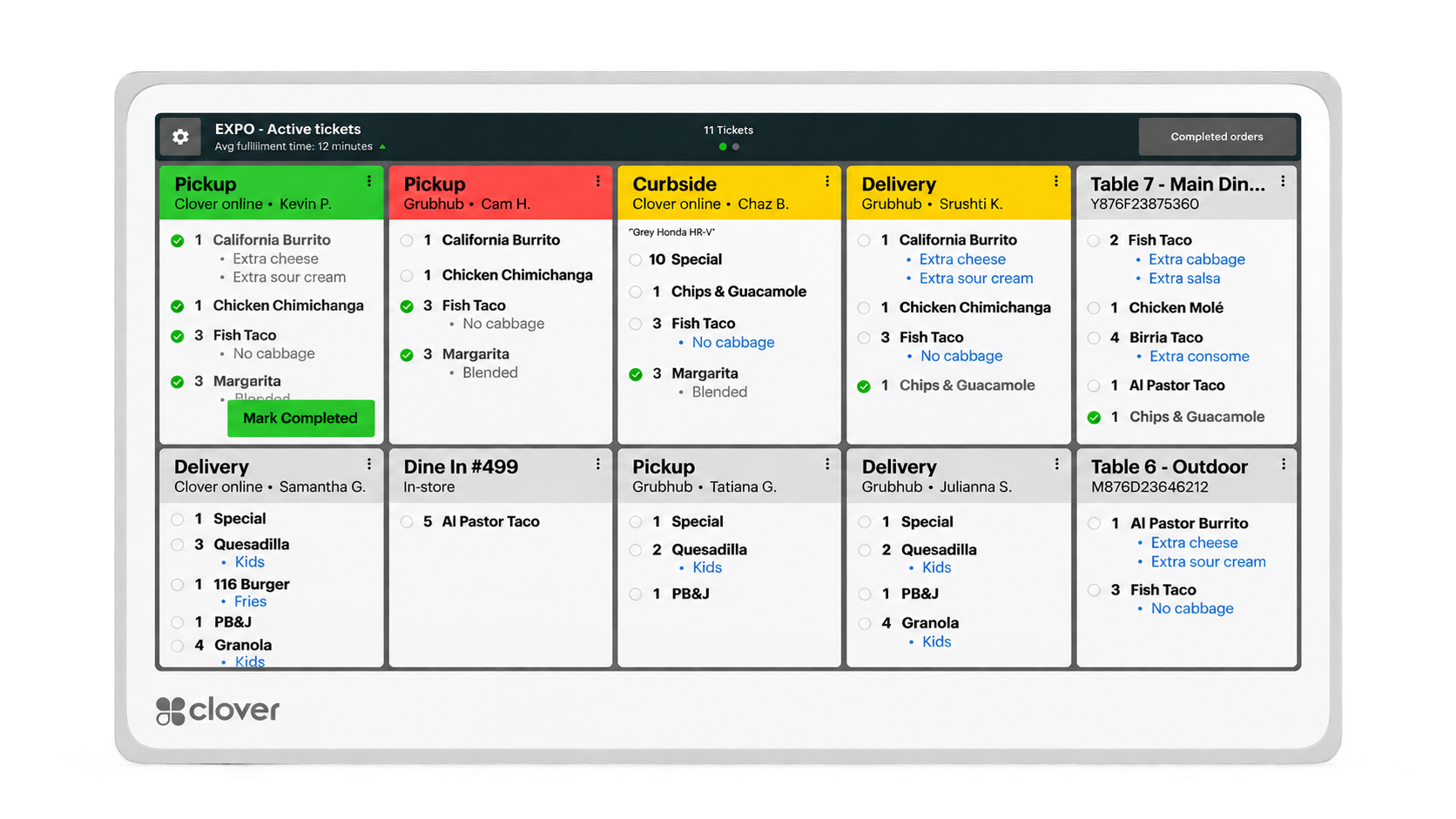
The final configuration may use all, some or different combinations of these components depending on service style, volume and operational needs.
Those answers help determine the software plan, device mix and overall Clover configuration.
Sometimes the easiest way to understand a restaurant POS is to see it working in a real restaurant environment.
Official Clover full-service restaurant video will be added here.
Official Clover restaurant customer story or testimonial will be added here.
We’ll select the strongest official Clover videos and customer stories once the page structure is finalized.
Quick-service restaurants depend on speed, accuracy and a clean handoff from the counter to production. Clover can connect ordering, payment and kitchen workflows while allowing the setup to scale with the complexity of the operation.
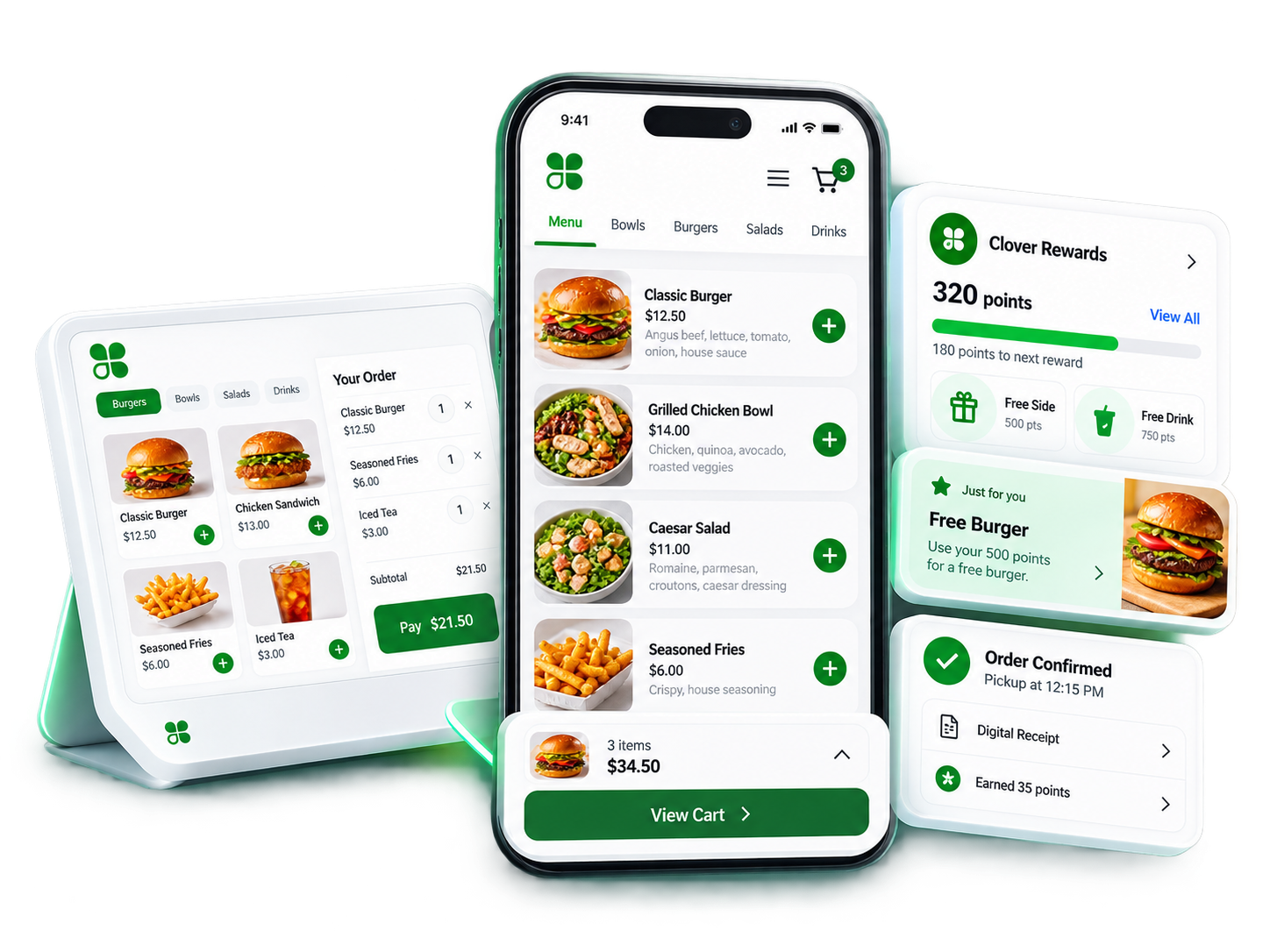
Quick-service restaurants need speed without losing order accuracy. A Clover setup can connect ordering, payment, kitchen production, self-service and pickup in one workflow.
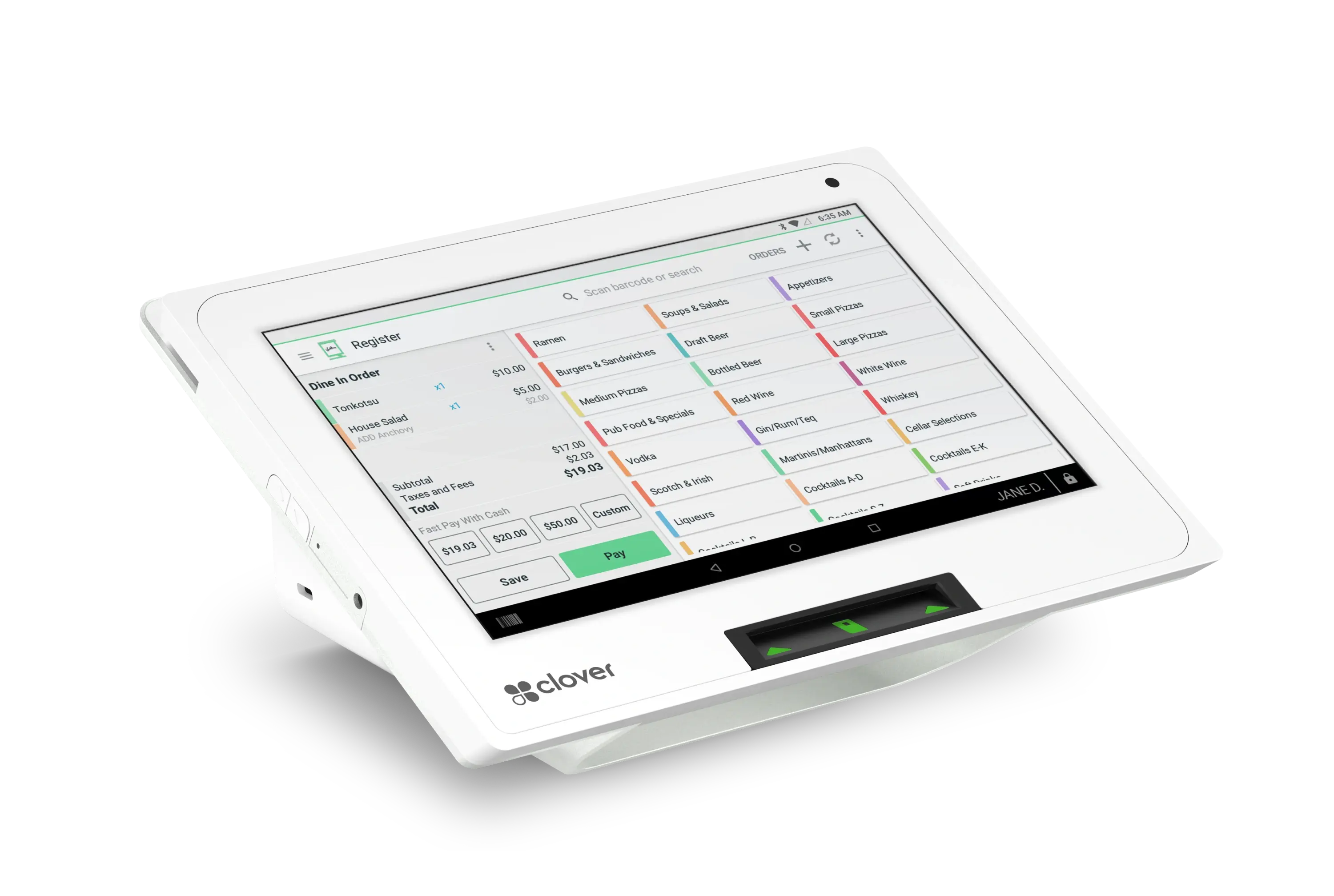 1
1Give staff a clear, efficient ordering interface for menu items, modifiers and fast-moving counter service.
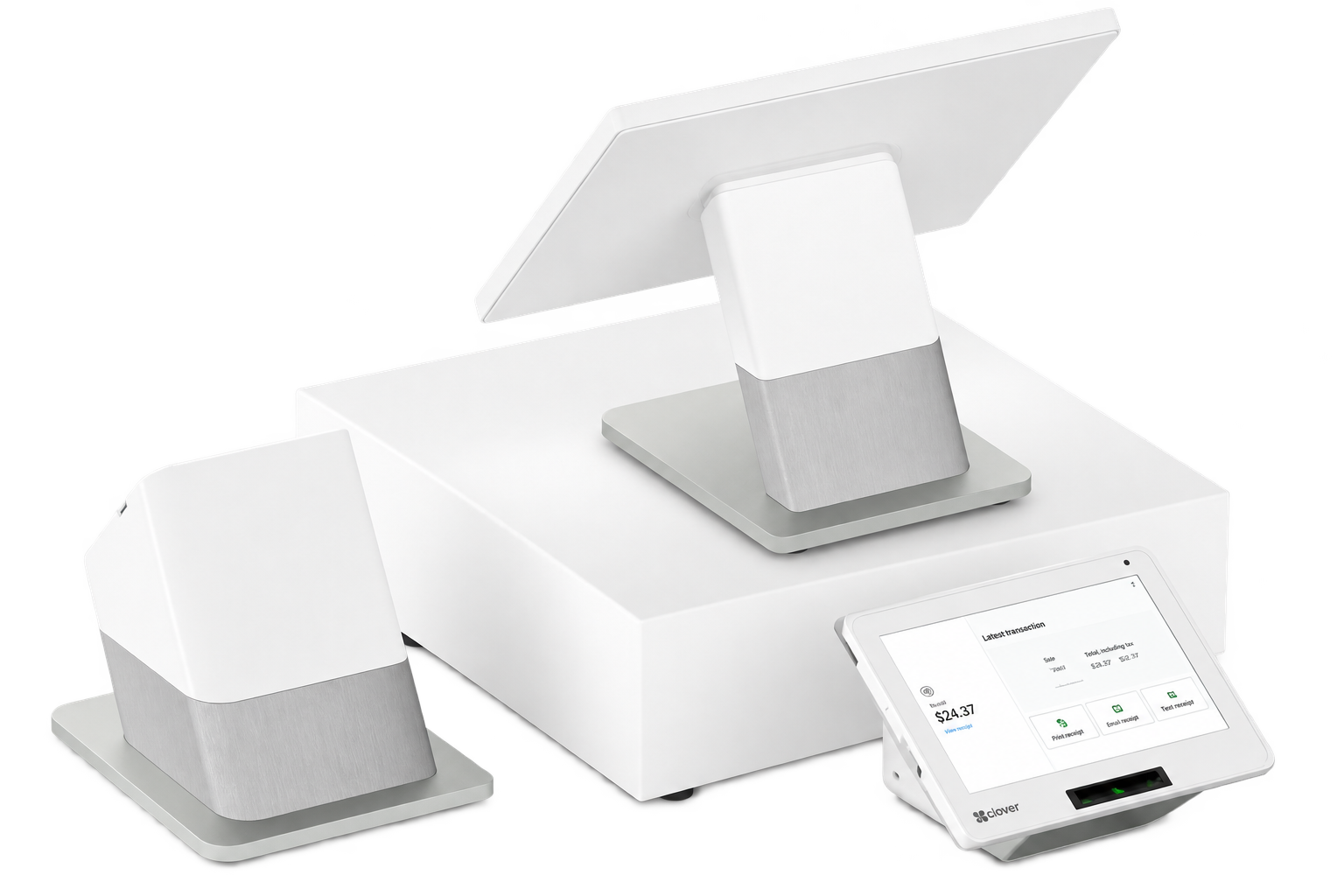 2
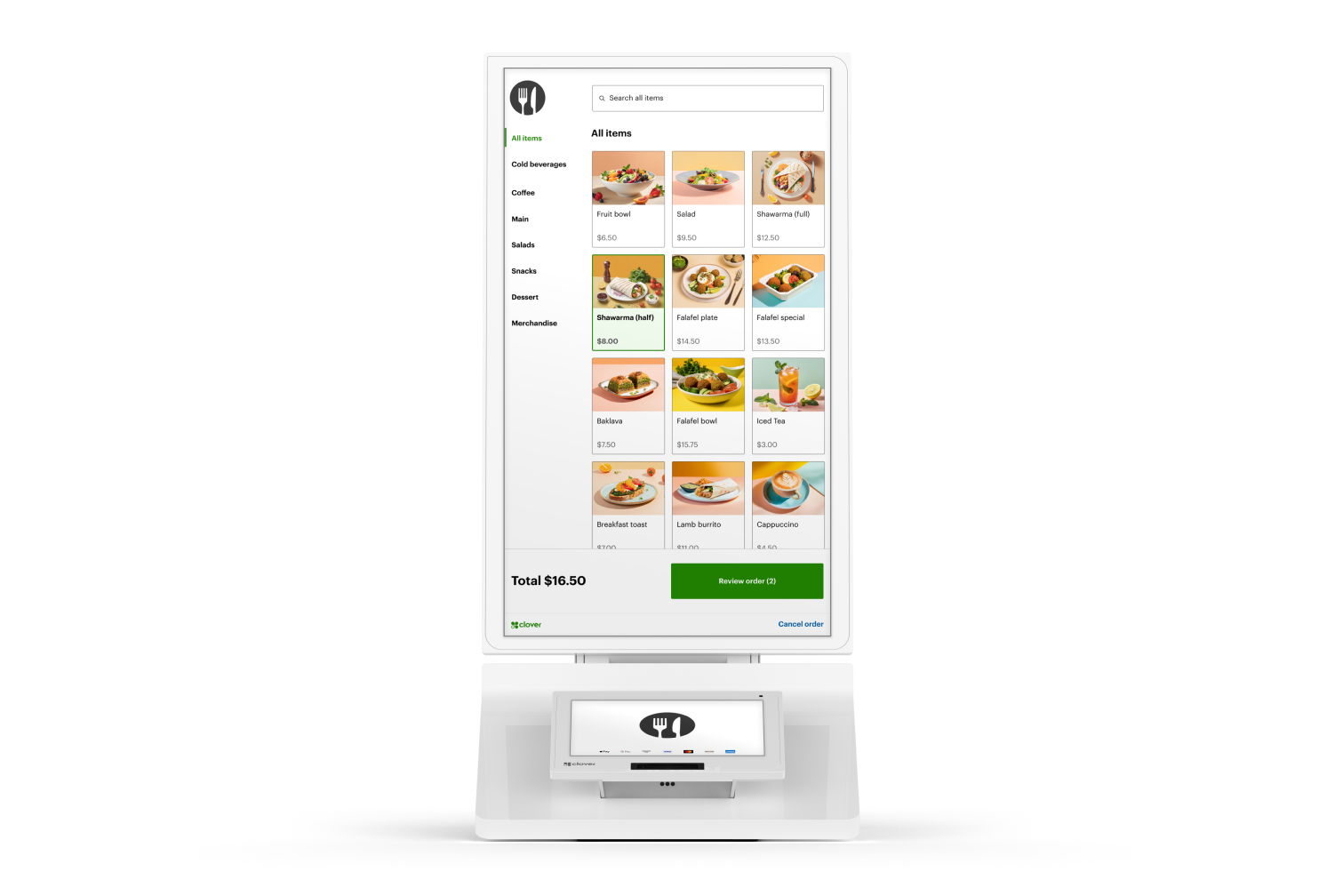
2Let guests review the order and complete payment without slowing down the counter.
3Route orders into a digital kitchen workflow so preparation can begin immediately.
 4
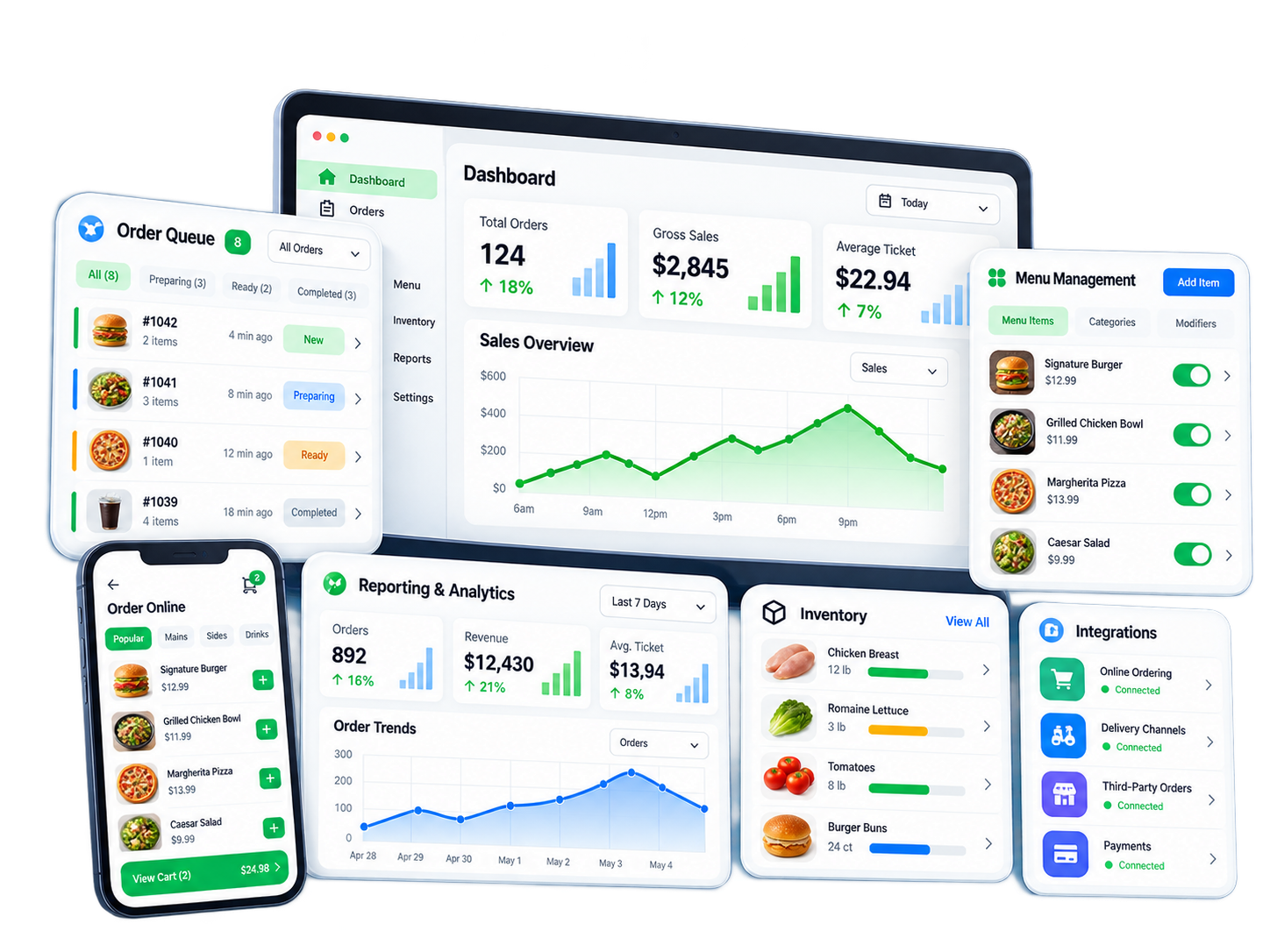
4Give guests another way to browse, customize and place orders during busy periods.
 5
5Bring supported online and on-premise orders into a more organized workflow from order entry through fulfillment.
For straightforward counter-service operations, the goal is simple: take the order quickly, handle modifiers accurately, collect payment and get the order to production without slowing the line.
Give staff quick access to menu items, categories and modifiers during busy service.
Keep payment and tipping clear and convenient at the counter.
Send orders into the kitchen workflow and add Clover KDS where production visibility is needed.
Support counter ordering and pickup workflows without adding unnecessary complexity.
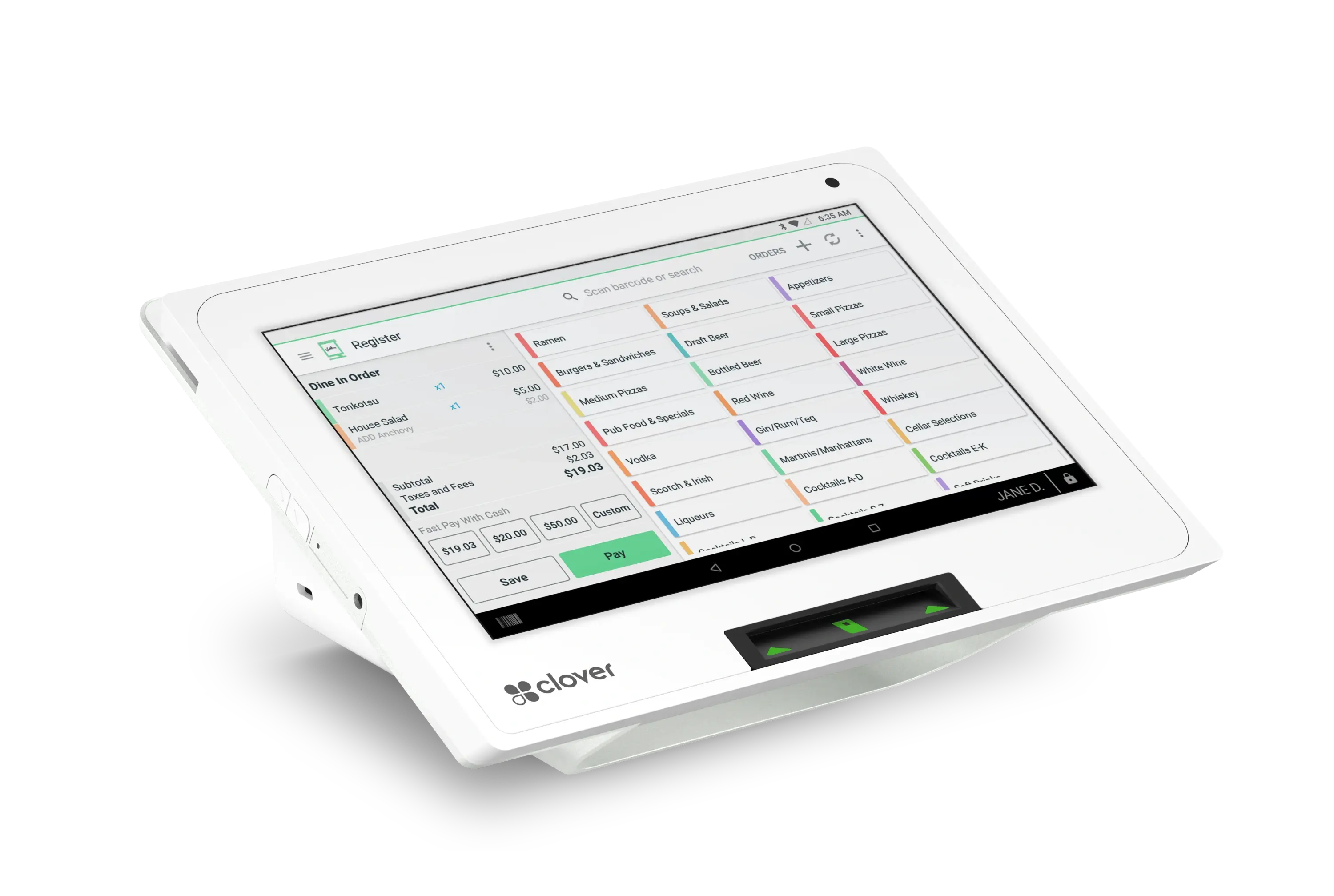
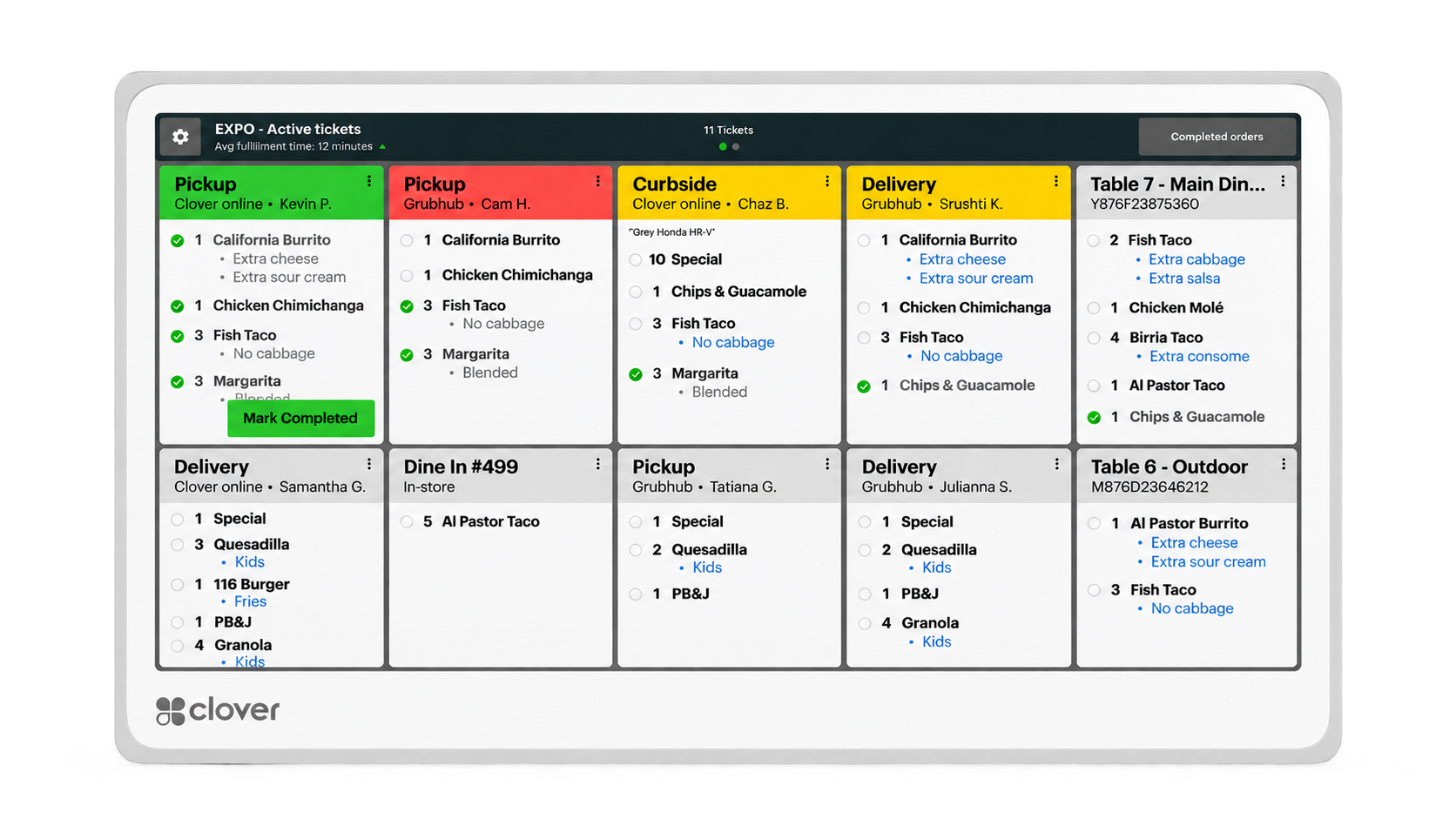
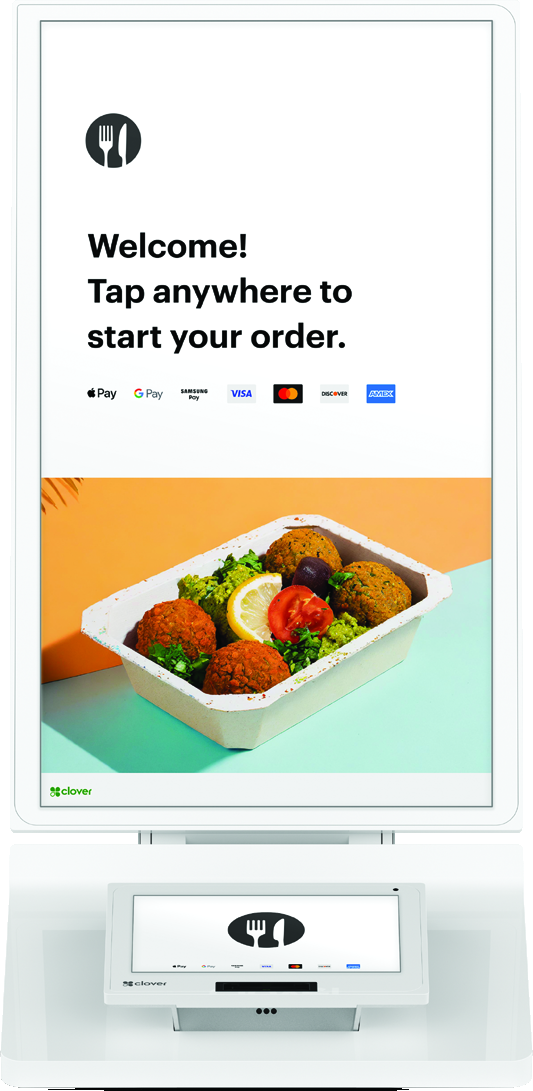
This is an example configuration. The correct device mix depends on transaction volume, menu complexity, kitchen workflow and whether self-service ordering is useful.
Fast-casual restaurants often combine counter ordering, dine-in traffic, takeout and online orders in one operation. Clover can help keep those channels connected while maintaining a fast checkout and production workflow.
Handle detailed menus and modifiers while keeping counter service efficient.
Support guests eating in the restaurant while also managing orders leaving the building.
Connect order entry with kitchen visibility and production.
Use Clover customer tools where loyalty and repeat visits are important to the business.
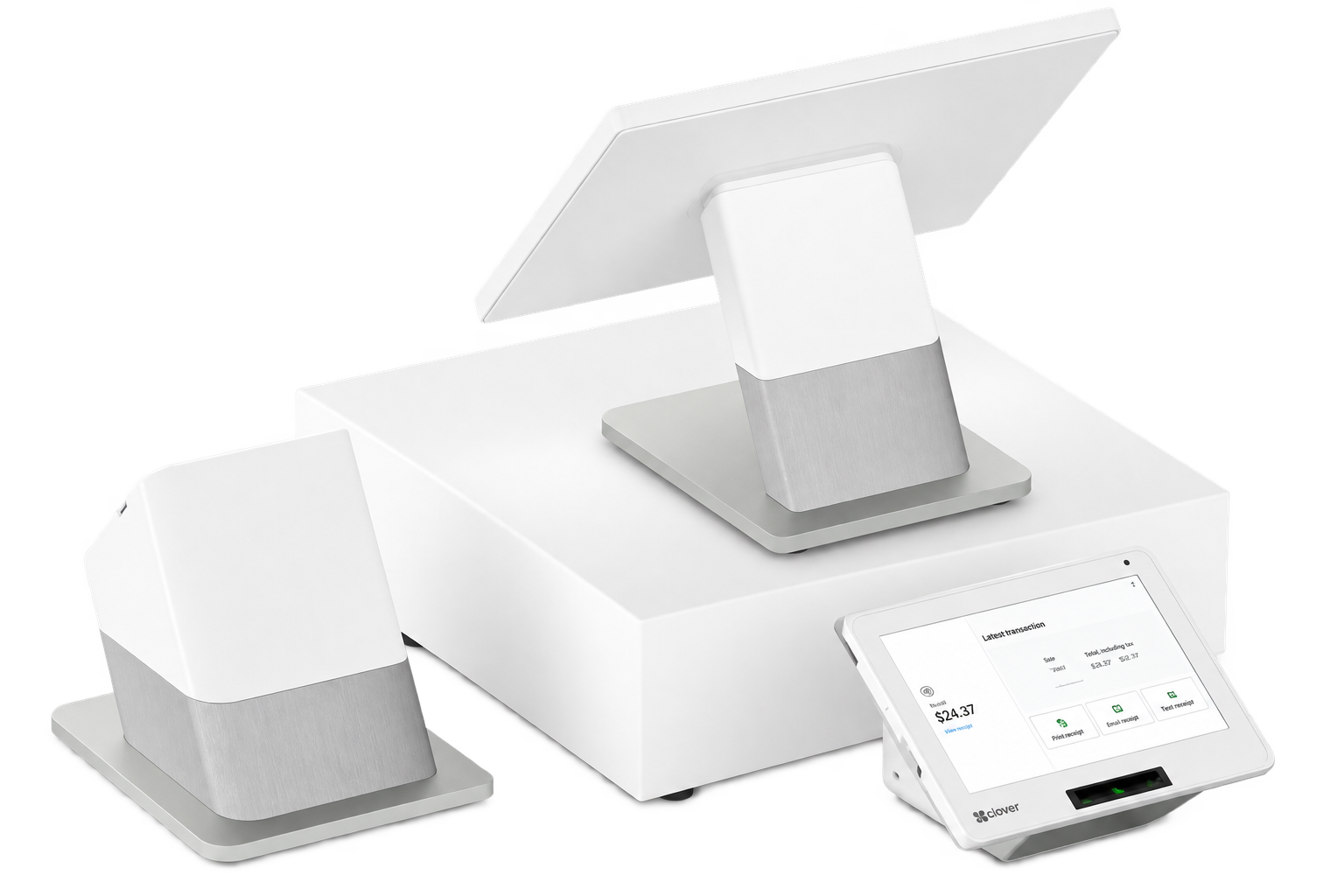
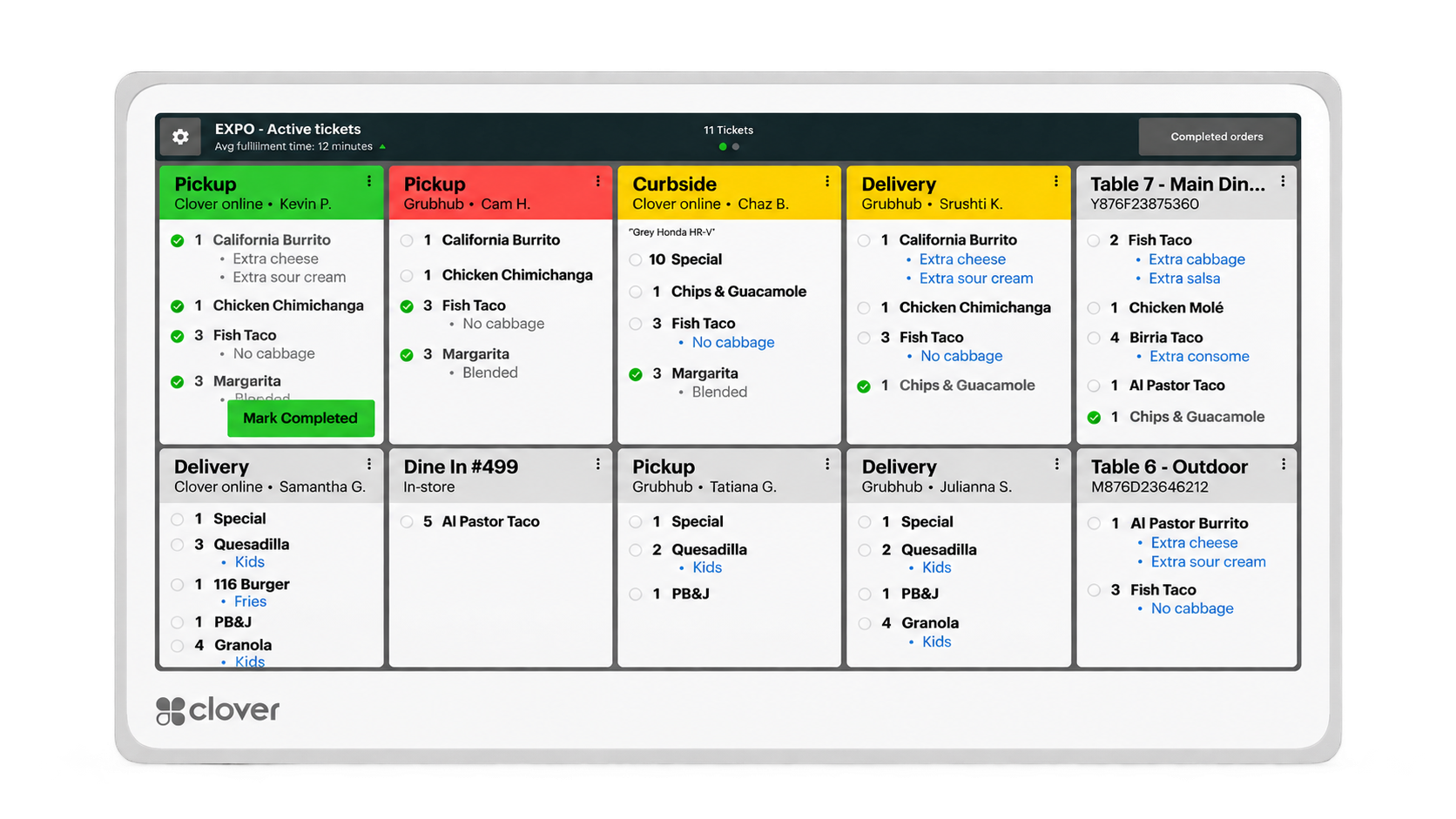
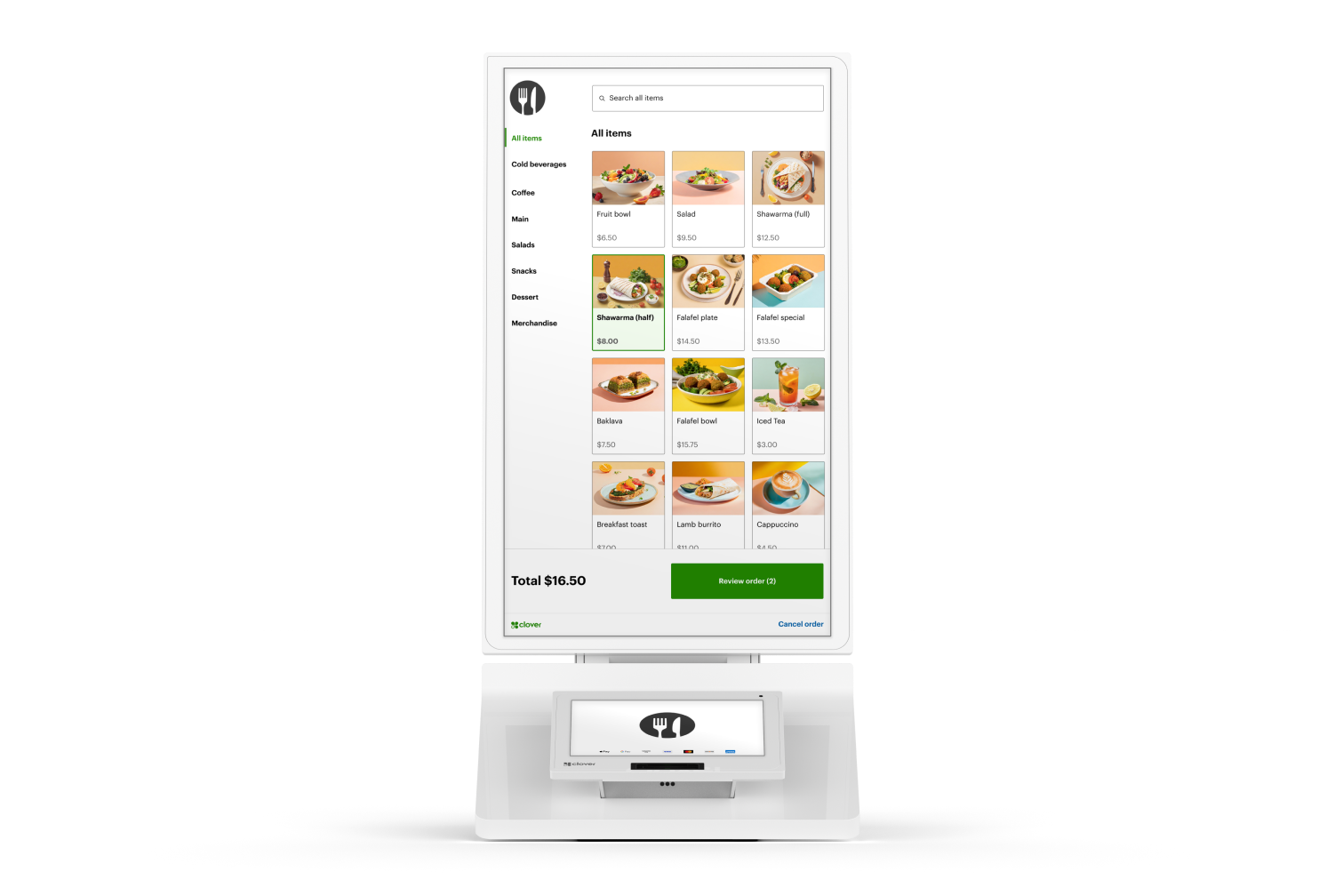
The ideal mix depends on menu complexity, ordering volume, dining-room traffic and the number of ways customers place orders.
Official Clover quick-service or fast-casual video will be added here.
Official Clover quick-service customer testimonial or customer-story video will be added here.
Bars and lounges can move from quiet periods to high-volume service very quickly. Clover can help keep tabs, orders, staff and payments connected while giving bartenders and servers tools to work from behind the bar, tableside or around the room.
Open, manage, merge and split tabs while keeping the guest experience moving.
Pre-authorize cards for eligible bar-tab workflows to help reduce declines and simplify final checkout.
Organize menu items, categories and modifiers so staff can move quickly during busy periods.
Use Clover Flex where bartenders or servers benefit from taking orders and payments away from a fixed station.
Send food orders into the kitchen workflow where the operation serves both drinks and food.
Adjust menus and offerings for different periods of the day where the operation changes between service windows.
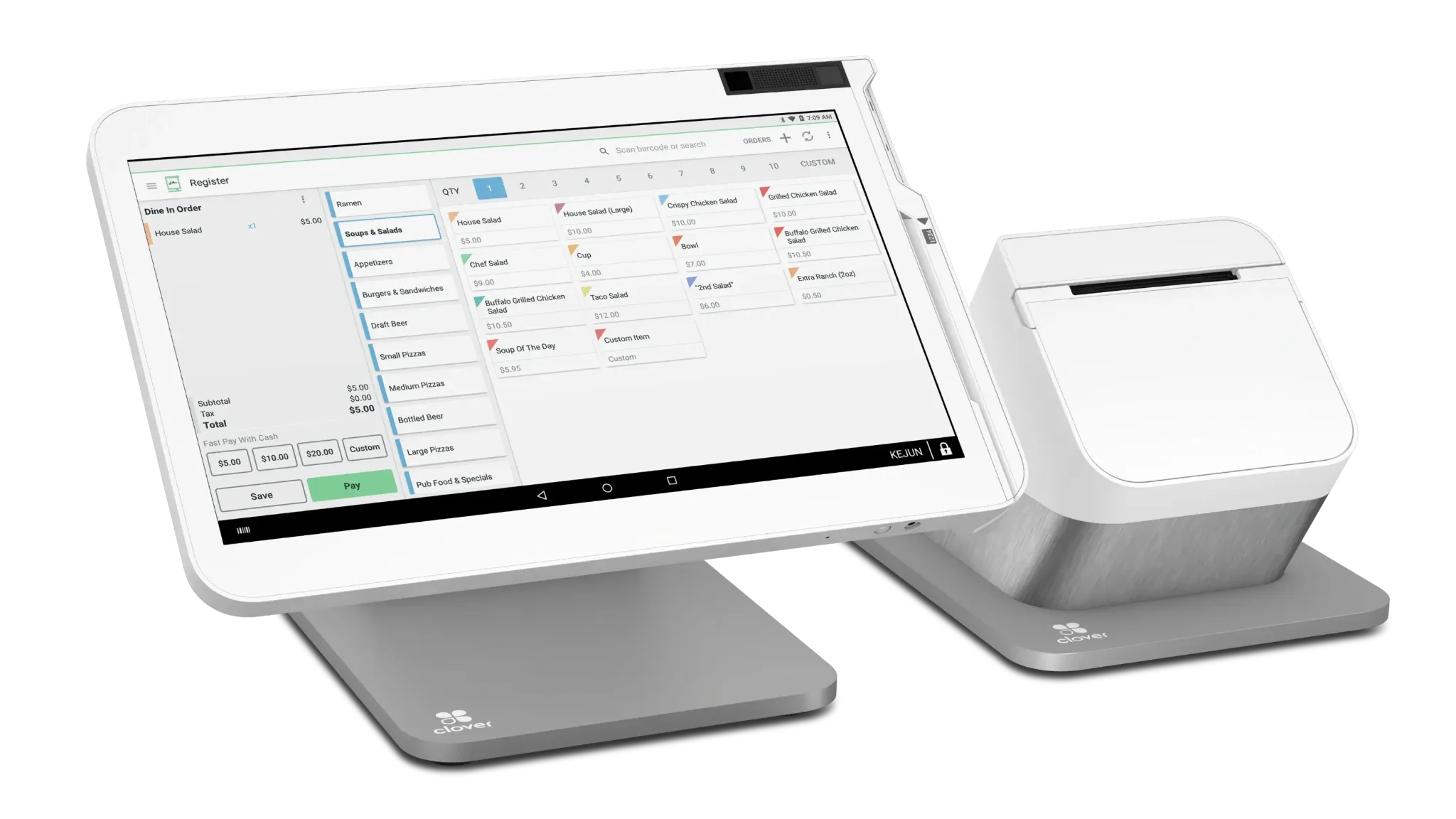
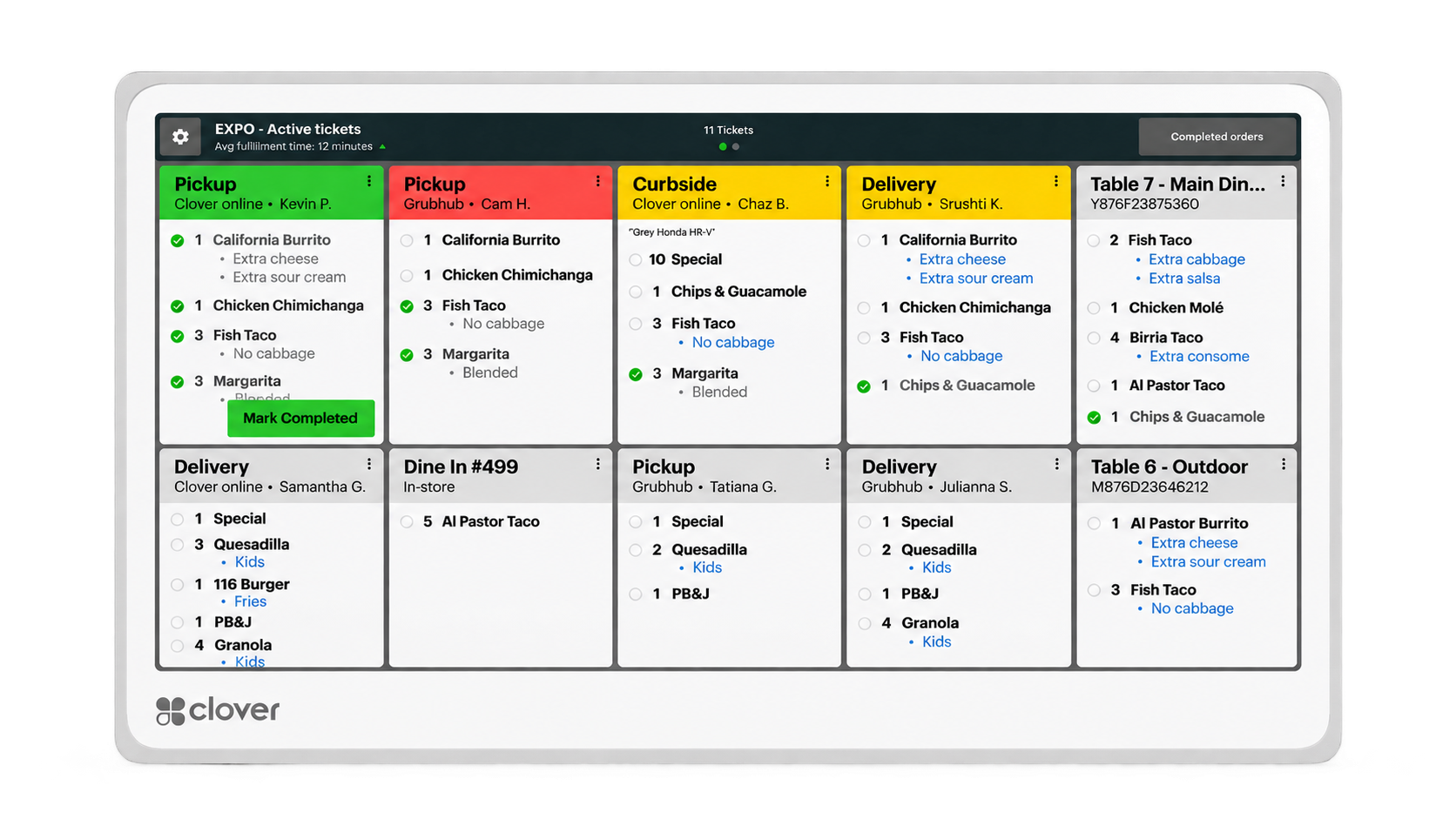
This is an example configuration, not a fixed package. The right mix depends on bar volume, food service, number of service areas and whether staff need handheld ordering.
Official Clover bar or lounge demo video will be added here.
Official Clover bar or lounge customer story or testimonial will be added here.
Coffee shops and cafés often combine high transaction volume, detailed drink modifiers, repeat customers and compact counter space. Clover can help keep ordering fast while supporting menu customization, inventory, loyalty and flexible service workflows.
Use quick-access menu layouts to keep high-volume ordering efficient.
Handle drink sizes, add-ons, substitutions and other menu variations with a structured ordering workflow.
Track key items and monitor stock levels for products and supplies.
Use Clover customer tools to encourage repeat visits, rewards and feedback.
Support counter service while leaving room for online ordering, pickup or other ordering channels where they fit the business.
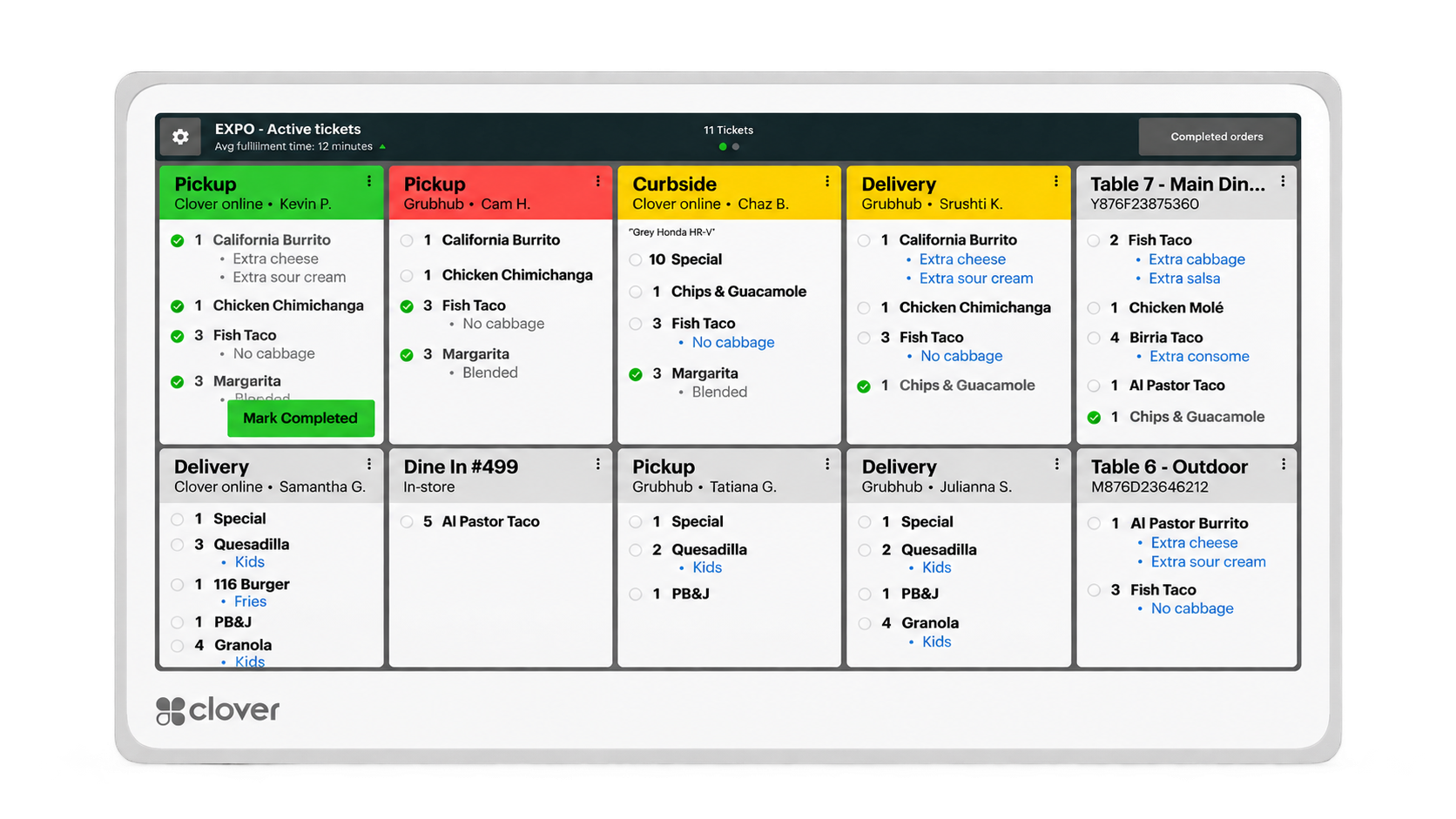
The right hardware mix depends on transaction volume, menu complexity, counter space and whether self-service or production displays add value.
Official Clover coffee shop or café video will be added here.
Official Clover coffee shop or café customer story or testimonial will be added here.
Food trucks need restaurant technology without the footprint of a traditional restaurant. Clover can provide portable ordering and payment tools while helping operators manage inventory, menus and sales from a compact, mobile environment.
Take orders and payments from a compact counter or use mobile Clover hardware where greater flexibility is needed.
Use fast order entry and a streamlined checkout workflow during rush periods and events.
Clover Offline Mode can help keep eligible card transactions moving during temporary internet or cellular connectivity interruptions.
Track sales and inventory as the business operates so staff can better plan and prepare.
Use Clover customer-engagement tools to communicate promotions and help keep customers connected to the business.
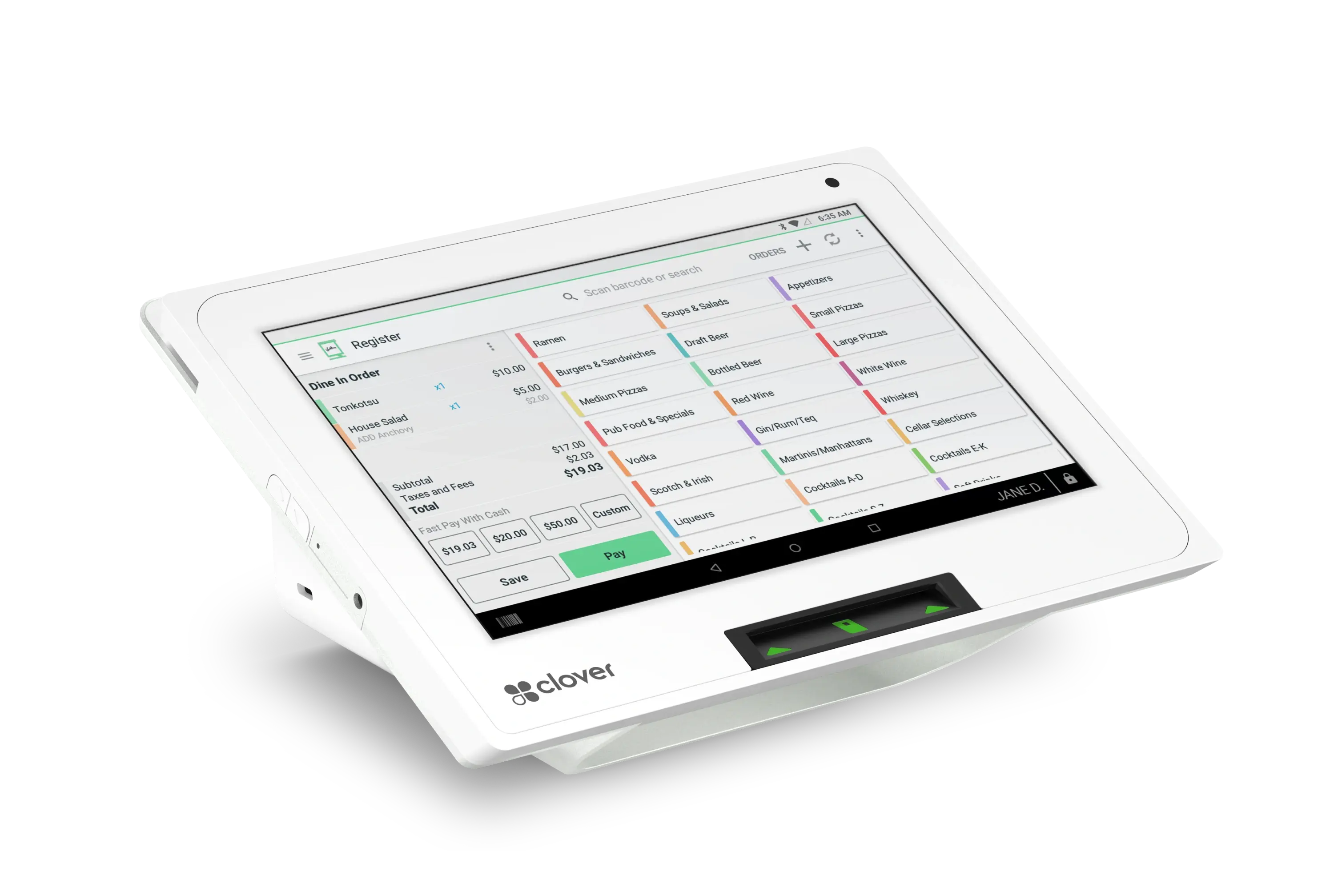
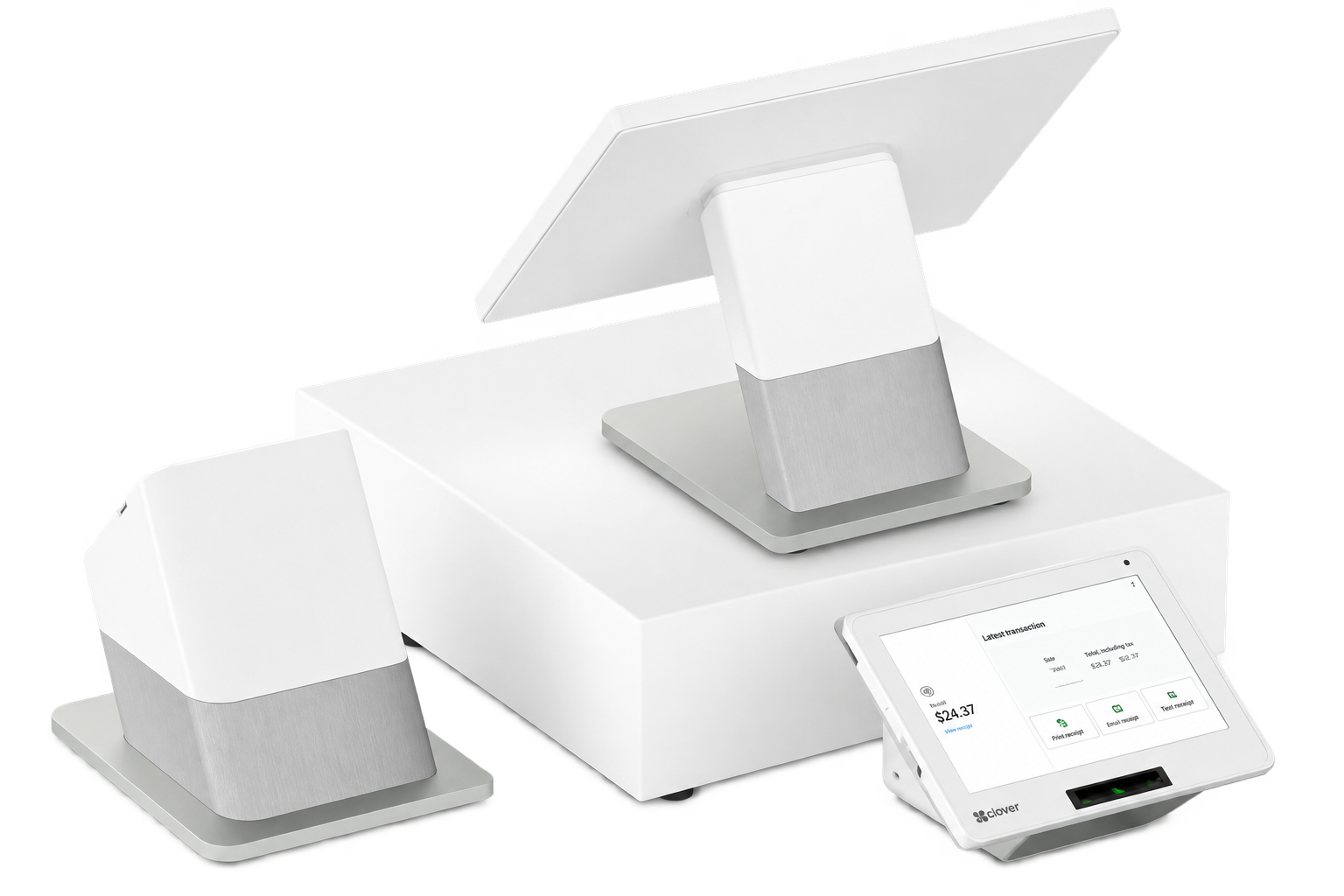
Food trucks vary dramatically in available space, service volume and connectivity. The right Clover configuration should be based on the actual truck and operating environment.
Official Clover food truck or mobile restaurant video will be added here.
Official Clover food truck customer story or testimonial will be added here.
Ghost kitchens can manage multiple ordering channels, brands and production demands without a traditional dining room. Clover can help bring digital orders, payment, kitchen workflow, inventory and reporting into a more connected operation.
Bring Clover online orders and supported third-party ordering channels into a more centralized order workflow.
Use Clover KDS to give the kitchen real-time visibility into incoming orders and production.
Process orders and payments originating through supported web, Clover and third-party ordering channels.
Track inventory levels and use stock information to help manage a high-volume production environment.
Use reporting and operational data to better understand sales and activity across the business.
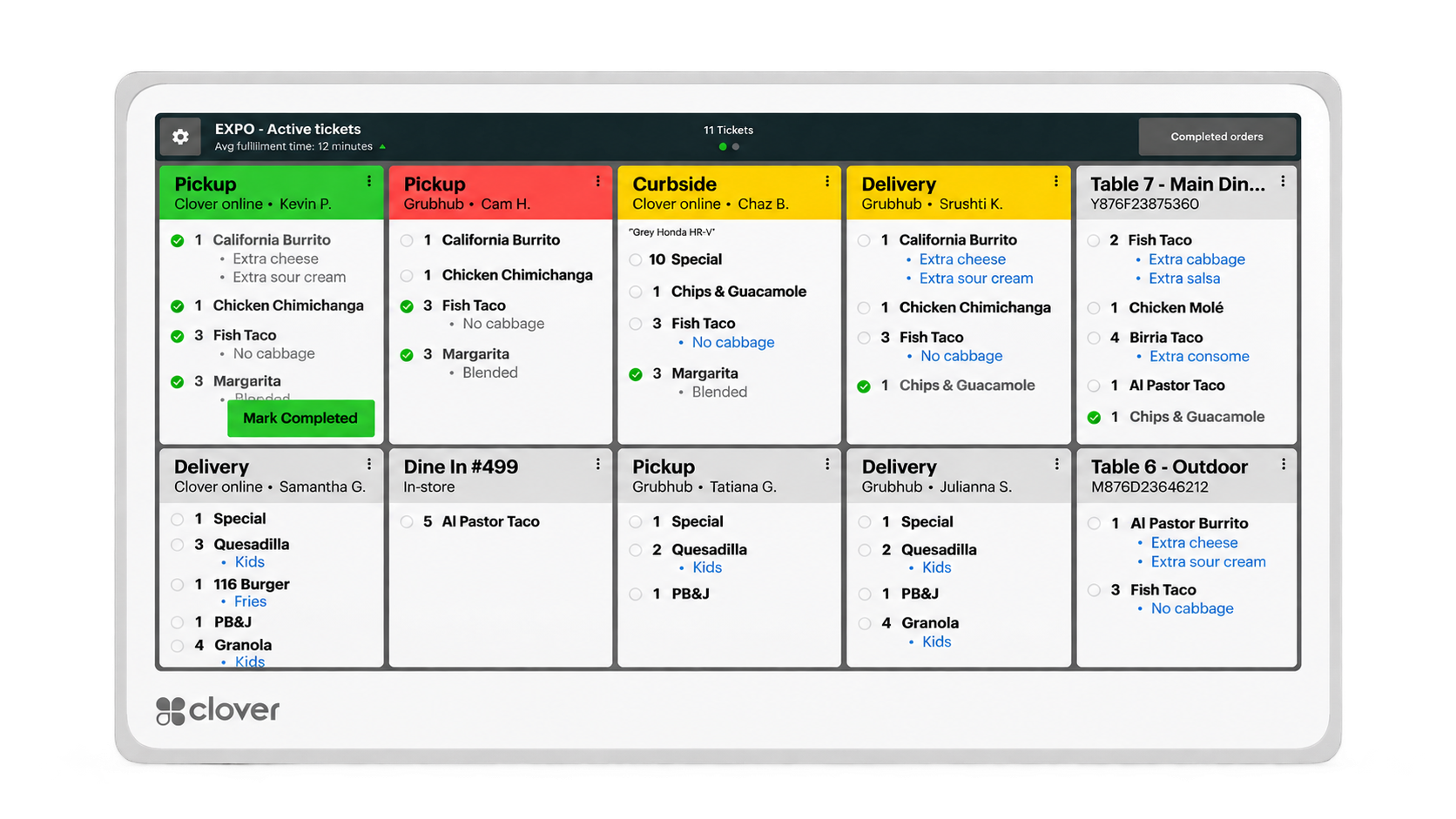
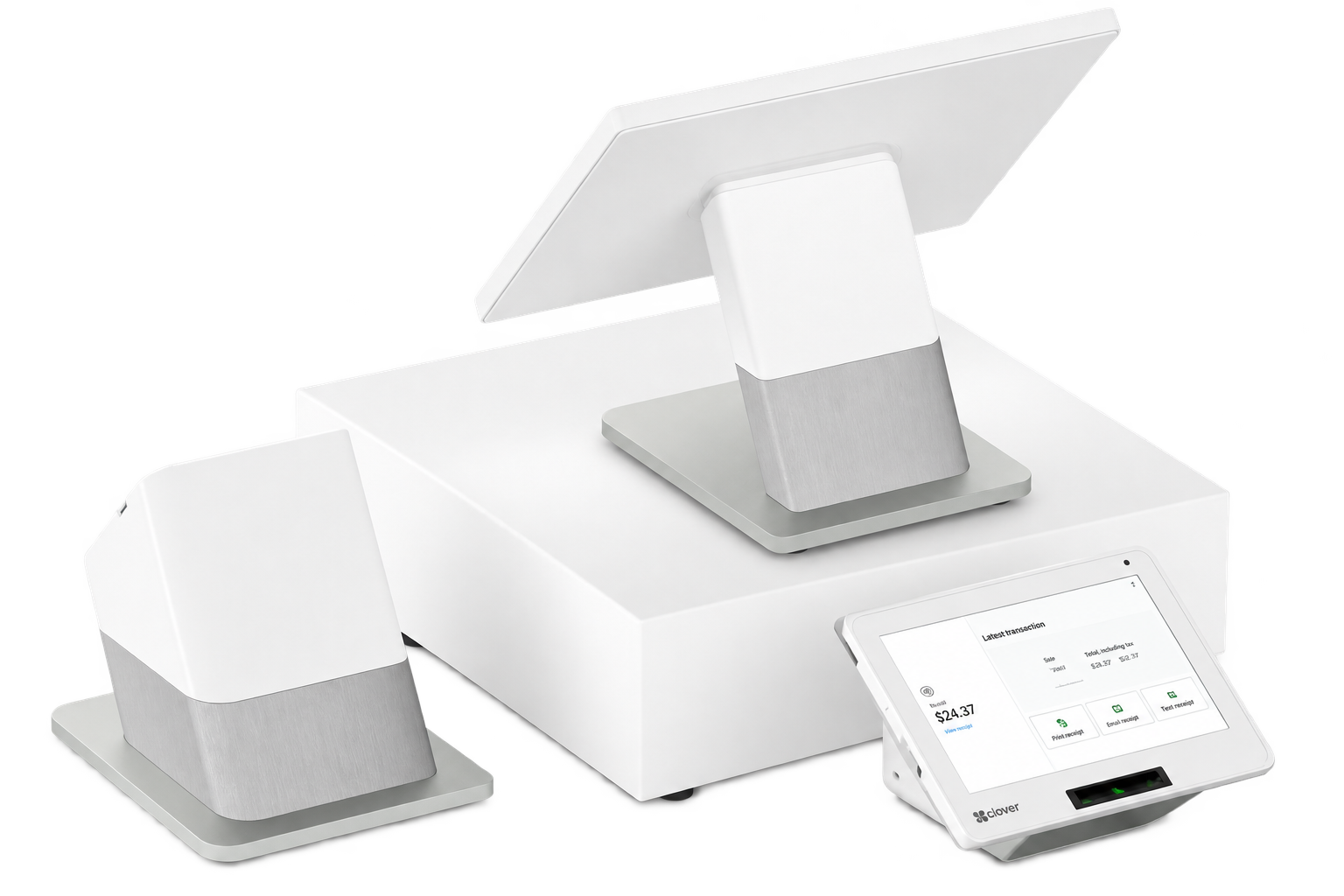
A ghost kitchen may require far less customer-facing hardware than a traditional restaurant. The configuration should be built around order intake, production and fulfillment rather than a dining-room checkout model.
Official Clover ghost-kitchen, online-ordering or kitchen-workflow video will be added here.
Relevant official Clover restaurant customer story or testimonial will be added here.
Multi-location operators need more than another register at every store. The technology needs to support consistency across locations while still giving each restaurant the tools required to operate day to day.
Clover reporting brings sales, location comparison and business performance into a centralized dashboard so operators can keep oversight across the brand while each location keeps running day to day.
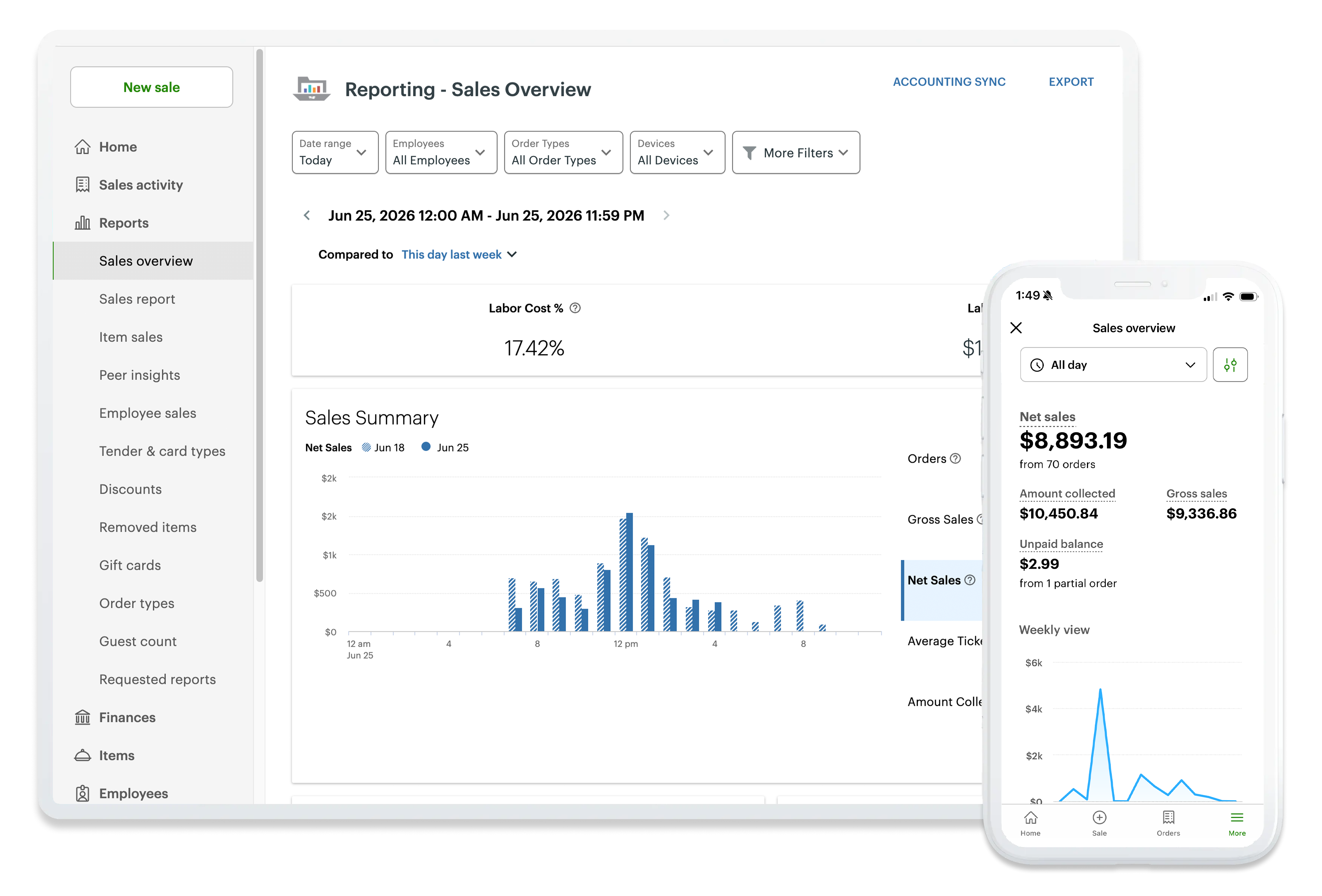
Gain broader visibility into activity and performance across locations and channels.
Manage menus and offers across the organization while retaining the ability to account for location-level needs.
Create a more consistent ordering, payment and customer-engagement experience across locations.
Use connected loyalty and engagement tools to build relationships with customers across the brand.
Support in-store and online ordering experiences while keeping the broader restaurant ecosystem connected.

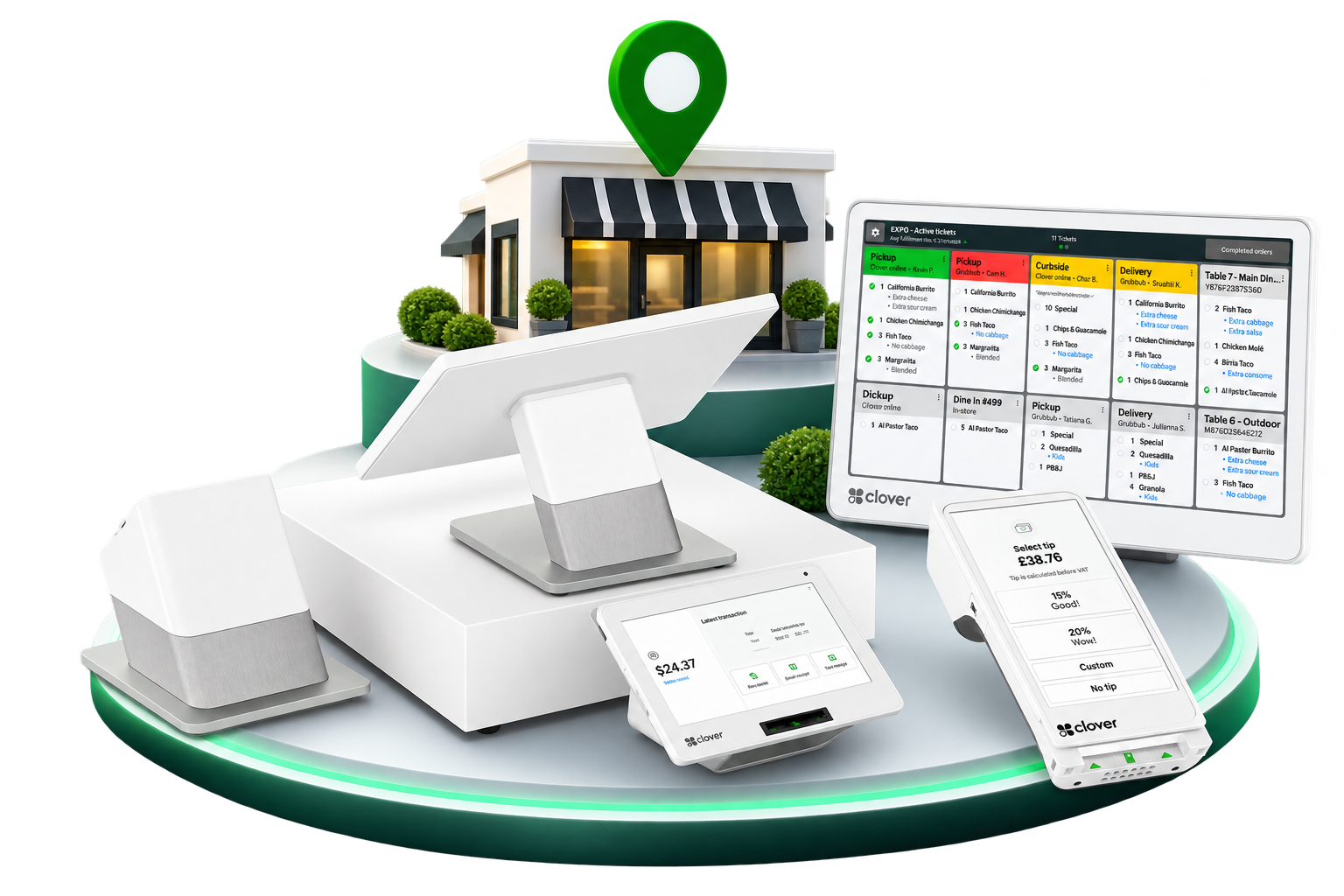
Not every location has to use an identical device mix. The goal is to create consistency where it improves operations while allowing individual locations to use the hardware and workflows they actually need.
Official Clover multi-location restaurant or platform video will be added here.
Official Clover multi-location restaurant customer story or testimonial will be added here.
From full countertop stations to compact and mobile payment devices, build the Clover hardware mix around the way your business actually operates.
A digital kitchen display that replaces paper tickets for compatible Clover restaurant setups.
Learn MoreA self-ordering restaurant kiosk connected to your Clover POS and kitchen workflow.
Learn MoreTell us how your restaurant & bar operates and we’ll help determine the right Clover configuration — hardware, software, apps and payments together.
Schedule a Clover DemoNo pressure. No obligation. Just a conversation about your business.